
Hephi3d Tina2C Review: An Entry-Level 3D Printer for Kids
This review is based on real experiences shared by owners in online communities.
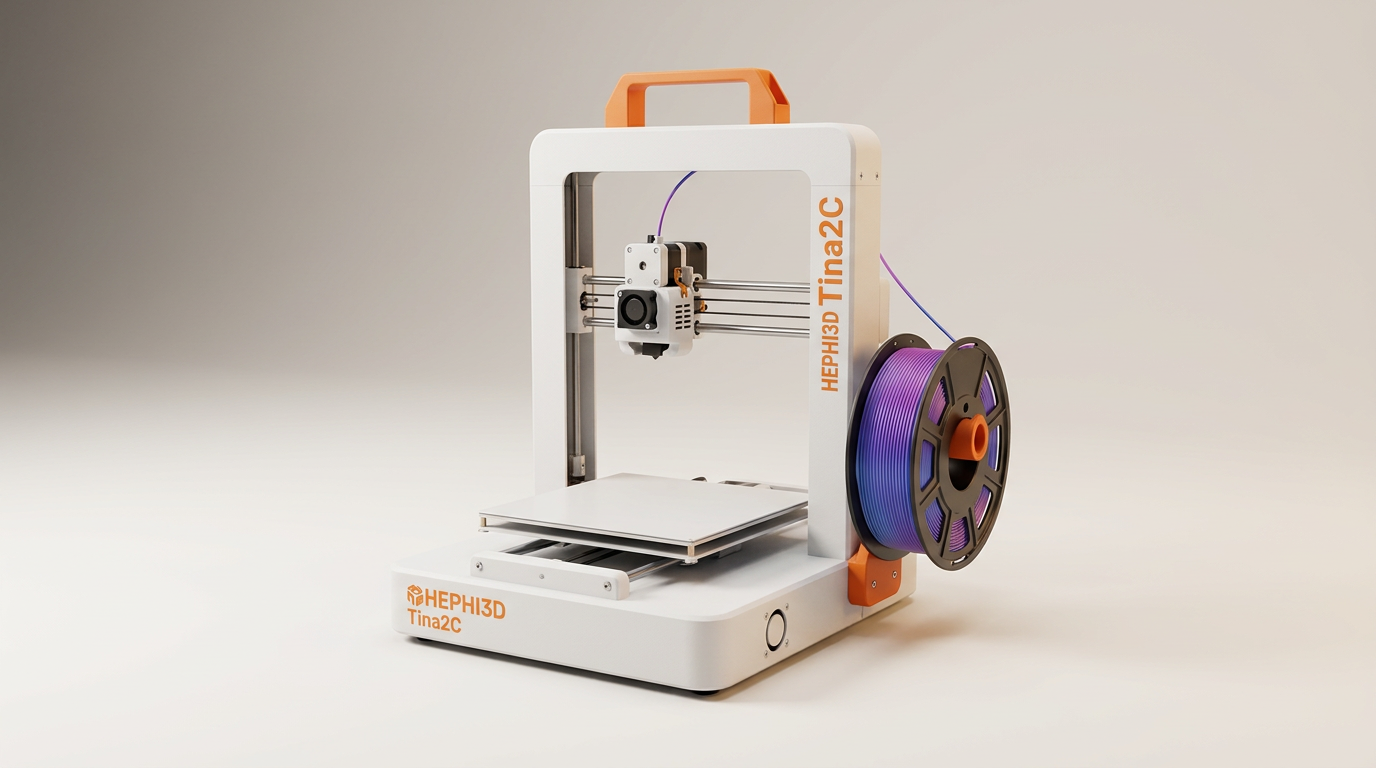
Most entry-level 3D printers masquerade as consumer appliances while still demanding the patience of a machinist. Between tramming warped beds, tuning stepper drivers, and deciphering firmware updates, the traditional starter printer extracts an assembly tax that sidelines casual users and children. The Hephi3d Tina2C rejects that entire maker-space ethos. Instead, it positions additive manufacturing as a closed-box utility, aiming for the friction-free predictability of a standard desktop inkjet.
In practical use, this machine delivers what can best be described as trinket velocity. Unbox it, plug it in, tap a model on an accompanying phone app, and a small plastic figurine begins taking shape in under ten minutes. By pre-assembling the chassis and handling bed calibration at the factory, HEPHI3D has successfully eliminated the mechanical intimidation that usually derails first-time hobbyists.
Yet this convenience rests on a deliberate compromise. The Tina2C trades long-term maker autonomy for immediate beginner gratification. Once users push past the pre-curated mobile library and attempt custom fabrication, they run headlong into the slicer chasm: the sudden, jarring transition from seamless mobile taps to finicky desktop software and fragile memory card workflows. For families seeking a creative gateway, the question is whether its turnkey simplicity outweighs its strict ceiling on technical growth.
What owners love
- + True five-minute setup with fully assembled hardware
- + Effective factory auto-leveling eliminates manual calibration
- + Kid-friendly mobile app with a library of ready-to-print designs
- + Compact desktop footprint suitable for small spaces
- + Accessible price point for STEM learning and curious beginners
Common complaints
- − Tiny 100mm cube build volume limits projects to miniature items
- − Spool holder cannot support standard one-kilogram filament rolls
- − Intrusive system audio plays during operation with no mute setting
- − Desktop slicing software and TF card transfers are prone to errors
Design & Build
The Tina2C embraces a miniature aesthetic that feels more like a study desk accessory than industrial equipment. Built around an integrated, enclosed frame with exposed axes, it occupies roughly the same space as an electric kettle. The build platform is strictly limited to a 100-millimeter cube (roughly four inches in each dimension). This microscopic build envelope is an intentional design choice: it speeds up heating times and eliminates the warping issues common to broad print beds, but it forever confines owners to pocket-sized toys, Dungeons and Dragons tabletop bases, and small functional clips.
A recurring operational pain point is the filament delivery system. HEPHI3D includes a tiny sample roll and a rear bracket sized strictly for miniature spools. Standard one-kilogram filament rolls, the most cost-effective way to buy PLA, will not fit on the integrated holder without user-printed external spool adapters or loose desk placement. The printer uses a fast-swap hotend assembly that helps beginners clear filament blockages without tearing down the print carriage, which preserves uptime for younger operators who are still learning feed rates.
Setup & Ease of Use
Setup performance is where the Tina2C earns its keep. Unlike conventional budget printers that arrive as a box of aluminum extrusions and loose wiring harnesses, this unit arrives fully built. Owners consistently report completing the entire path from unboxing to initial filament feed within five to ten minutes. The factory-configured auto-leveling system works reliably out of the box, sparing beginners the paper-friction leveling rituals that typically discourage novices.
For children aged eight to twelve, the onboarding curve is nearly flat when supervised. Grandparents and parents note that young operators can independently load pre-sliced models from the supplied storage card using the front-facing control interface. Filament loading remains the only mild physical hurdle: the extruder requires a deliberate, firm feed until molten plastic purges from the nozzle, a tactile sensation that first-time users initially second-guess until they observe the first melted bead.
Performance in Real Use
Print quality on the Tina2C is surprisingly sharp for miniature components. Tabletop gaming miniatures and articulated novelty models show crisp layer lines and clean overhangs, provided users stay within the printer safe zone. The small bed size works in the machine favor here, distributing heat evenly and ensuring tight first-layer adhesion without specialized adhesive sprays. Owners report keeping the machine running nearly twenty-four hours a day through holiday periods without catastrophic thermal runaway or mechanical drift on small prints.
Limitations appear when attempting taller prints that approach the 100-millimeter vertical limit. Owners report occasional layer shift halfway through taller jobs, resulting in misaligned top halves. Routine maintenance also requires vigilance: the fine brass nozzle accumulates residual plastic quickly, necessitating regular brass-brush cleanings to prevent mid-job under-extrusion. Then there is an unforced acoustic error: the machine plays artificial electronic audio tones resembling retro sci-fi sounds during certain print stages. Multiple users flag these noises as an unnecessary distraction that cannot be disabled via firmware settings.
Software & Ecosystem
The Tina2C operates across a stark functional divide. On one side is the wireless mobile app, which offers a catalog of several thousand pre-sliced models. For young children, this workflow functions seamlessly: select an animal or trinket on a tablet screen, send it via local Wi-Fi, and the printer starts without technical friction. This closed-loop system is precisely why so many families rate the machine highly out of the gate.
On the other side sits the desktop slicing workflow, which represents the product sharpest vulnerability. Moving beyond the curated mobile catalog requires preparing your own 3D models (STL files) into machine code (G-code) via desktop software like Wiibuilder or Cura. Here, owners routinely face friction. The files provided on the included micro storage card occasionally corrupt or vanish entirely, prompting initialization errors on the machine screen. Furthermore, stock profiles for third-party slicers like Ultimaker Cura are poorly documented; multiple users report that generic online profiles caused the nozzle to dive directly into the print surface. Bridging this slicer chasm almost always requires a tech-literate parent or older teen to manage the computer configuration.
Value & Reliability
Occupying the price territory in the $150 to $200 range, the Tina2C is priced directly against full-sized budget hobby printers like the Creality Ender series. What buyers pay for here is not capacity, but convenience and time savings. You are trading away seventy percent of a standard printer build volume in exchange for zero assembly time and immediate out-of-the-box reliability for younger users.
Long-term durability reflects its entry-level hardware class. While structural motors and the chassis hold up under continuous home use, data management hardware is fragile. The included micro storage cards and USB card adapters suffer high failure rates, frequently requiring replacement or reformatting within the first month. When software hiccups occur, customer support typically supplies replacement configuration files within twenty-four to forty-eight hours, though users must be comfortable copying system files manually to restore lost functionality.
Verdict
Consider - A remarkably low-friction entry point for young kids to produce miniature toys, though severely constrained by physical capacity and desktop slicing software.
This printer is tailor-made for parents, grandparents, and educators introducing pre-teens to basic digital fabrication without surviving a weekend of hardware assembly. It excels as an interactive toy press for small figurines, school projects, and tabletop gaming pieces where plug-and-play operation is non-negotiable.
Hobbyists looking to fabricate functional home repair parts, full-scale cosplay props, or large structural brackets should skip the Tina2C entirely. Its 100mm maximum dimension will cause immediate buyer remorse, and standard open-source tinkerers will find the software ecosystem restrictive and clumsy.
The Tina2C succeeds because it treats 3D printing as an appliance rather than an education in mechanical engineering, but it extracts a quiet-hours tax through unavoidable electronic noises and eventual desktop software headaches. It is best understood not as a gateway to serious engineering, but as the modern equivalent of an automated craft oven: delightfully engaging for quick plastic trinkets, but built to be outgrown.
FAQ
More 3D Printers reviews
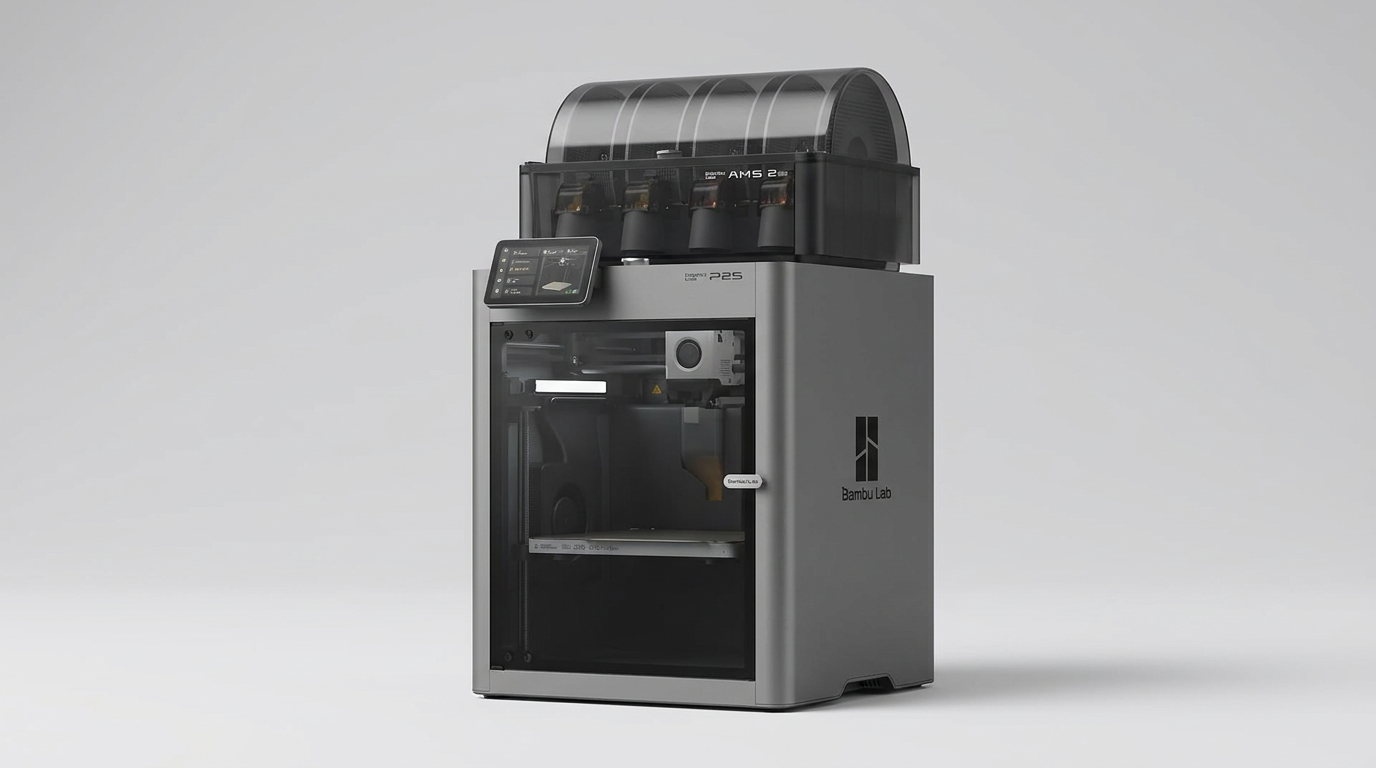
Bambu Lab P2S Combo Review: The 3D Printer Appliance
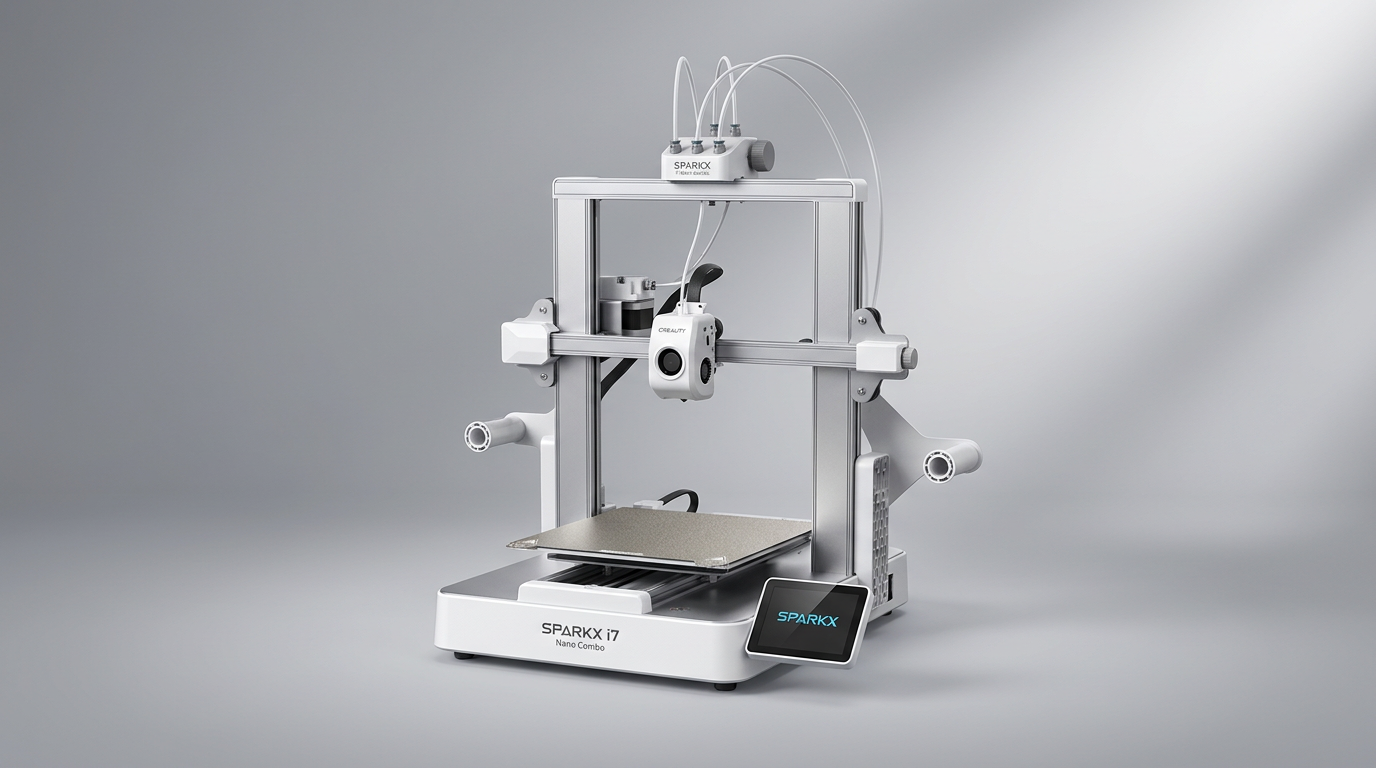
Creality SPARKX i7 Nano Combo Review: Multi-Color Printing for Novices
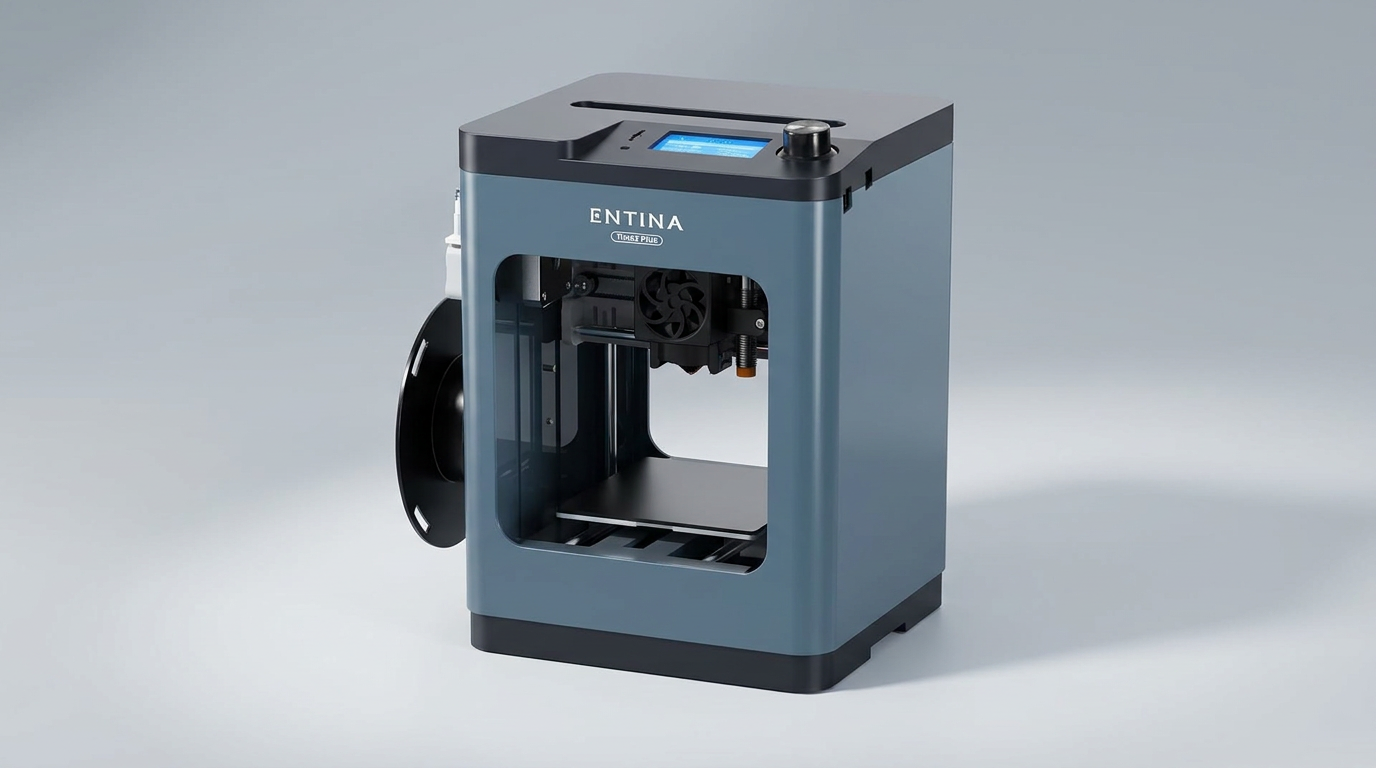
Entina Tina2 Plus Review: A Gateway to 3D Printing for Beginners
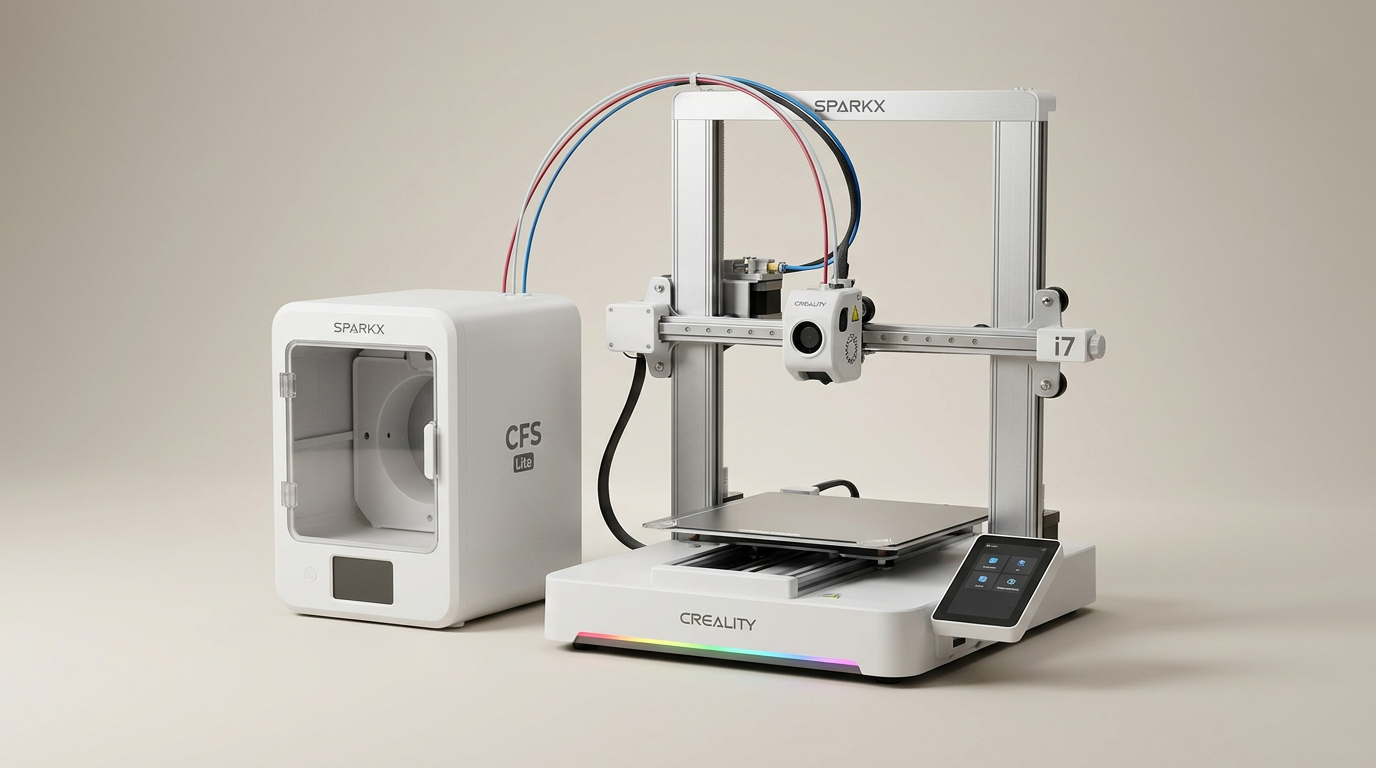
Creality SPARKX i7 Combo Review: A Streamlined Path to 3D Printing
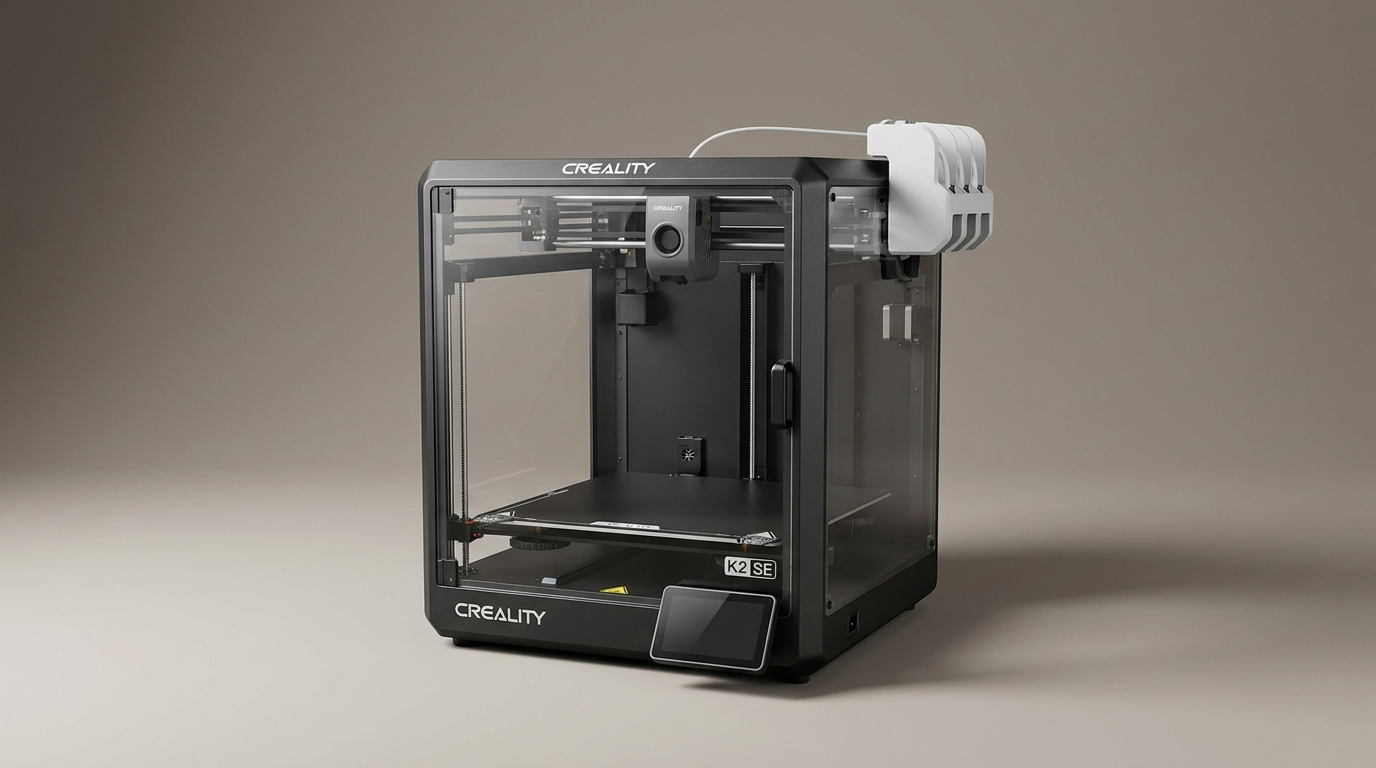
Creality K2 SE 4C Review: Speed, Simplicity, and a Shifting Market
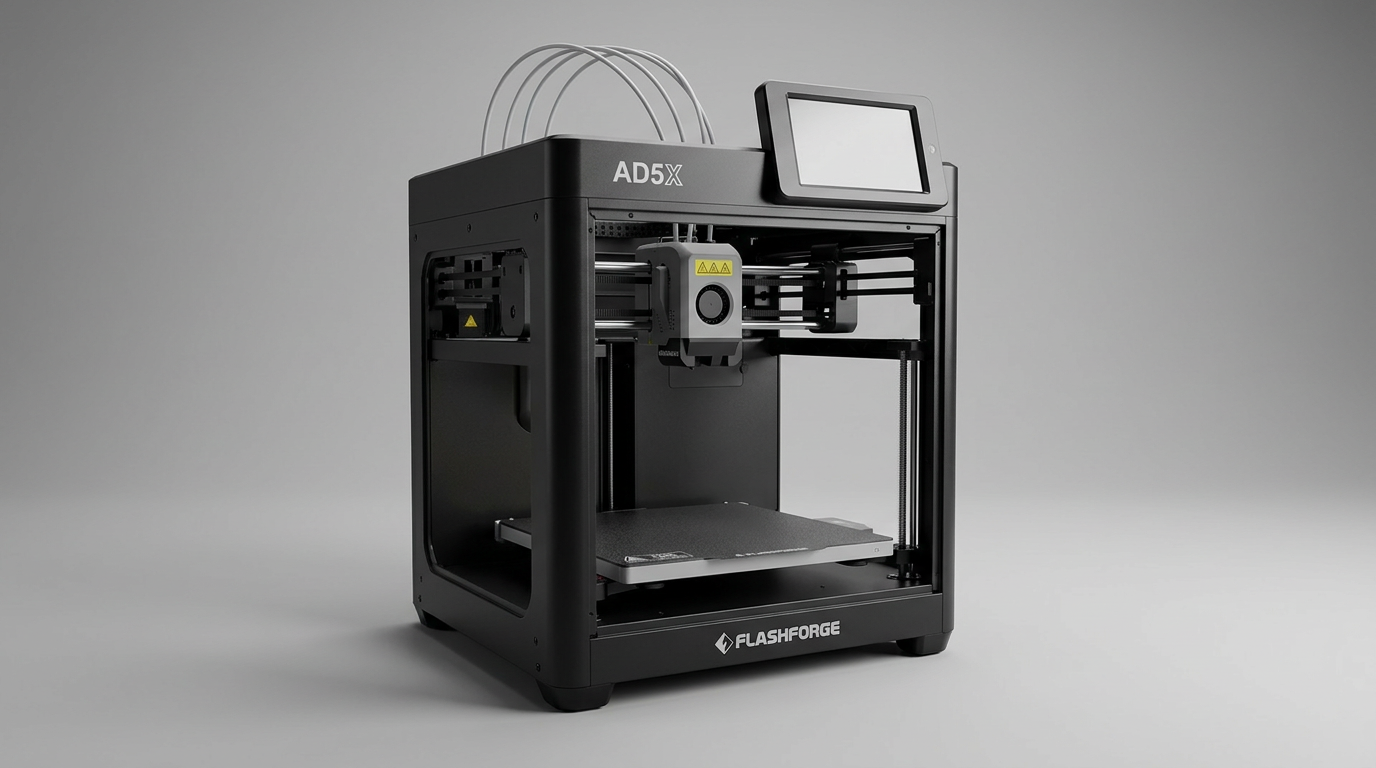
FLASHFORGE AD5X Review: Multi-Color Printing at Speed
This review is based on real experiences shared by owners in online communities.