
HEPHI3D TINA2 Mini 3D Printer Review: A Beginner's Discreet Gateway
This review is based on real experiences shared by owners in online communities.
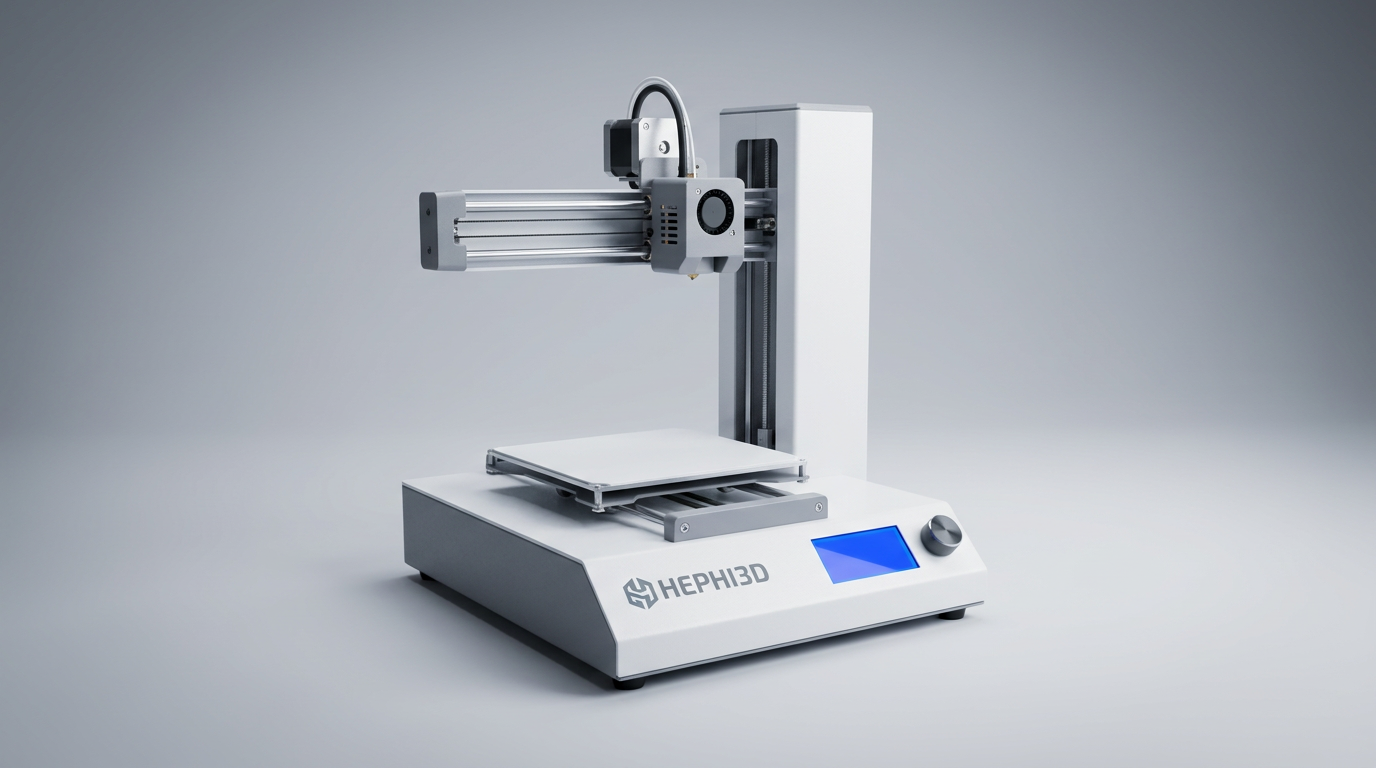
The 3D printing landscape often presents a steep learning curve, particularly for new users or families seeking an engaging tech experience. Many entry-level machines promise simplicity but deliver complexity, quickly leading to frustration. The HEPHI3D TINA2 Mini 3D Printer attempts to bridge this gap, marketing itself as a fully assembled, auto-leveling device specifically for beginners and children.
While its marketing emphasizes ease of use, the TINA2 Mini's true niche emerges not just from its approachable design, but from its role as a "discreet gateway" into 3D printing. It offers a low-friction introduction without demanding significant technical investment or workspace. This review will examine whether its compact form factor and simplified operation truly deliver a rewarding experience or merely defer the inevitable challenges of the hobby.
What owners love
- + Very easy and quick setup, largely pre-assembled
- + Surprisingly high print quality for its size and price
- + Compact and lightweight, suitable for small spaces
- + Auto-leveling simplifies initial calibration
- + Good for children and first-time users
- + Responsive customer support reported by some owners
Common complaints
- − Small build volume limits project size
- − User interface and software workflow can have a learning curve
- − Non-removable, repetitive print noises reported
- − Some units exhibit print drift or minor print imperfections
- − Bowden extruder design, not direct drive
- − Limited to smaller filament rolls
Design & Build
The TINA2 Mini presents as a compact, almost toy-like machine, a design choice that contributes to its "discreet gateway" appeal. Its plastic shell forms the primary structure, foregoing the aluminum extrusions common on larger printers. Owners consistently describe it as small and lightweight, praising its space-saving form factor for home, school, or office use. The fully enclosed nature, with open front and back, is noted for keeping small fingers away from moving parts, which is a key consideration for its target audience. While some owners recognize the lack of a rigid metal frame, they generally find the small footprint inherently provides enough stability for its scale. The removable magnetic build plate is a well-received feature, offering both strong adhesion during printing and easy model removal afterward. A recurring observation, however, points to the noise generated by the plastic housing, as vibrations during printing can make the machine audibly louder than its internal components might suggest. This constitutes a "quiet-hours tax," where its physical presence may be more intrusive than desired in shared living or working spaces.
Setup & Ease of Use
The TINA2 Mini distinguishes itself with an exceptionally simple setup process. Owners report the printer arrives almost entirely pre-assembled, requiring only the removal of shipping protection, connecting the PTFE tube, and loading filament. This "plug and play" experience is a significant advantage for beginners, allowing printing to commence within minutes of unboxing. The auto-leveling function is a critical component of this simplicity, removing one of the most common hurdles for new users. While the initial physical setup is straightforward, several users indicate a "first-layer cliff" concerning the software workflow. Transferring designs from a computer to the printer via SD card, often requiring slicing software like Cura, introduces a learning curve. Many owners, particularly parents, note that an adult's assistance is typically needed to navigate this digital preparation, despite the printer's physical accessibility for younger users. The included SD card with pre-loaded models helps mitigate this, offering immediate gratification.
Performance in Real Use
Despite its compact size and beginner-friendly designation, the TINA2 Mini delivers surprising print quality. Owners frequently express pleasant shock at the detail and layer adhesion achieved, with some comparing it favorably to more expensive, larger machines. This is attributed in part to the dual Z-axis and dual Y-axis rails and the functional auto-leveling system. The printer's small build volume, 100mm x 120mm x 100mm, is its most significant limitation. While adequate for many common trinkets and small projects, it restricts the scope of what can be produced, leading some users to desire a larger capacity. Prints generally complete in a few hours, aligning with the expected scope of small projects. However, some units exhibit occasional print drift or slight offsets during longer prints, which represents a minor quality inconsistency. The Bowden extruder design, while functional for PLA, is a performance characteristic noted by experienced users who prefer the precision of direct drive systems.
Software & Ecosystem
The TINA2 Mini offers flexibility in its software approach, supporting popular slicers like Cura, Simplify3D, and PrusaSlicer, alongside its own Wiibuilder. This open-source compatibility provides a robust ecosystem for users to prepare their models. However, this flexibility also underpins the "first-layer cliff" mentioned earlier; navigating these programs and transferring files via an SD card is not as intuitive as the physical setup suggests. The included Micro SD card, pre-loaded with models and an adapter, attempts to smooth this transition by offering immediate print options. Connectivity options include SD card and USB cable, with owners noting the absence of Wi-Fi on some models. While the open-source nature allows for advanced control, the initial experience often involves a learning curve in transforming STL files into printable G-code. The company's support for resolving software issues, such as corrupted TF cards, indicates a commitment to user enablement within this ecosystem.
Value & Reliability
The TINA2 Mini positions itself as a strong value proposition, particularly for its target demographic of beginners and children, typically falling in the under $200 price range. Owners consistently highlight its affordability relative to its print quality and ease of initial setup. Reliability, for most, has been positive, with units running almost continuously for extended periods without significant issues. There are reports of prompt and helpful customer service, particularly in addressing initial defects or software glitches, which bolsters confidence in the product's long-term viability. The included sample filament and necessary accessories further enhance its out-of-the-box value. While some users encounter occasional mechanical hiccups or software file corruption, the general sentiment is that the TINA2 Mini punches above its weight in terms of consistent operation for small-scale projects, making it a reliable entry point into 3D printing.
Verdict
Buy - This printer offers an accessible, low-friction entry into 3D printing for beginners and families.
This printer is an excellent choice for first-time 3D printer owners, children, or anyone seeking a compact, easy-to-use machine for small projects. Its immediate print capability and surprising print quality for the price make it ideal for educational settings or casual home use. Individuals seeking to explore 3D printing without a substantial financial or technical commitment will find this a suitable option. Those who require a larger build volume for complex or bigger models, or who expect advanced features like direct drive extruders or silent operation, should look at printers in a higher price bracket, typically north of $300.
The TINA2 Mini succeeds as a "curiosity catalyst," quietly introducing the mechanics and possibilities of additive manufacturing without the usual intimidation. It understands that the initial spark is often more important than immediate mastery, providing just enough capability to inspire deeper engagement without overwhelming the user. It represents a subtle shift in the market toward highly approachable, non-committal engagement with technology, rather than a demanding hobby.
FAQ
More 3D Printers reviews
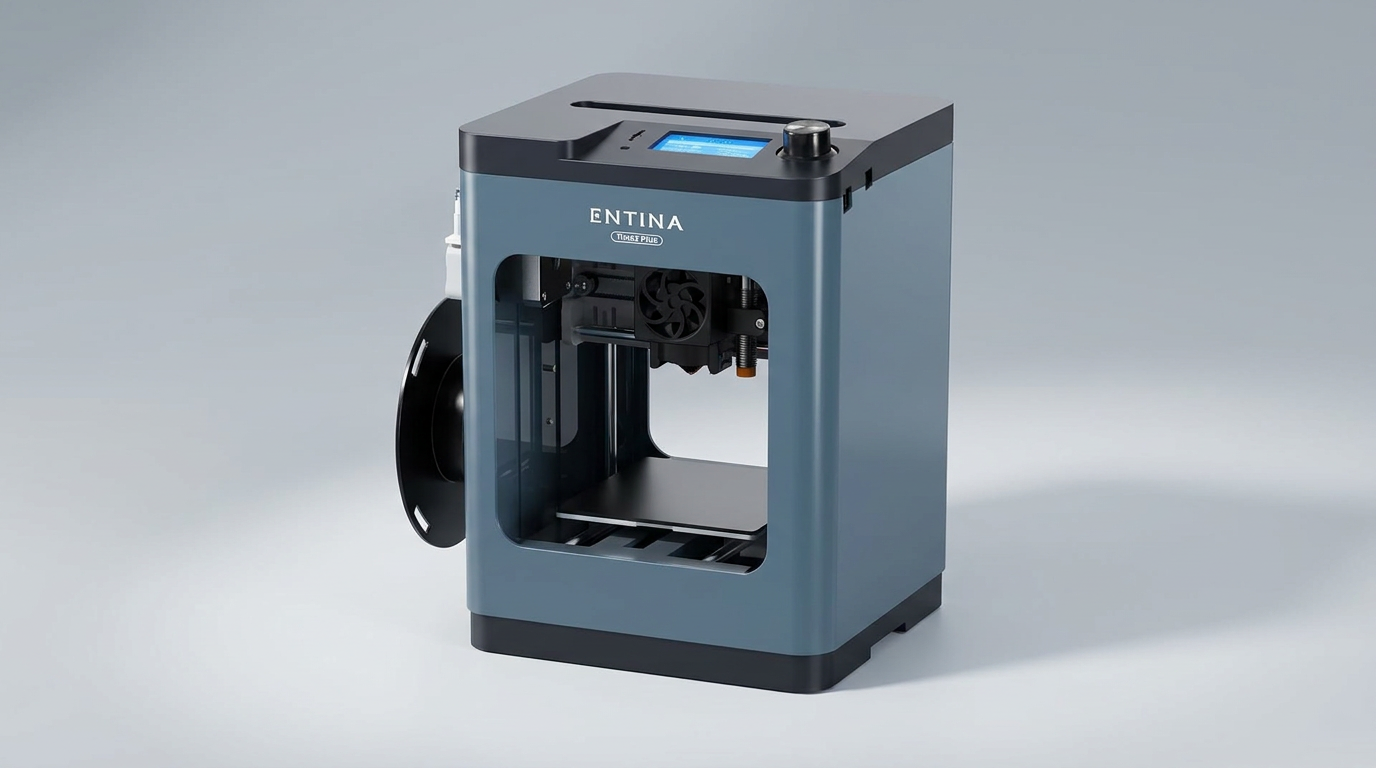
Entina Tina2 Plus Review: A Gateway to 3D Printing for Beginners
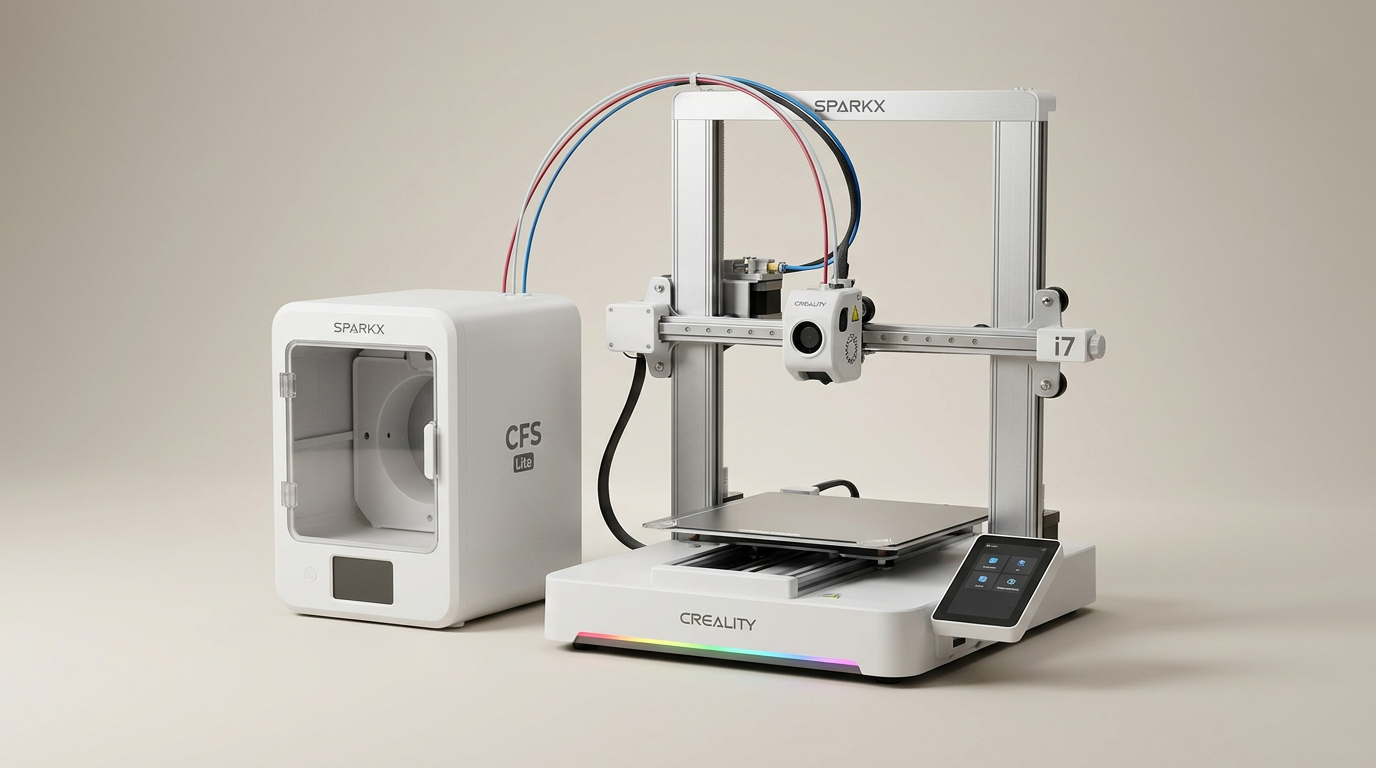
Creality SPARKX i7 Combo Review: A Streamlined Path to 3D Printing
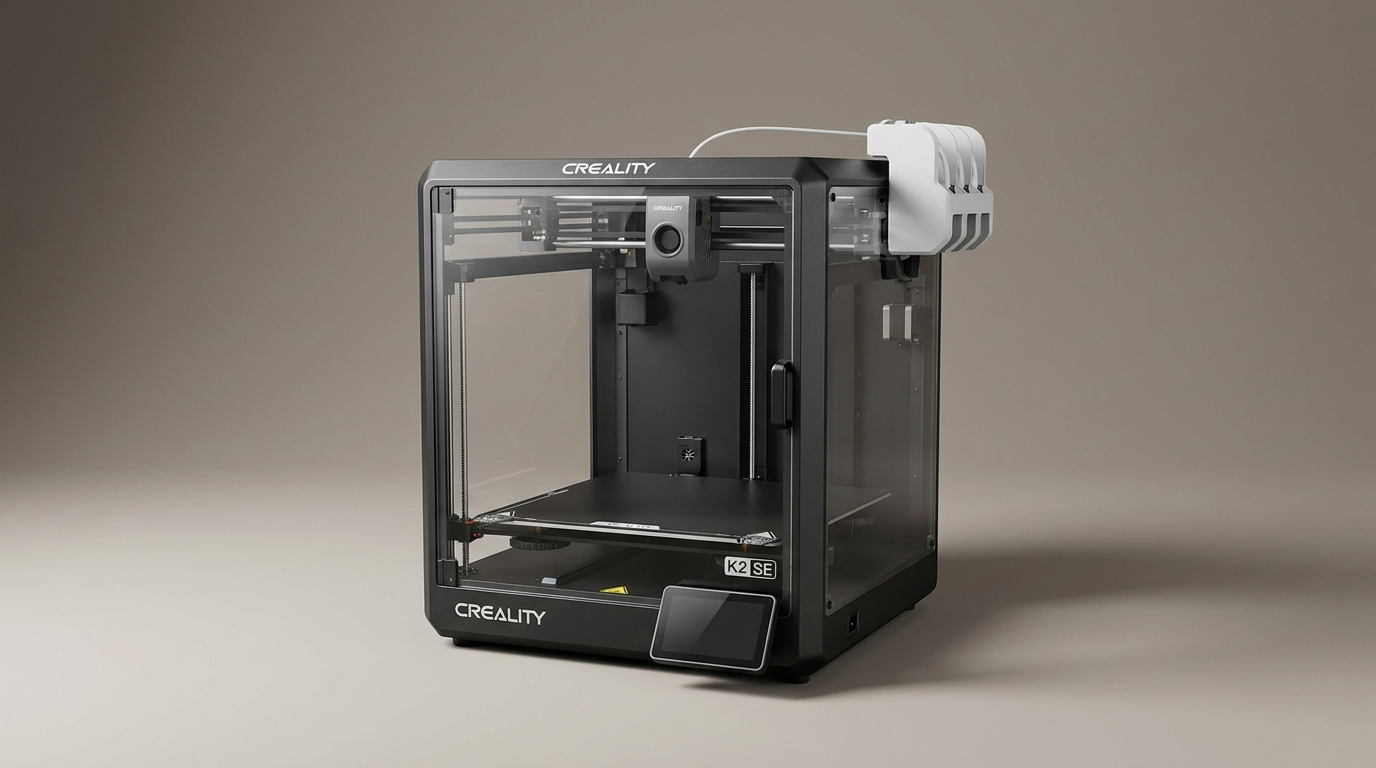
Creality K2 SE 4C Review: Speed, Simplicity, and a Shifting Market
FLASHFORGE AD5X Review: Multi-Color Printing at Speed
FLASHFORGE Adventurer 5M Review: Speed and Simplicity for the Novice
Bambu Lab P1S Combo Review: The 3D Printer for the Making Generation
This review is based on real experiences shared by owners in online communities.