
Flashforge Creator 5 Pro Review: Multi-Material Toolchanger
This review is based on real experiences shared by owners in online communities.
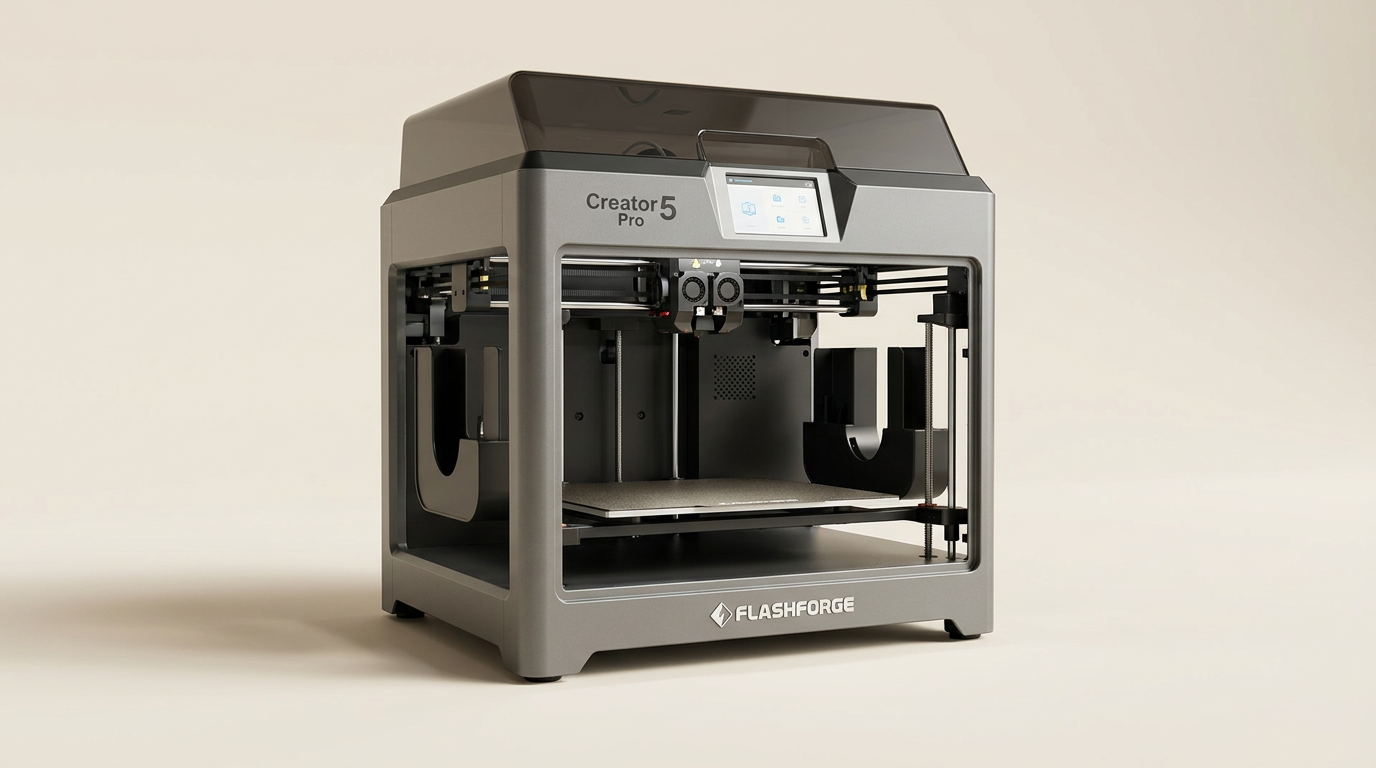
Multi-material 3D printing has spent years trapped in a wasteful compromise. The dominant consumer standard relies on single-nozzle filament switching, a brute-force approach that shears, retracts, and purges sizable clumps of melted polymer into waste bins on every single layer change. The Flashforge Creator 5 Pro rejects this workflow by adopting a discrete four-head toolchanger, a mechanical architecture previously confined to high-end custom builds and industrial machines.
By physically swapping preheated extruders in seven seconds using its FlashSwap mechanism, the Creator 5 Pro sidesteps what we call the purge tax: the massive penalty in wasted filament and bloated print times common to single-hotend multi-color rigs. Paired with a rigid CoreXY frame and an actively heated 65-degree Celsius chamber, this machine targets technical polymers and multi-material engineering parts rather than basic decorative trinkets.
Downscaling industrial toolchanger kinematics into a desktop format below the four-figure mark is an ambitious undertaking. While the mechanical payoff is immediate in plastic savings and material versatility, the system introduces distinct operational demands, from multi-nozzle maintenance to proprietary slicer quirks, that demand a closer look.
What owners love
- + Virtually zero filament waste during multi-material transitions
- + Rapid seven-second toolhead swaps save hours on tall prints
- + Active 65-degree Celsius chamber stabilizes engineering filaments
- + Rigid CoreXY chassis with effective automated bed leveling
- + Direct support for mixed-hardness polymers and soluble supports
Common complaints
- − Full top cover must be removed to service extruder jams
- − Flash Studio slicer ecosystem still suffers occasional profile bugs
- − High-speed acceleration causes noticeable chassis shaking and fan noise
- − Initial layers can show slight elephant foot without manual Z-offset tuning
Design & Build
The Creator 5 Pro is built around an enclosed CoreXY kinematic platform engineered for rigidity. Its frame handles rapid direction changes while maintaining tight tolerances, backed by internal active vibration compensation that prevents motor resonances from degrading surface finishes. Inside the build volume, an actively heated chamber reaches 65 degrees Celsius, while hardened steel nozzles support temperatures up to 320 degrees Celsius. This thermal management ensures technical filaments such as ABS, ASA, and carbon-fiber reinforced blends adhere uniformly without warping off the bed.
However, the enclosure design creates what we identify as the gantry accessibility barrier. Because the machine utilizes a drop-down lid and tightly packed upper toolhead dock, addressing a tangled filament strand or inspecting a hotend requires lifting off the entire top hood. Owners also note that the stock spool placement at the rear of the machine is awkward for everyday feeding, prompting many users to immediately print side-loading brackets. Despite those physical quirks, the underlying sheet metal and linear motion components feel robust and durable.
Setup & Ease of Use
Getting the machine running requires minimal assembly. Owners report taking between twenty and thirty minutes to unbox the chassis, unscrew the transit security brackets, and run the automated startup diagnostics. The automated bed leveling and flow dynamics calibration routine operates without manual thumbwheels, mapping surface deviations across the plate to establish a clean starting baseline.
That said, the machine demands patience during pre-print operations. The printer executes a lengthy sequence of internal thermal checks and nozzle routines before laying plastic, occasionally pausing silently long enough to make newcomers wonder if the firmware crashed. First-layer consistency is generally solid, but users report occasional over-extrusion or minor elephant foot around the edges of large prints, indicating that the automatic Z-height calibration still benefits from occasional fine-tuning in software.
Performance in Real Use
The core appeal of the Creator 5 Pro is its ability to bypass the purge tax entirely. Where single-nozzle multi-material systems spend minutes cutting filament, retracting, and purging large purge blocks on every layer, this printer parks the active toolhead and docks the next one in roughly seven seconds. Over a twenty-hour multi-material print, this architecture saves hundreds of grams of filament and slashes hours off total print durations.
Print quality across standard PLA and PETG is crisp, with the adaptive chamber cooling preventing heat creep and keeping overhangs sharp. For functional printing, running rigid structural materials alongside flexible TPU or soluble PVA supports works cleanly because each material maintains its own dedicated nozzle temperature. The trade-off is mechanical density. Managing four individual extruders means four distinct paths for potential nozzle clogs. Several long-term users report that secondary toolheads, particularly slots three and four, require vigilant cleaning and temperature verification to prevent feeding errors during extended runs.
Software & Ecosystem
Flashforge routes slicing and printer management through its proprietary Flash Studio suite. For basic multi-color assignments and pre-configured manufacturer profiles, the application is straightforward enough for novices to navigate. Network sending over local LAN is reliable, and users praise the elimination of resin-style messy post-processing in favor of a clean, click-and-print workflow.
However, relying on a closed software ecosystem comes with friction. Early adopters ran into machine recognition bugs where the software lacked baked-in profiles for specific hardware revisions, blocking print jobs until software updates arrived. While third-party slicer profiles exist within the community, fully exploiting the automated four-head toolchanger requires staying close to Flashforge's software pipeline. Enthusiasts accustomed to fully open-source Klipper configurations may find the closed firmware ecosystem somewhat restrictive.
Value & Reliability
Occupying a price band in the $800 to $900 range, the Creator 5 Pro fundamentally recalibrates what buyers can expect without spending thousands on custom toolchangers. Comparable multi-tool setups historically required extensive DIY assembly or industrial budgets. In terms of consumable savings alone, the absence of purge waste means print farms and frequent multi-color users will recoup running costs far faster than they would on single-nozzle alternatives.
Reliability over several hundred hours of printing proves dependable, provided the operator respects the machine's mechanical limits. High acceleration rates generate considerable motor whine and cabinet vibration, making this printer poorly suited for a quiet bedroom desk. The machine functions best in a dedicated workshop or lab environment where its active chamber heating, structural speed, and continuous multi-head throughput can be utilized without noise complaints.
Verdict
Buy - A groundbreaking toolchanger that eliminates filament purge waste and unlocks genuine multi-material printing at an accessible price point.
The Creator 5 Pro is ideal for engineering workshops, functional prototypers, and multi-color print farms tired of wasting expensive material on purge towers. Its 65-degree active chamber and four dedicated toolheads offer real operational advantages for soluble supports and engineering polymers that single-nozzle systems cannot match. Hobbyists seeking whisper-quiet operation or open-source tinkering should skip it, as the enclosed mechanics and proprietary slicer demand workshop space and platform commitment.
What most buyers miss is that the Creator 5 Pro renders single-nozzle multi-material systems functionally obsolete for technical parts. By solving the toolchanger cost barrier, Flashforge has built a production workhorse that prioritizes consumable efficiency over decorative gimmicks, proving that true multi-material manufacturing belongs in the extruder dock, not the purge bucket.
FAQ
More 3D Printers reviews
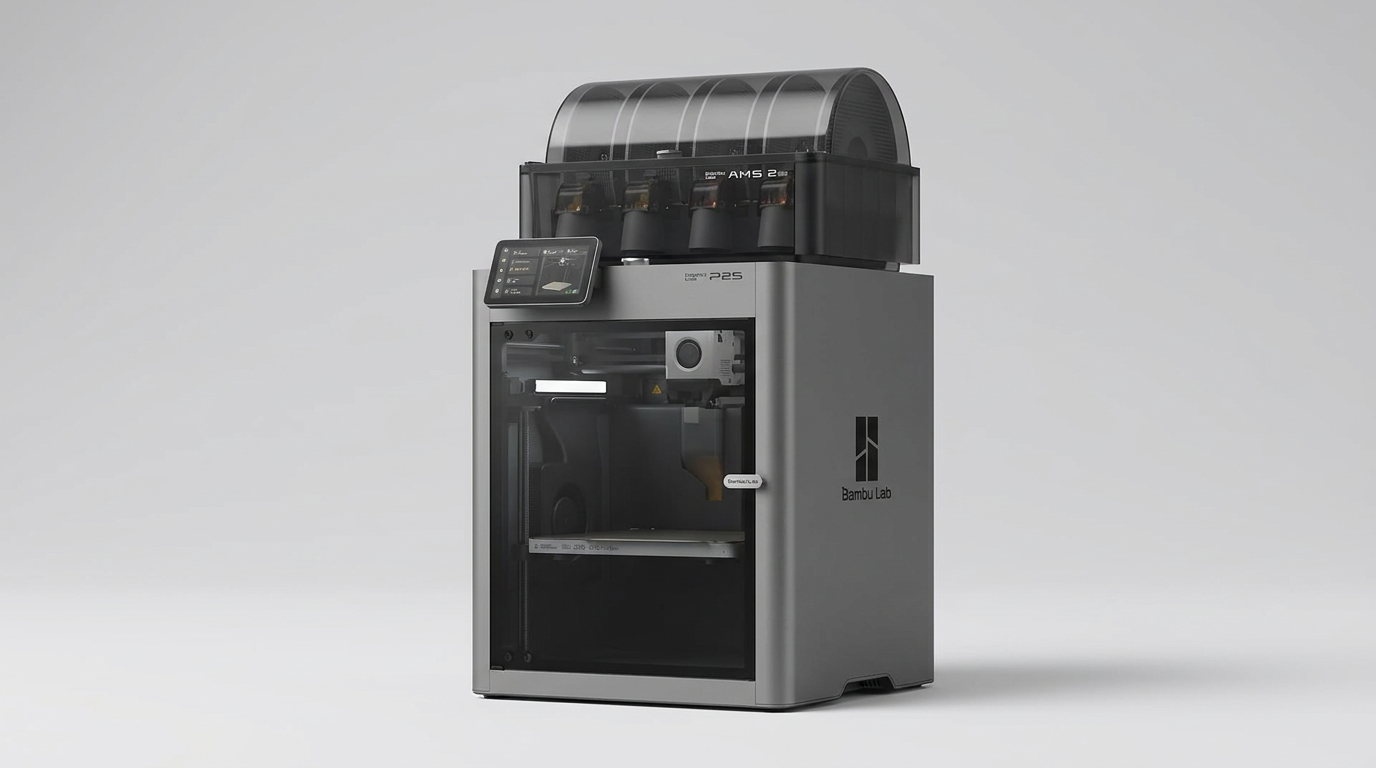
Bambu Lab P2S Combo Review: The 3D Printer Appliance
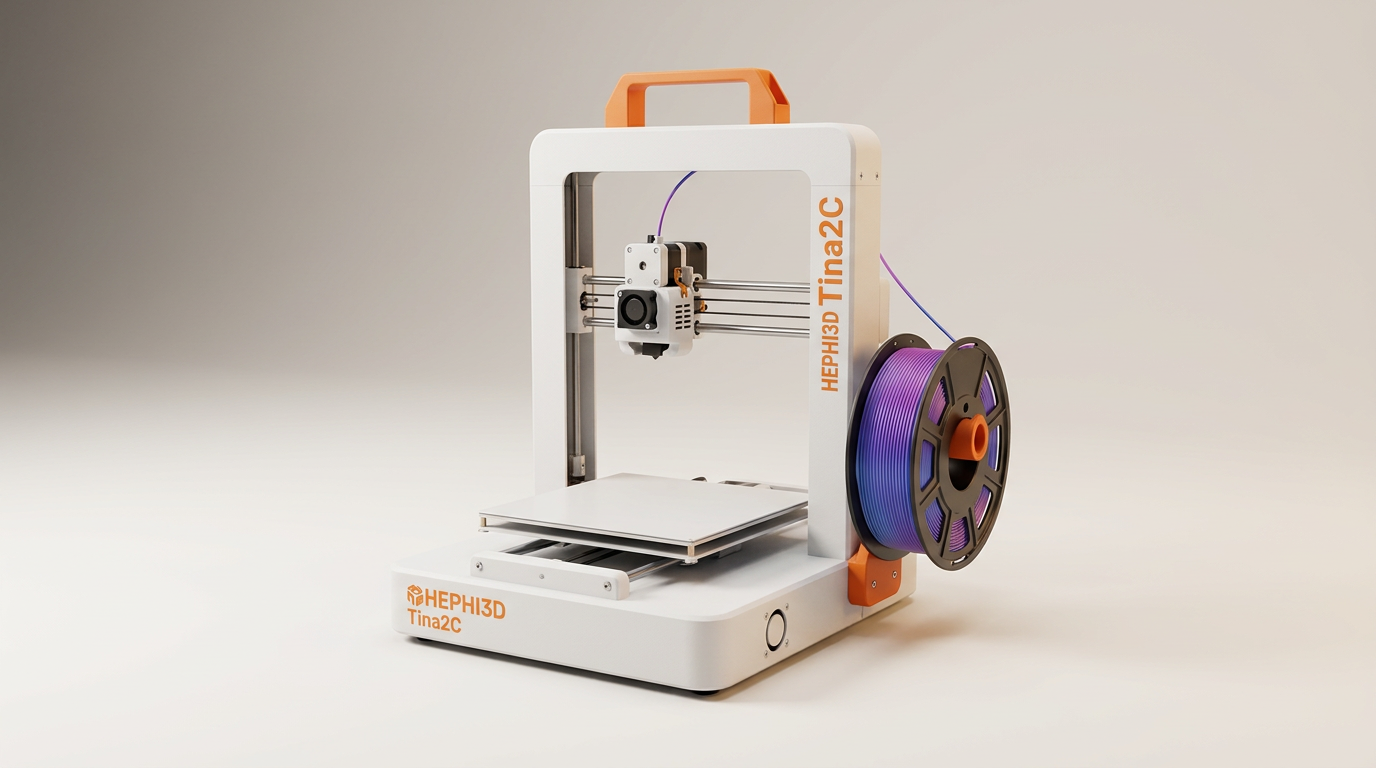
Hephi3d Tina2C Review: An Entry-Level 3D Printer for Kids
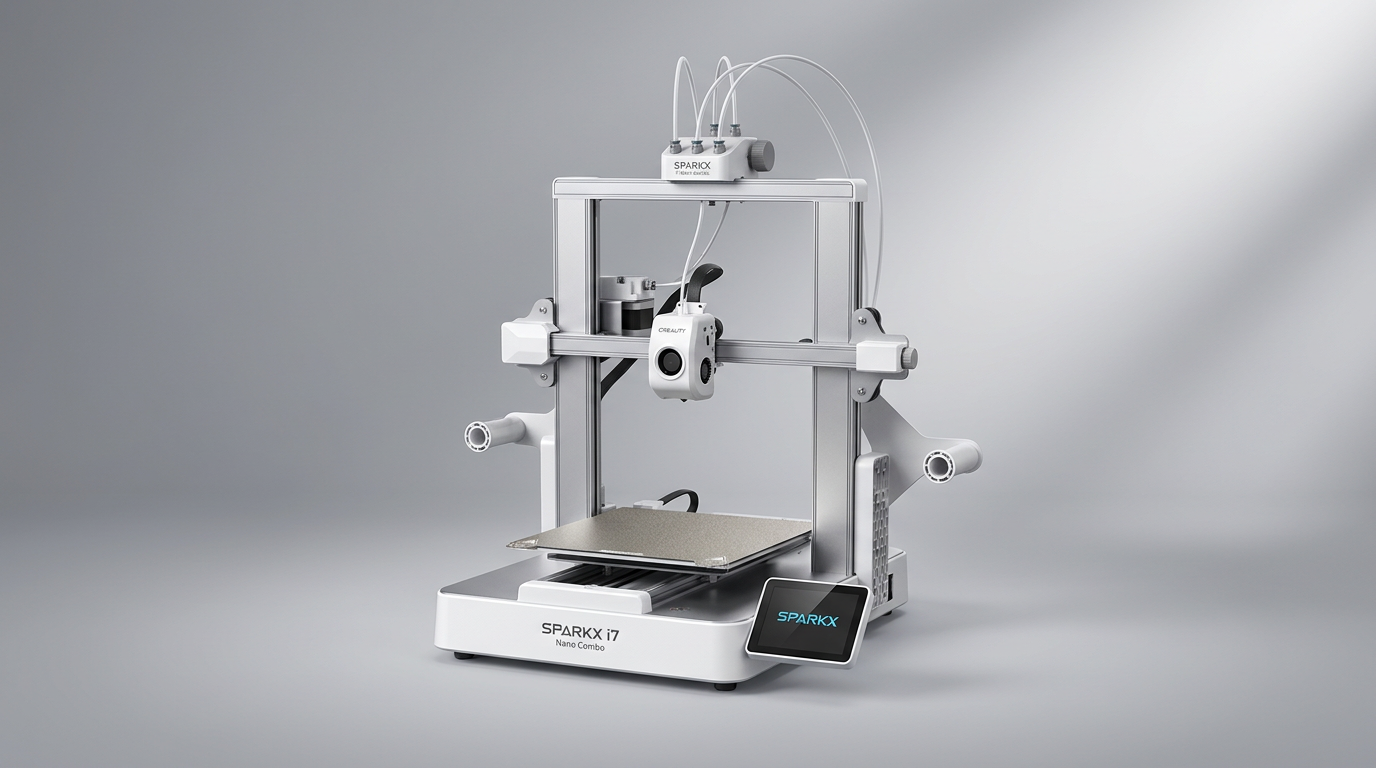
Creality SPARKX i7 Nano Combo Review: Multi-Color Printing for Novices
Entina Tina2 Plus Review: A Gateway to 3D Printing for Beginners
Creality SPARKX i7 Combo Review: A Streamlined Path to 3D Printing
Creality K2 SE 4C Review: Speed, Simplicity, and a Shifting Market
This review is based on real experiences shared by owners in online communities.