
FLASHFORGE Camera Kit Review: Functional Monitoring for AD5M/Pro/AD5X
By AValidReview. An AI-assisted summary of customer feedback, not a hands-on test.
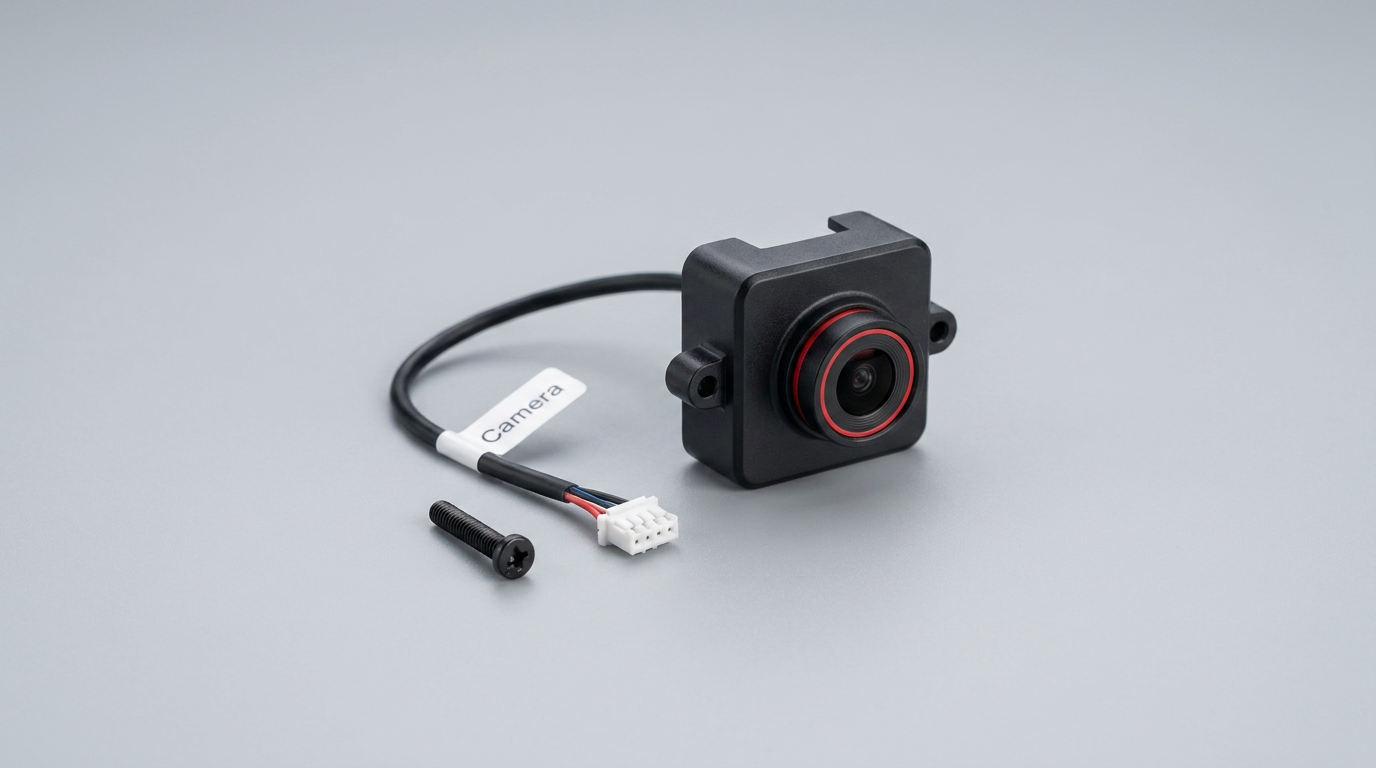
The 3D printing landscape is increasingly defined by automation and remote oversight. While premium printers often integrate monitoring solutions, many entry-level and mid-range machines require add-ons. The FLASHFORGE Camera Kit for the Adventurer 5M, 5M Pro, and AD5X aims to bridge this gap, offering a first-party solution for remote print observation and timelapse recording. This accessory is not just about convenience; it represents the "first-layer insurance" most users seek, offering peace of mind during long print jobs without constant physical presence.
However, the camera's utility, much like many first-party accessories, often hinges on the ecosystem it inhabits. Its integration promises simplicity, but the real test lies in its day-to-day performance within Flashforge's software environment, which historically presents its own set of challenges. This review evaluates whether the camera kit delivers on its core promise of reliable monitoring or if its performance is tethered by software limitations, creating what we call the "ecosystem friction cost."
We examine its ease of installation, the quality of its feed, and its overall impact on the user experience, grounding our assessment in extensive owner feedback. Understanding its strengths and weaknesses reveals whether this kit genuinely enhances the Flashforge printing workflow or merely adds another component to manage.
What owners love
- + Extremely easy and quick installation, often under 5 minutes
- + Seamless integration with Flashforge Adventurer 5M/Pro/AD5X printers
- + Enables remote monitoring via Flash Maker app (PC, phone, tablet)
- + Supports timelapse recording with better quality than live feed
- + Provides essential visual confirmation of print progress
- + Relatively affordable for a dedicated accessory
Common complaints
- − Live video feed often exhibits low resolution, lag, and choppiness
- − Software and app connectivity issues are common, leading to "failure to connect" messages
- − Image quality is generally described as 480p-720p, not high definition
- − Camera cable can be short, posing routing challenges with some printer setups
- − Requires adequate external lighting for clear images, as it lacks built-in illumination
Design & Build
The FLASHFORGE Camera Kit features a compact design intended for specific placement within the Adventurer 5M series printers. Owners consistently report its build quality as solid, fitting snugly into the designated front-right corner. The camera itself is small, almost unnoticeable from the exterior, which contributes to a clean aesthetic. However, the accompanying cable length is a recurring point of contention. While adequate for standard installations, some users, particularly those with the AD5X and its optional case kit, found the cable too short, necessitating creative routing or minor modifications. This highlights a minor design oversight, creating a "case compatibility tax" where users pay in effort for integration.
Setup & Ease of Use
Installation is a significant strength of this camera kit. Owners universally describe the process as straightforward, often taking mere minutes. The setup involves placing the camera's tab into a slotted hole, securing it with a single screw, and plugging the wire into the control box. This plug-and-play simplicity aligns with Flashforge's user-friendly approach for its Adventurer series. The system automatically integrates with the printer's display and the Flash Maker app, requiring minimal configuration. This ease of setup is a key factor for its appeal, reducing the barrier to entry for remote monitoring.
Performance in Real Use
The camera's performance is a tale of two experiences: live monitoring versus timelapse. For real-time viewing via the app, the quality is often described as low resolution, with reports of 480p to 720p at best, accompanied by significant lag and choppiness. This can be frustrating for critical, moment-by-moment observation. The image often appears cloudy or hazy, and good external lighting is crucial for clarity. However, owners note that the stored timelapse files exhibit noticeably better quality than the live feed. The camera's wide angle generally captures the entire build plate, with the focal point typically on the extruder tip, which is effective for its intended purpose of print failure detection. This disparity between live and recorded quality suggests a "live stream bottleneck," where bandwidth or processing limitations impact real-time transmission more than offline capture.
Software & Ecosystem
The camera's integration with the Flash Maker app and software ecosystem is where significant friction arises. While the app enables remote viewing and control, connectivity issues are a frequent complaint. Users report encountering 'Failure to connect' messages and intermittent disconnections. Some attribute the poor live video quality, lag, and choppiness more to the software's performance than the camera hardware itself. This suggests that even a perfectly functional camera can be hampered by a less-than-robust software platform, creating an "app experience ceiling" that limits the overall utility. Updates have reportedly improved picture quality for some, indicating Flashforge is addressing these issues, but consistency remains a concern.
Value & Reliability
Priced around $40, the FLASHFORGE Camera Kit represents an affordable upgrade for Flashforge Adventurer 5M series owners. Its core reliability for its intended purpose, monitoring print status and capturing timelapses, is generally upheld, despite software quirks. While the live feed's quality is not exceptional, it is often deemed sufficient for early detection of print failures, which can save material and time. The ease of installation contributes significantly to its perceived value. However, the intermittent software issues and low live feed resolution detract from a completely seamless experience. For its price, it offers a functional solution, but users should manage expectations regarding high-definition, real-time fidelity. This kit exemplifies the "good enough" utility at a budget price point, prioritizing basic functionality over premium performance.
Verdict
Consider - This camera kit offers functional remote monitoring, but its software experience needs refinement.
This accessory is a good fit for Flashforge Adventurer 5M, 5M Pro, and AD5X owners who prioritize easy installation and basic remote print monitoring over high-definition clarity or flawless real-time streaming. It's suitable for users who want to occasionally check on long prints without physically present, and for capturing timelapses. Those who expect a pristine, lag-free live feed comparable to higher-end, integrated camera systems, or who are easily frustrated by software connectivity issues, should manage their expectations. Its price point, under $50, makes it an accessible, but not revolutionary, upgrade.
Ultimately, the FLASHFORGE Camera Kit embodies the "ecosystem tether" phenomenon. Its true value isn't just in the hardware, but how effectively it's supported by Flashforge's broader software platform. While it delivers on the promise of basic remote visibility, the recurring feedback about software friction reveals that the camera's potential is only as strong as the underlying app experience, suggesting Flashforge's future focus should be as much on software polish as on hardware capability for accessories like this.
FAQ
More 3D Printer Parts & Accessories reviews
Fungiworks Filament Storage Box 4-Pack Review
Hemulac Hardened Steel Extruder for Bambu P1P and P1S Review
Creality Star-Shaped PTFE Tube Review: Smart Design, Mixed Results
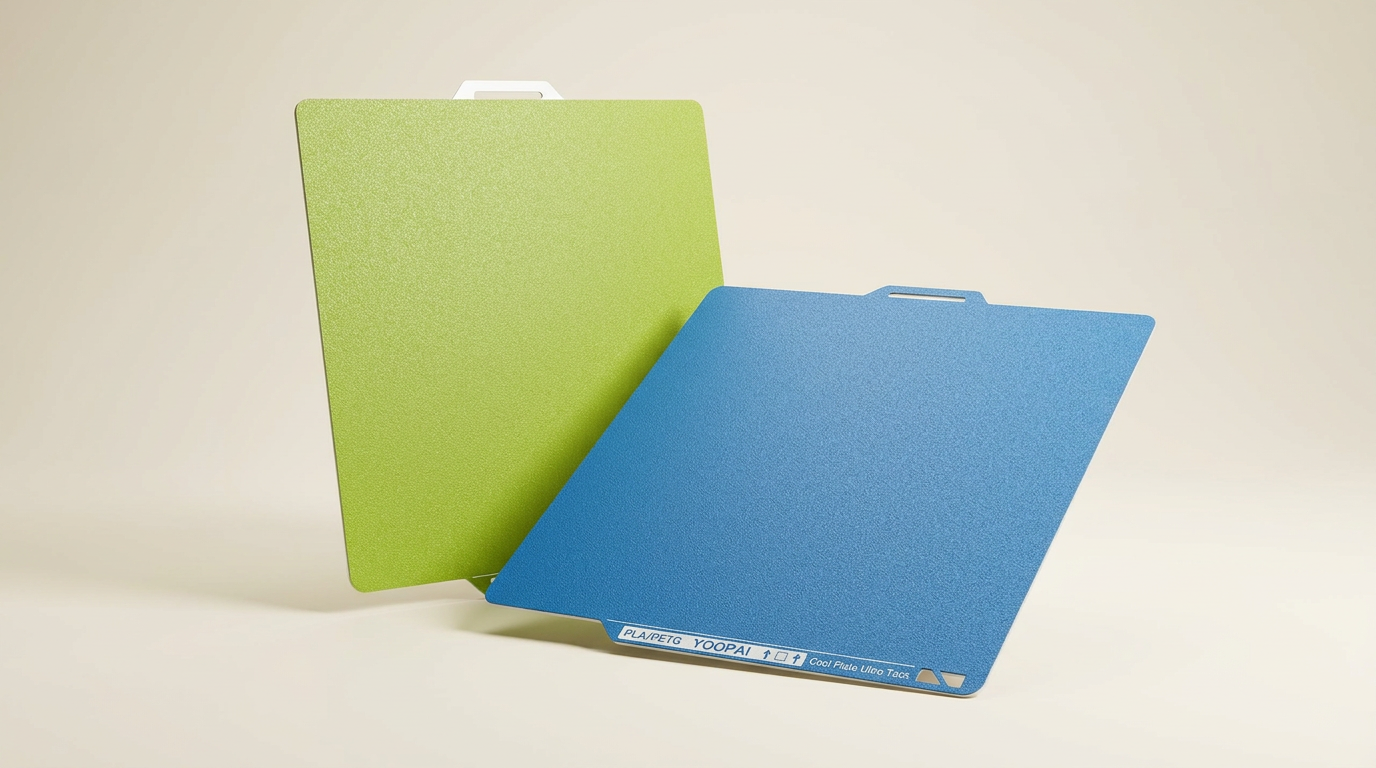
YOOPAI 2-Pack Cold Build Plate Review: Aggressive Bed Grip
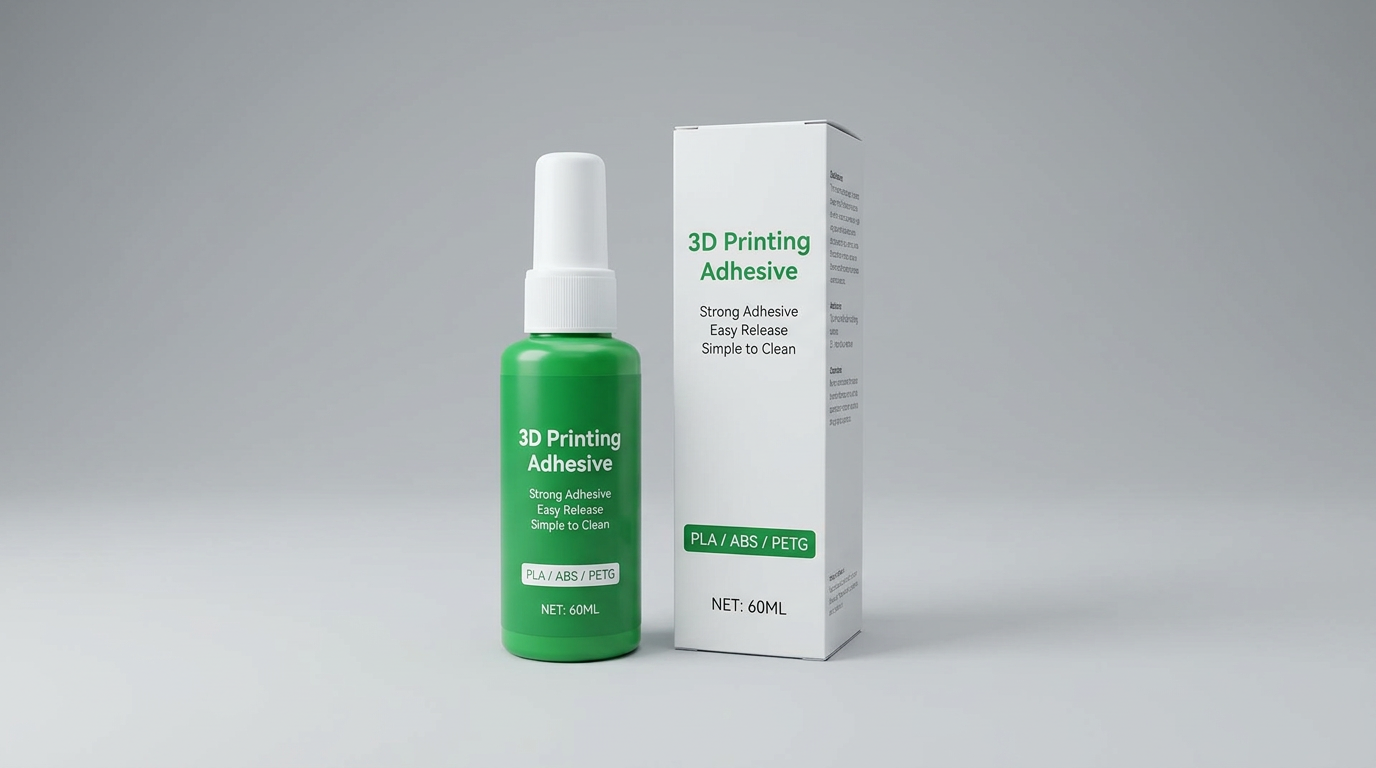
Wefuit Bambu Lab Liquid Bed Adhesive Review
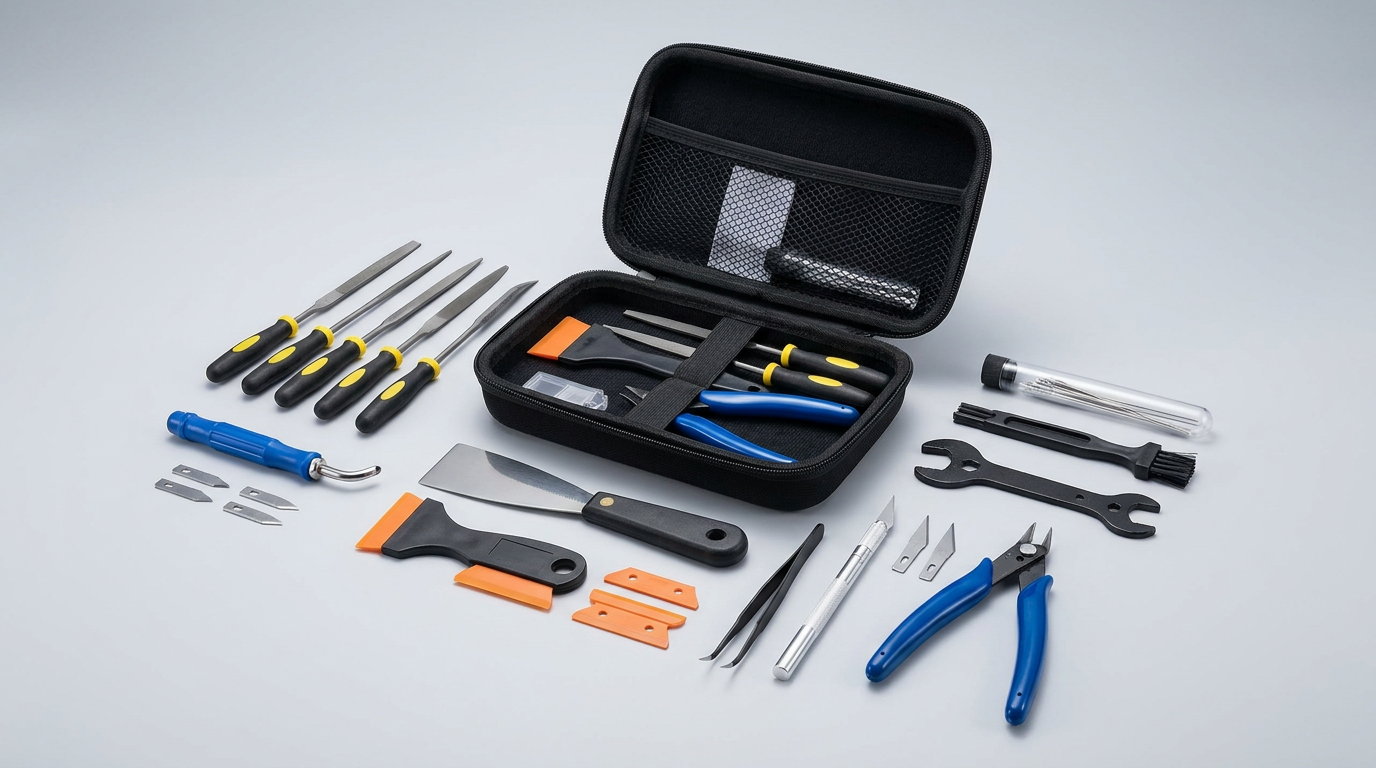
Miskis 46-Piece 3D Printer Tool Kit Review: Bench Essentials
This review is based on real experiences shared by owners in online communities.