
Entina Tina2 Plus Review: A Gateway to 3D Printing for Beginners
This review is based on real experiences shared by owners in online communities.
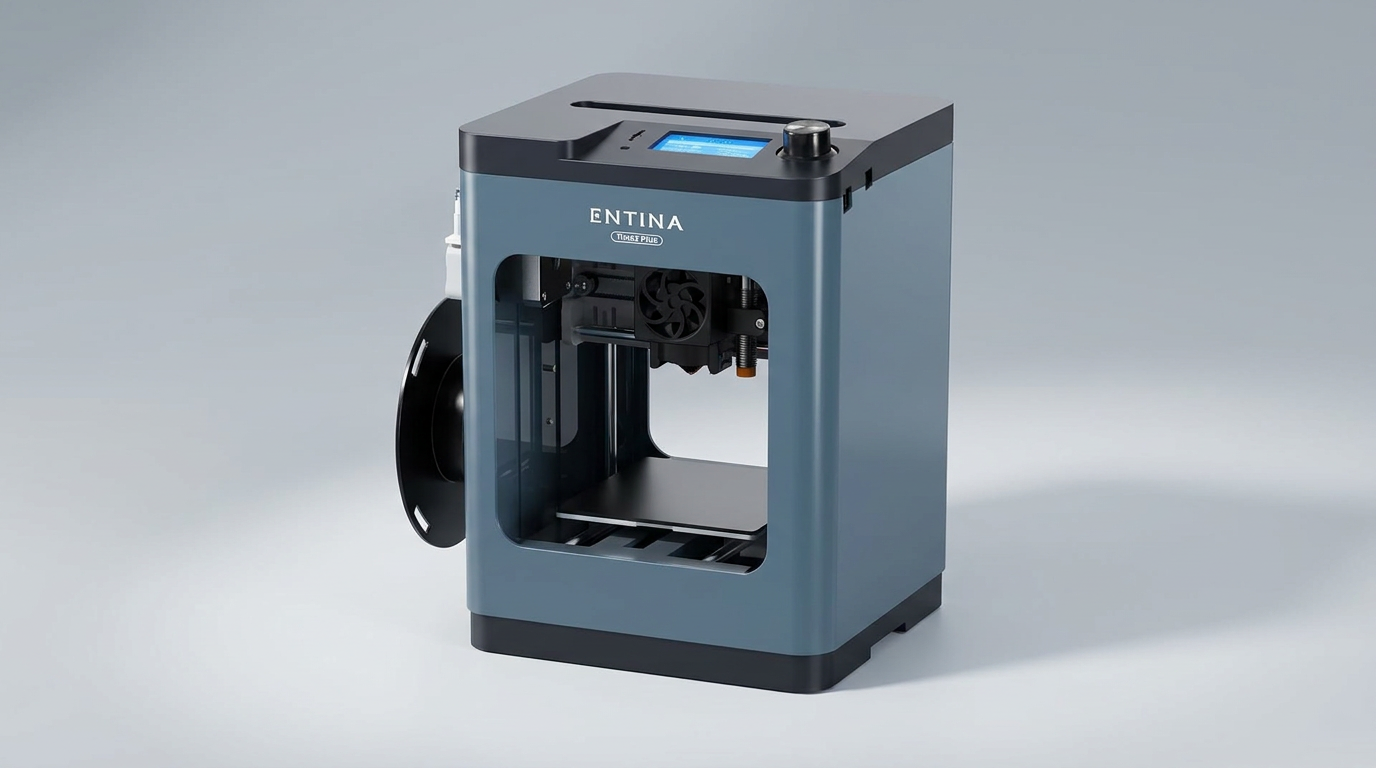
The Entina Tina2 Plus occupies a unique space in the crowded 3D printer market, positioned as a highly accessible entry point primarily for young users or complete novices. While many budget printers promise ease of use, the Tina2 Plus consistently delivers on the promise of an "out-of-box" experience, minimizing the common setup hurdles that often deter new enthusiasts.
This printer is not designed to compete on print volume or extreme fidelity with larger, more expensive machines. Instead, its core competency lies in reducing the initial friction associated with 3D printing. It offers a low-stakes environment for experimentation, making the learning curve less daunting for its target demographic. The real question is whether this simplification sacrifices too much in terms of capability or longevity for more ambitious projects.
Our analysis reveals that the Tina2 Plus primarily serves as an educational tool or a creative outlet for small, functional prints, rather than a workshop cornerstone. Its strengths are directly tied to its limitations, embodying a specific design philosophy we term the "first-print-first" approach: prioritize immediate success to foster engagement, even if it means deferring advanced capabilities.
What owners love
- + Ready to print out of the box with minimal setup.
- + Intuitive operation ideal for children and beginners.
- + Compact footprint fits easily into home or classroom spaces.
- + Adequate print quality for small projects and educational use.
- + Customer service demonstrates responsiveness to issues.
Common complaints
- − Limited build volume restricts project size.
- − Network connectivity and app control can be inconsistent.
- − Included instructions are sometimes vague or incomplete.
- − Power adapter and related components show potential for early failure.
- − Basic quality output, not suited for intricate professional models.
Design & Build
The Tina2 Plus features a partially enclosed design, a welcome choice for a printer often placed in shared home or classroom environments. This enclosure offers some protection from moving parts and heat, which owners appreciate, particularly when children are using the device. Its compact form factor is a consistent point of praise, allowing it to reside comfortably on desks or shelves without dominating the space. Users who initially sought a larger machine often note their pleasant surprise at how much can still be accomplished within its smaller build volume. However, the enclosure is not fully sealed, meaning it offers more in terms of safety and convenience than thermal stability for advanced filaments. One notable concern raised by an experienced user pertains to the power adapter, where a failure of the AC adapter and switch assembly led to overheating, suggesting a potential weak point in the component sourcing for this otherwise robust-feeling frame. This highlights a classic trade-off in consumer electronics: optimizing for a low purchase price can sometimes introduce vulnerabilities in less visible but critical parts.
Setup & Ease of Use
The Tina2 Plus excels in its core promise of immediate usability. Owners consistently report being able to commence printing within minutes of unboxing, often citing times under ten minutes. The machine arrives fully assembled, a significant advantage for novices who might be intimidated by complex build processes. Preloaded models on the included TF card further streamline the first print experience. Automatic leveling and a PEI build plate simplify bed adhesion and model removal, reducing common points of frustration for beginners. While some users mention the instructions are not always comprehensive, the intuitive nature of the device often compensates, allowing users to figure out basic operations through trial and error or minimal guidance. This "instant gratification" factor is crucial for engaging new users, and the Tina2 Plus delivers here, proving that a well-engineered initial experience can overcome documentation shortcomings. This design prioritizes the 'first layer success' over exhaustive feature sets, a strategic choice for its target demographic.
Performance in Real Use
Despite its entry-level positioning, the Tina2 Plus performs competently for its intended small-scale applications. Users regularly produce keychains, small figurines, and functional parts, expressing satisfaction with the output quality for a printer in its price bracket. The advertised 250mm/s print speed is achievable for some models, though real-world speeds for quality prints are often lower, a common practice in the industry. The dual Z-axis contributes to print stability, and the quick-heating ceramic hotend minimizes startup delays. While the print quality is described as "basic," it is consistently deemed "excellent for a beginner's printer." The core limitation in performance is its build volume, prompting some experienced users to section larger designs for printing. This constraint creates what we can call the "scale ceiling" effect: a point at which a user's ambition outstrips the printer's physical capacity, necessitating an upgrade or significant design compromises. For small items, however, its performance is reliable and consistent.
Software & Ecosystem
The Tina2 Plus offers multiple printing options, including TF card, USB, and Wi-Fi via the Poloprint Cloud app. While the TF card method is straightforward and widely used by owners, the Wi-Fi and app experience receives mixed feedback. Several users report intermittent connectivity issues, difficulty initiating prints from the app, or problems with uploading files. This inconsistency suggests a potential "digital friction" point where the promised convenience of app control falls short of expectations. The app's access to a library of over 3,000 models is a clear benefit for new users who may not yet be proficient in 3D design or sourcing their own files. The ability to print without a direct computer connection, relying instead on the TF card or the app, is highly valued, particularly when the printer is used by younger individuals. This dual approach-offering both traditional and app-based workflows-attempts to cater to a broader range of user comfort levels, though the app's reliability could be improved to fully realize its potential.
Value & Reliability
Priced in the low-$200 range, the Entina Tina2 Plus offers significant value as an introductory 3D printer. For its target audience-children, families, and absolute beginners-the cost of entry is low, and the immediate return on investment in terms of engagement and learning is high. Owners frequently highlight its affordability relative to its ease of use and consistent results for small projects. Reliability is generally good for its primary function, with most prints completing successfully. However, a few instances of customer service intervention for initial issues, though resolved positively, indicate that not every unit is flawless from the outset. The previously mentioned concern regarding the AC adapter points to a potential long-term reliability question for a specific component. Despite these isolated reports, the overarching sentiment is that the printer is "well worth the money" for its intended purpose. The overall package presents a compelling "educational technology dividend," where the investment yields not just tangible prints but also a practical understanding of additive manufacturing principles.
Verdict
Buy - The Entina Tina2 Plus offers an exceptionally user-friendly and accessible entry into 3D printing for children and absolute beginners.
This printer is an excellent choice for families, educators, or anyone curious about 3D printing who wants to avoid the complexities of setup and calibration. Its compact size and intuitive operation make it ideal for creative exploration and small functional prints, particularly for users under the age of 12 or adults with limited tech experience. If your primary goal is to foster interest or produce small, non-critical items without a steep learning curve, and your budget is around $200, the Tina2 Plus delivers.
Those who require a larger build volume, high-resolution professional prints, or robust, flawless app control should consider alternatives. Experienced hobbyists or users planning to print complex, large-scale models will quickly find its limitations. The Tina2 Plus is best understood as a gateway device; it prioritizes the joy of the first successful print over the demands of a high-performance workshop tool. It establishes a crucial, positive initial experience, which for many, is the true barrier to entry in 3D printing.
FAQ
More 3D Printers reviews
Creality SPARKX i7 Combo Review: A Streamlined Path to 3D Printing
Creality K2 SE 4C Review: Speed, Simplicity, and a Shifting Market
FLASHFORGE AD5X Review: Multi-Color Printing at Speed
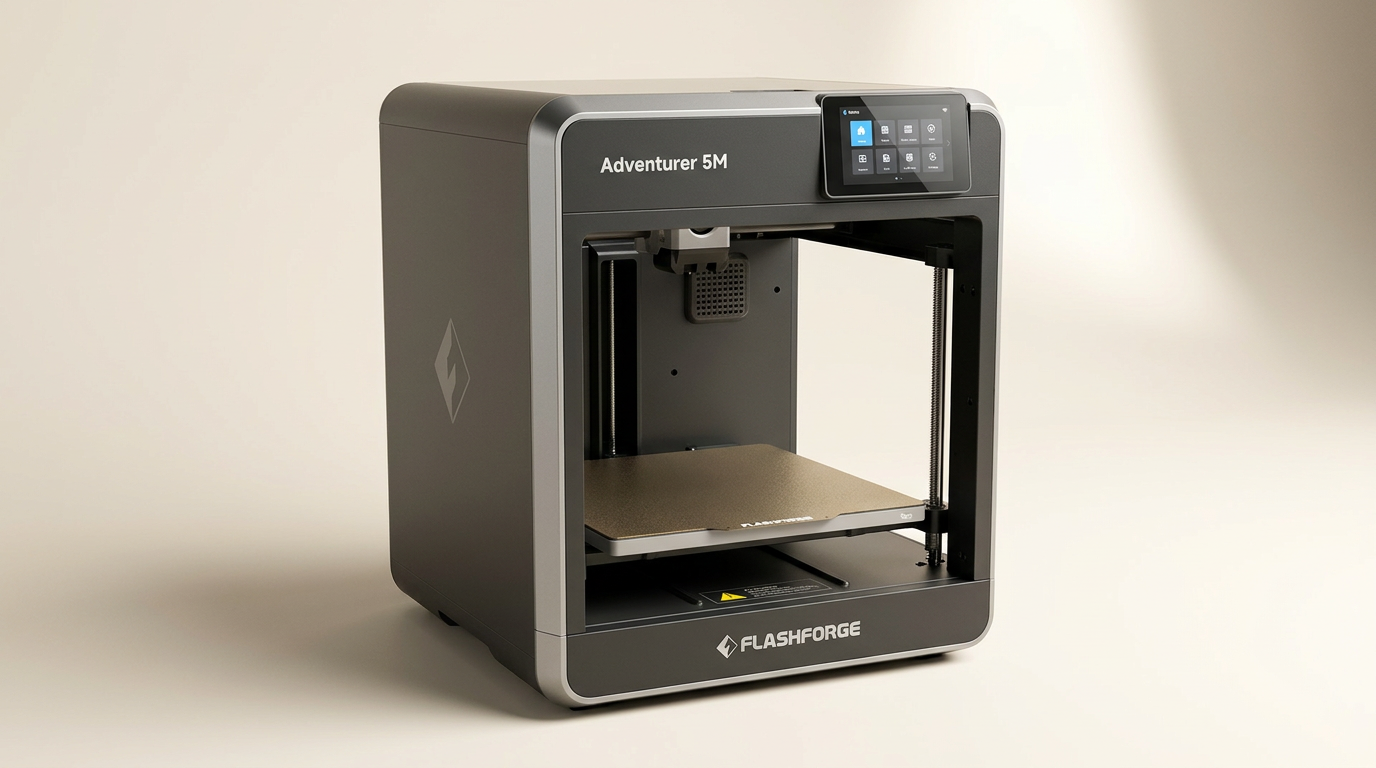
FLASHFORGE Adventurer 5M Review: Speed and Simplicity for the Novice
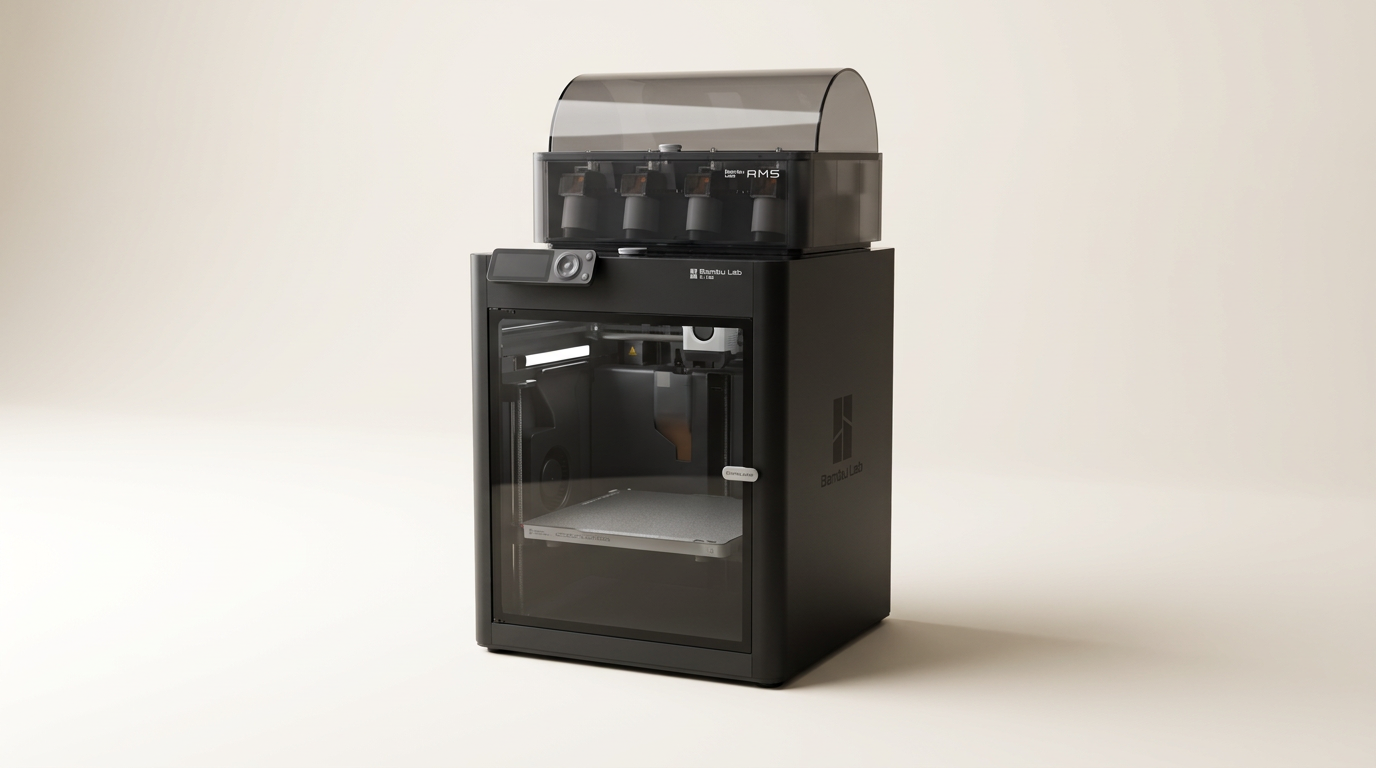
Bambu Lab P1S Combo Review: The 3D Printer for the Making Generation
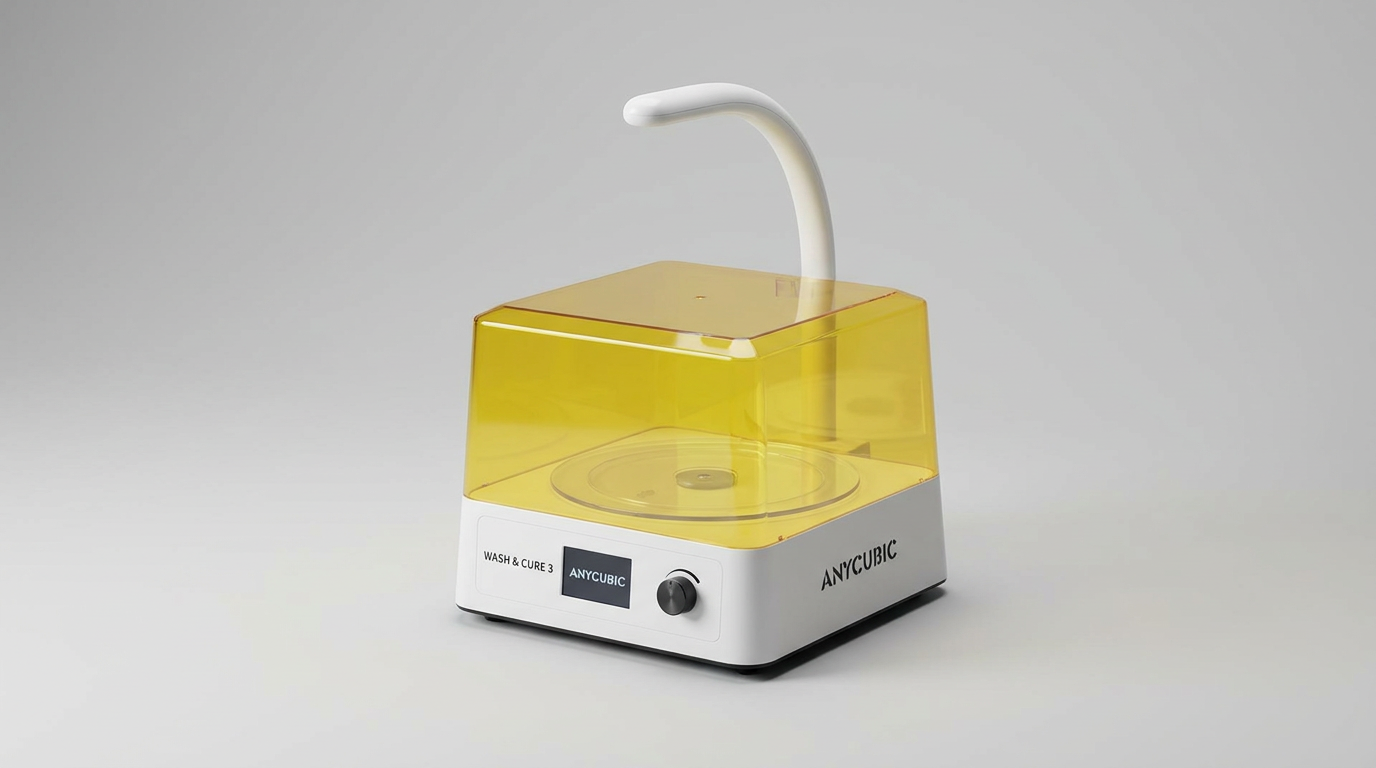
ANYCUBIC Wash and Cure 3.0 Review: A Post-Processing Necessity
This review is based on real experiences shared by owners in online communities.