
Creality SPARKX i7 Combo Review: A Streamlined Path to 3D Printing
This review is based on real experiences shared by owners in online communities.
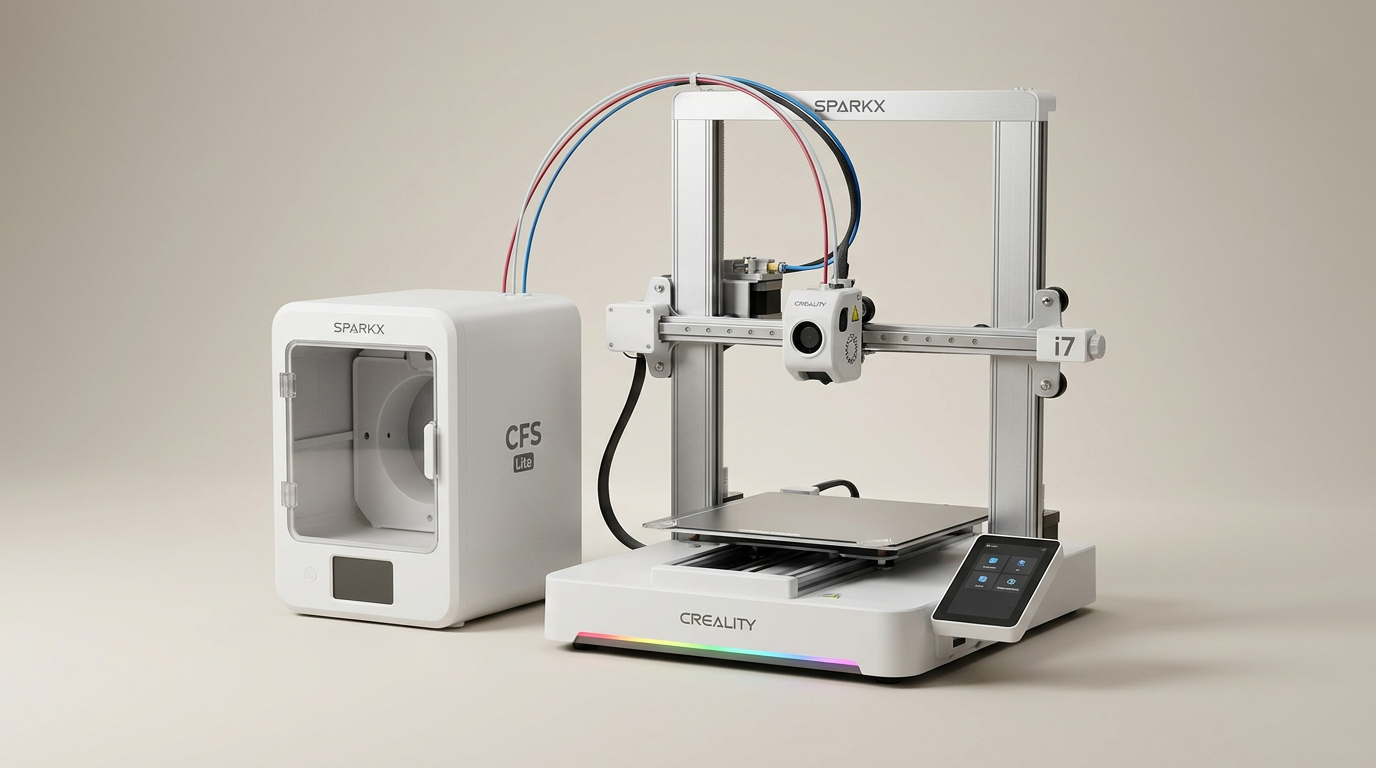
The Creality SPARKX i7 Combo enters a crowded 3D printer market, not as a performance king, but as a highly refined onboarding machine. While many manufacturers chase extreme speed or industrial capabilities, Creality instead focuses on the user experience, aiming to smooth out the initial friction points that often deter newcomers and frustrate experienced users alike. Its core offering is accessibility, promising a printing journey that prioritizes ease over raw complexity.
This printer arrives pre-assembled and integrates features like multi-color printing and AI-assisted failure detection. For an industry often associated with tinkering and extensive calibration, the SPARKX i7 presents a compelling case for what we term the "Confidence-Builder Category" of 3D printers. It’s designed to deliver successful prints quickly, fostering user engagement rather than demanding deep technical expertise from the outset.
Our analysis reveals a machine that largely delivers on its promise of simplified initiation. However, like any product emphasizing user comfort, it introduces its own set of trade-offs, particularly for those seeking maximum efficiency or pushing advanced functionalities. The question becomes whether its streamlined approach serves a broad enough audience to justify its design philosophy.
What owners love
- + Significantly pre-assembled, enabling quick setup and first prints.
- + User-friendly for beginners, often cited as an ideal starter printer.
- + Consistently delivers good single-color print quality.
- + Features a quiet operation, including a dedicated Night Mode.
- + Offers a large build volume for its price segment.
- + Integrated AI camera and failure detection enhance reliability.
Common complaints
- − Multi-color printing generates more waste than marketing suggests.
- − Firmware may require immediate updating post-purchase for stability.
- − Some setup instructions, particularly for software, are outdated or unclear.
- − Power supply voltage switch often incorrect out of the box, requiring manual adjustment.
- − Filament path issues, especially with the CFS Lite, present a learning curve.
- − Occasional nozzle connection errors or print head issues reported by some users.
Design & Build
The SPARKX i7 distinguishes itself with a robust, enclosed box-style frame, a design choice owners consistently praise for stability. Unlike many entry-level printers that rely on open gantry systems, this printer’s structure minimizes movement and vibration, contributing to more consistent print quality. Owners note the machine feels substantial and well-packed upon arrival, signaling a commitment to initial quality. The integrated top panel, however, introduces a minor design flaw; the extruded cable can impact it when the print head reaches the edge, creating an audible nuisance. This suggests a slight oversight in internal cable management or dimensioning, leading some users to seek aftermarket risers or modifications to mitigate the noise.
Setup & Ease of Use
Creality positions the SPARKX i7 as an "unbox and print in 5 minutes" device, and owner feedback largely supports this claim for initial physical setup. The printer arrives approximately 95% pre-assembled, primarily requiring tube and data cable connections. Many users report being operational within an hour, contrasting sharply with the multi-hour assembly common in the 3D printing space. This streamlined approach embodies what we call the 'First-Print Fast-Track,' significantly lowering the entry barrier for new users. However, this ease is not entirely frictionless. Several owners highlight the critical, yet often overlooked, power supply voltage switch, which frequently arrives in the wrong setting for US electrical systems, leading to initial malfunctions. Additionally, the integrated CFS Lite multi-color system, while appealing, presents a learning curve for filament loading, indicating that while assembly is quick, mastering the full feature set requires some investment.
Performance in Real Use
In day-to-day operation, the SPARKX i7 performs admirably, particularly for single-color prints. Owners report fantastic results and consistent output, often with minimal failed prints once initial hurdles are cleared. The inclusion of an AI camera for spaghetti and failure detection is a significant asset, contributing to a higher success rate by providing real-time monitoring and alerts. This feature effectively acts as a 'digital copilot,' reducing material waste and user frustration. The advertised quiet operation also receives consistent praise, with users noting it is significantly quieter than comparable machines, making it suitable for home or office environments, especially with its 'Night Mode' feature. However, the multi-color printing capability, while functional, does not live up to the promise of 50% less waste; owners find it generates more filament waste than expected, a common trade-off in current multi-material systems.
Software & Ecosystem
The SPARKX i7 leverages Creality's ecosystem, including its slicer software and mobile app. Owners generally find the software easy to download, install, and operate, facilitating one-click printing directly from a phone or tablet. This integration enhances the printer's accessibility, allowing remote monitoring and job initiation. However, a recurring theme is the outdated nature of some installation instructions and documentation, particularly for software and firmware updates. Several users encountered issues like 'TMC CONNECTION ERROR' or print failures that required manual firmware flashing, suggesting a gap between the physical product's out-of-box readiness and the software's immediate stability. The CubeMe AI feature, transforming portraits into 3D models, is mentioned in manufacturer claims but does not feature prominently in owner feedback, suggesting it may be a niche application rather than a core performance driver.
Value & Reliability
Priced in the low to mid hundreds, the Creality SPARKX i7 presents a compelling value proposition, especially for a machine featuring auto-leveling, a large build volume, multi-color capability, and an AI camera. Owners frequently express satisfaction with its quality for the price, often comparing it favorably to more expensive units or acknowledging its strengths over competitors like the Bambu A1 Mini or earlier Creality models. The overall reliability is strong for its price segment, with many users reporting hundreds of hours of print time with minimal issues. While occasional problems like filament path jams or print head replacements are noted, these are often attributed to consumables or are easily troubleshot by users. The 'Starter Printer with Veteran Features' archetype accurately describes its blend of user-friendliness and advanced capabilities, making it a robust option for both novices and experienced users seeking a dependable, cost-effective workhorse.
Verdict
Buy - The Creality SPARKX i7 offers a highly accessible and reliable entry point into 3D printing, especially for users prioritizing ease of setup and consistent output.
This printer is an excellent choice for first-time buyers or those upgrading from older, more temperamental machines. Its pre-assembled design, quiet operation, and AI-assisted monitoring remove many common barriers to entry. It also suits hobbyists and educators seeking a dependable printer for general use without requiring extensive technical knowledge or frequent calibration. Users focused solely on maximum print speed, those who demand absolute minimal multi-color waste, or individuals who prefer a fully open-source ecosystem without proprietary software might consider other options.
The SPARKX i7 defines the "Smart Entry" segment of 3D printing: a machine that doesn't just enable printing, but actively facilitates learning and reduces frustration. It represents a subtle but significant shift towards consumer-grade ease in a category often dominated by enthusiast-grade complexity, indicating that the future of home 3D printing increasingly depends on a lower cognitive load for the user, not just higher specifications.
FAQ
More 3D Printers reviews
Entina Tina2 Plus Review: A Gateway to 3D Printing for Beginners
Creality K2 SE 4C Review: Speed, Simplicity, and a Shifting Market
FLASHFORGE AD5X Review: Multi-Color Printing at Speed
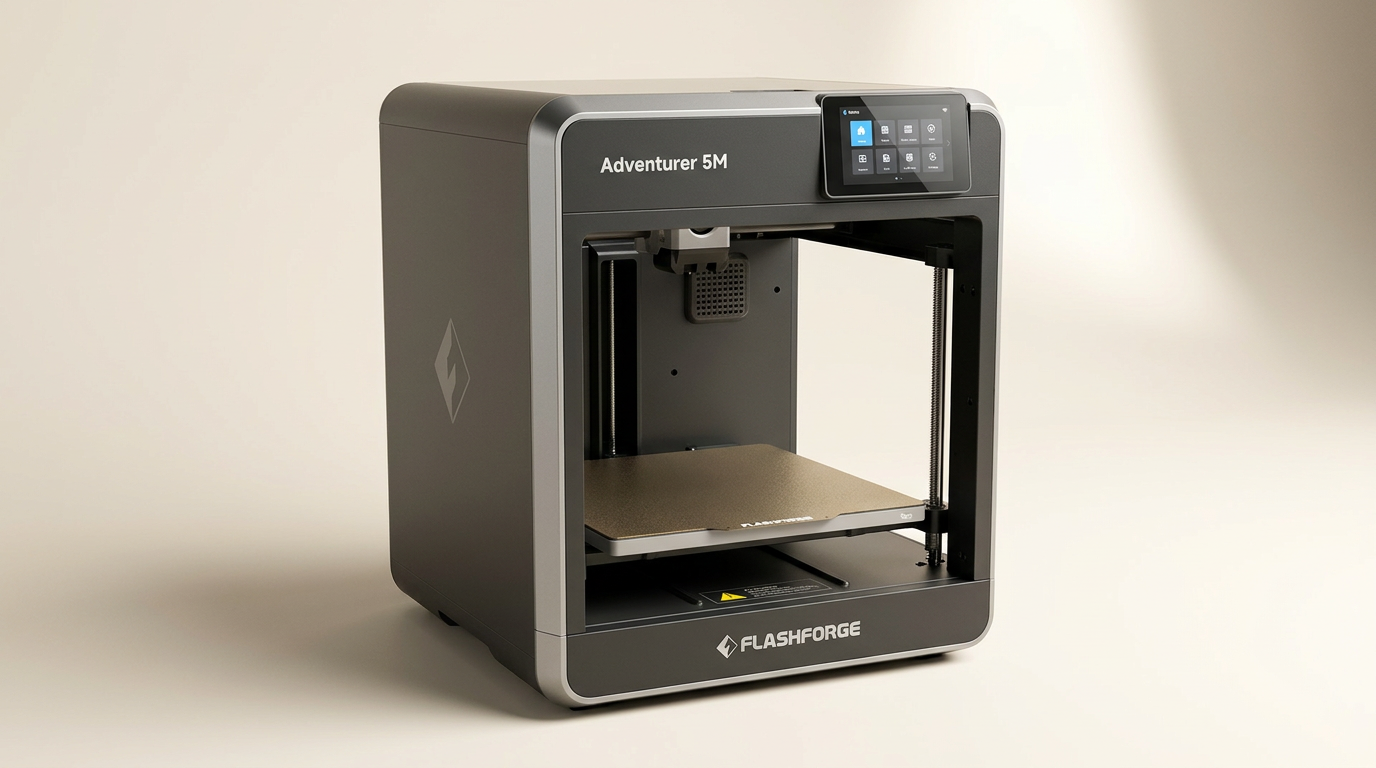
FLASHFORGE Adventurer 5M Review: Speed and Simplicity for the Novice
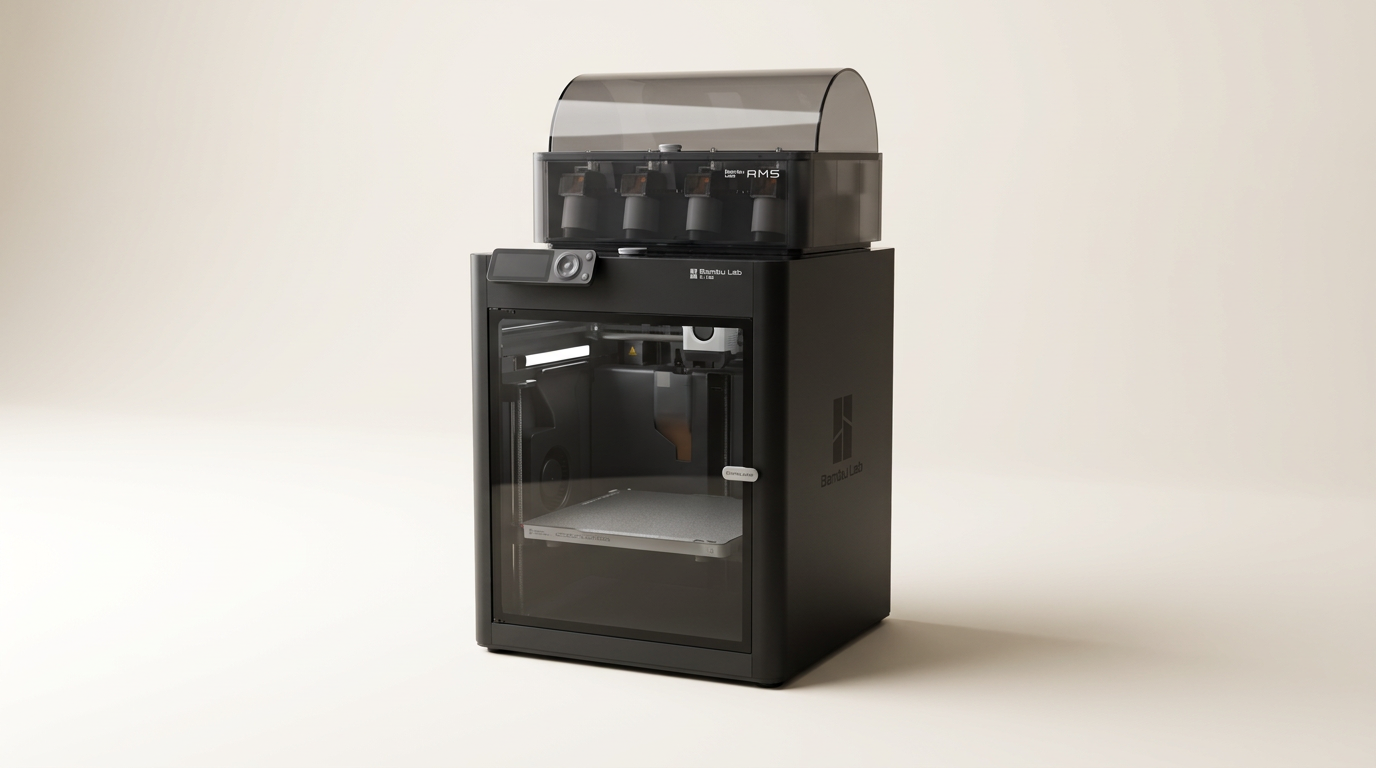
Bambu Lab P1S Combo Review: The 3D Printer for the Making Generation
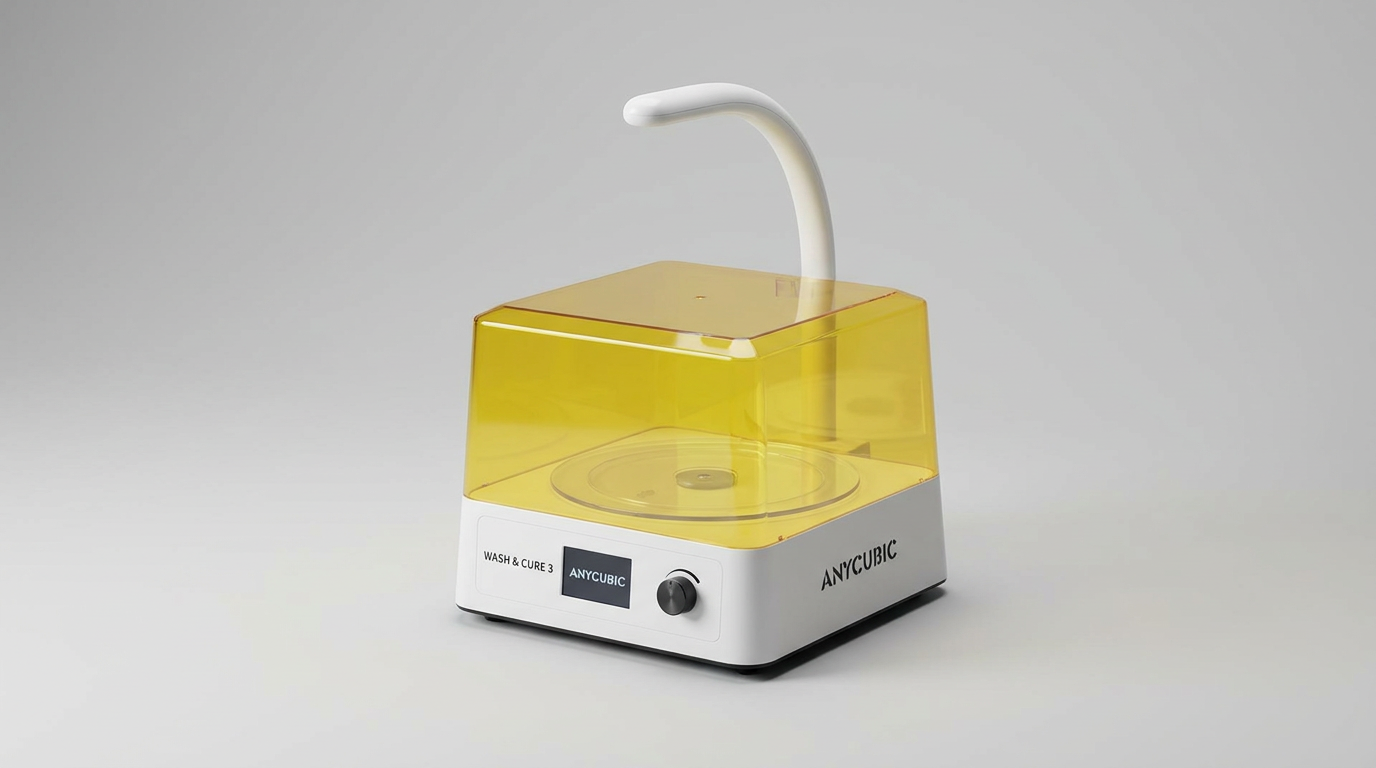
ANYCUBIC Wash and Cure 3.0 Review: A Post-Processing Necessity
This review is based on real experiences shared by owners in online communities.