
Bambu Lab P2S Combo Review: The 3D Printer Appliance
This review is based on real experiences shared by owners in online communities.
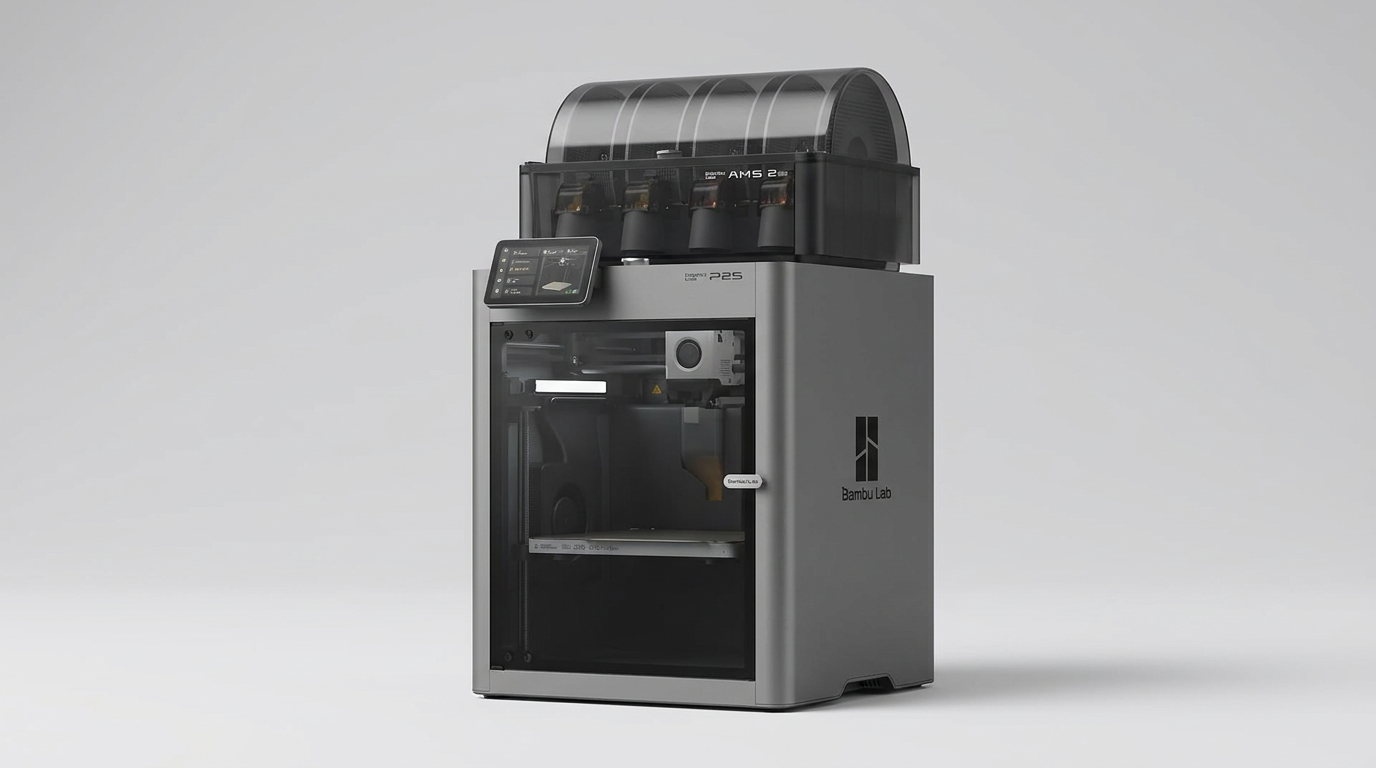
Consumer 3D printing spent a decade stuck in mechanical self-flagellation. Buying a printer once meant adopting a secondary hobby of manual bed leveling, gantry tramming, and slicer troubleshooting before producing a single usable part. The Bambu Lab P2S Combo rejects that tradition entirely. It represents the appliance shift in consumer fabrication, treating hardware not as an ongoing project to tweak, but as a silent tool meant to produce parts on demand.
Paired with the AMS 2 Pro, this package bundles high-speed enclosed printing with multi-material management in the $750 to $800 range. The question is no longer whether it can print quickly or reliably right out of the crate. Instead, the real trade-off lies in how much autonomy you trade for convenience, and how the machine handles the mundane physical realities of everyday spool management.
What owners love
- + Near-instant setup with dependable automatic bed leveling and calibration
- + AMS 2 Pro enables seamless multi-material and multi-color output
- + Fully enclosed chamber keeps operational noise and plastic odor low
- + Consistent print quality at high speeds with minimal visual artifacts
- + Tightly integrated mobile and desktop software ecosystem
Common complaints
- − Third-party filaments require manual parameter entry in the AMS interface
- − AMS filament path can snap brittle filament if desiccant is neglected
- − Spool width constraints require care when sourcing non-standard reels
- − Initial post-unboxing self-calibration cycle takes roughly thirty minutes
Design & Build
The P2S Combo feels purposefully built rather than assembled from off-the-shelf maker parts. The rigid, fully enclosed chassis houses a PMSM servo-driven toolhead, active flowrate compensation, and an integrated carbon air filter. The enclosure does more than protect ambient temperatures for technical filaments; it acts as an acoustic and olfactory barrier. Owners frequently note that the printer is quiet enough to run right outside a bedroom door, emitting virtually no odor when printing common materials like PLA or PETG.
Sitting atop the machine, the AMS 2 Pro handles four spools simultaneously while offering integrated drying capabilities. The unit looks cohesive on a workbench, trading the raw industrial aesthetic of older open-frame printers for clean lines and shielded components. However, this compact integration imposes spool ergonomics: the internal bays accommodate standard reel diameters cleanly, but oversized or irregular spools will bind against the housing, demanding that you verify dimensions before ordering filament stock.
Setup & Ease of Use
Setting up the P2S Combo dispels the myth that 3D printers require mechanical aptitude. Most owners get the machine unboxed, staged, and connected in under twenty minutes. There is no manual gantry alignment or bed adjustment with paper sheets. You remove the shipping brackets, load the AMS, plug in the umbilical, and initiate the setup wizard.
What marketing claims miss is the initial self-test duration. While unboxing takes minutes, the automated calibration and initialization sequence runs for around thirty minutes before allowing the first print. This first-layer tax is well worth paying, as it eliminates the bed-leveling lottery that plagued previous printer generations. A few owners have noted minor packaging oversights, such as an omitted USB drive, but the onboard automation ensures that novices jump directly into printing without technical roadblocks.
Performance in Real Use
In operation, the P2S delivers print speeds up to 600 mm/s without turning corners into mush. The combination of active vibration compensation and automated flow tuning maintains sharp edges on miniatures, mechanical brackets, and domestic organizers alike. Users crossing over from older open-frame units like the Ender 3 describe the transition as night and day, logging hundreds of continuous hours without a single layer shift or hotend clog.
Multi-color printing with the AMS 2 Pro is smooth, but it reveals the moisture penalty inherent to automated feeding. Because filament sits loaded through Bowden tubes across long prints, ambient humidity causes standard PLA to turn brittle. Several long-term owners point out that brittle strands will snap inside the feeder path during retractions, turning what should be a six-hour automated print into a stalled job. Keeping the AMS dry, often by printing supplemental desiccant baskets for silica gel, is essential for uninterrupted reliability.
Software & Ecosystem
The unified loop connecting Bambu Studio, the Bambu Handy mobile app, and the MakerWorld repository is the glue of the P2S experience. Users can locate a design on their phone, send it directly to the machine, and monitor the build progress remotely. File preparation is largely frictionless because most online model repositories now provide native print profiles tuned specifically for Bambu hardware.
Where the software stumbles is walled-garden friction. When using proprietary Bambu spools, internal RFID tags automatically populate material type, color, and temperature targets. With third-party filament, you face a minor digital chore: the interface presents a basic choice between official presets and generic profiles, requiring manual tuning if you run specialty compounds. It remains entirely usable with third-party stock, but the system clearly prioritizes its own consumables.
Value & Reliability
Priced well north of basic entry-level printers but well below industrial manufacturing hardware, the P2S Combo occupies a sweet spot in the prosumer category. You are not paying for bare build volume; you are paying to eliminate downtime. Multiple owners report logging between 300 and 500 hours of runtime without mechanical failure or routine disassembly.
The real value lies in reclaiming lost hours. By taking leveling, speed throttling, and manual filament changes out of the user equation, the P2S shifts the operational cost from your personal time to raw electricity and plastic. As long as you maintain dry filament and respect spool size limits, the hardware provides consistent production output that makes older bed-slinging alternatives obsolete.
Verdict
Strong Buy - The Bambu Lab P2S Combo delivers a genuine appliance experience, combining rapid multi-color output with exceptional mechanical reliability.
This setup is ideal for designers, hobbyists, tabletop gamers, and families who want reliable physical objects without learning mechanical maintenance. If you value your time and prefer building projects rather than fixing print beds, this package justifies its cost within the first few prints. Conversely, skip this unit if you prefer open-source firmware modifications, require non-standard spool form factors, or prefer cheap, hands-on mechanical troubleshooting.
The P2S marks the decisive end of consumer 3D printing as an engineering hobby and establishes it as household digital manufacturing. It makes the physical hardware disappear into the background, leaving the quality of your output limited only by the dryness of your filament and your design choices.
FAQ
More 3D Printers reviews
Hephi3d Tina2C Review: An Entry-Level 3D Printer for Kids
Creality SPARKX i7 Nano Combo Review: Multi-Color Printing for Novices
Entina Tina2 Plus Review: A Gateway to 3D Printing for Beginners
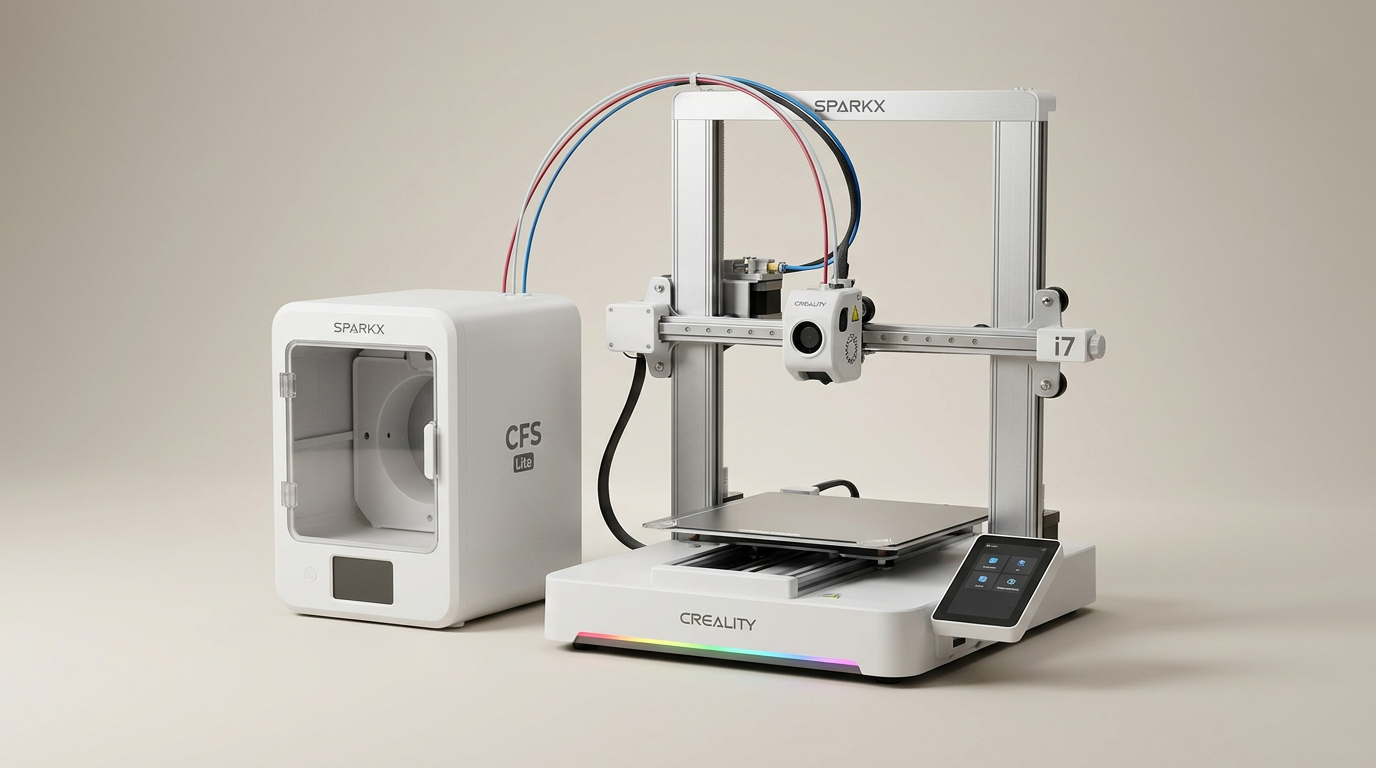
Creality SPARKX i7 Combo Review: A Streamlined Path to 3D Printing
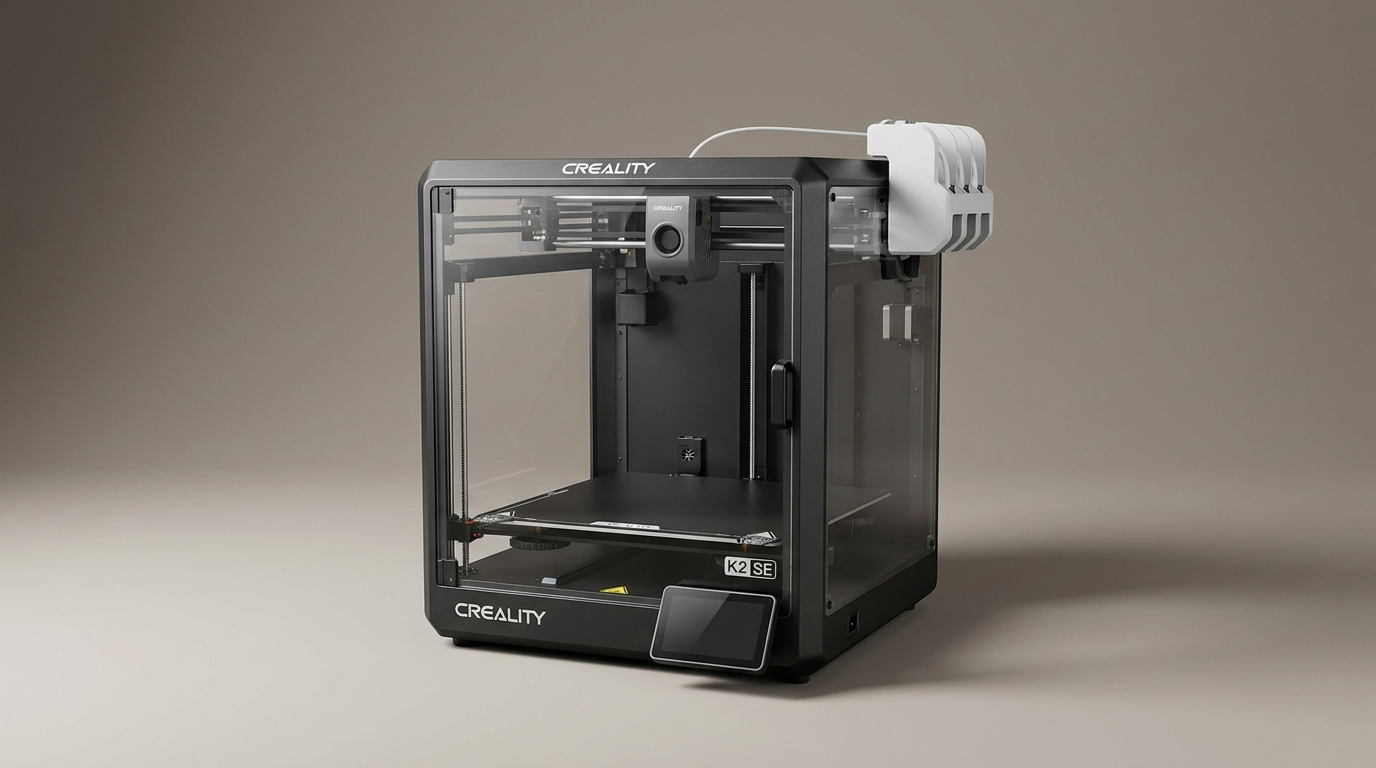
Creality K2 SE 4C Review: Speed, Simplicity, and a Shifting Market
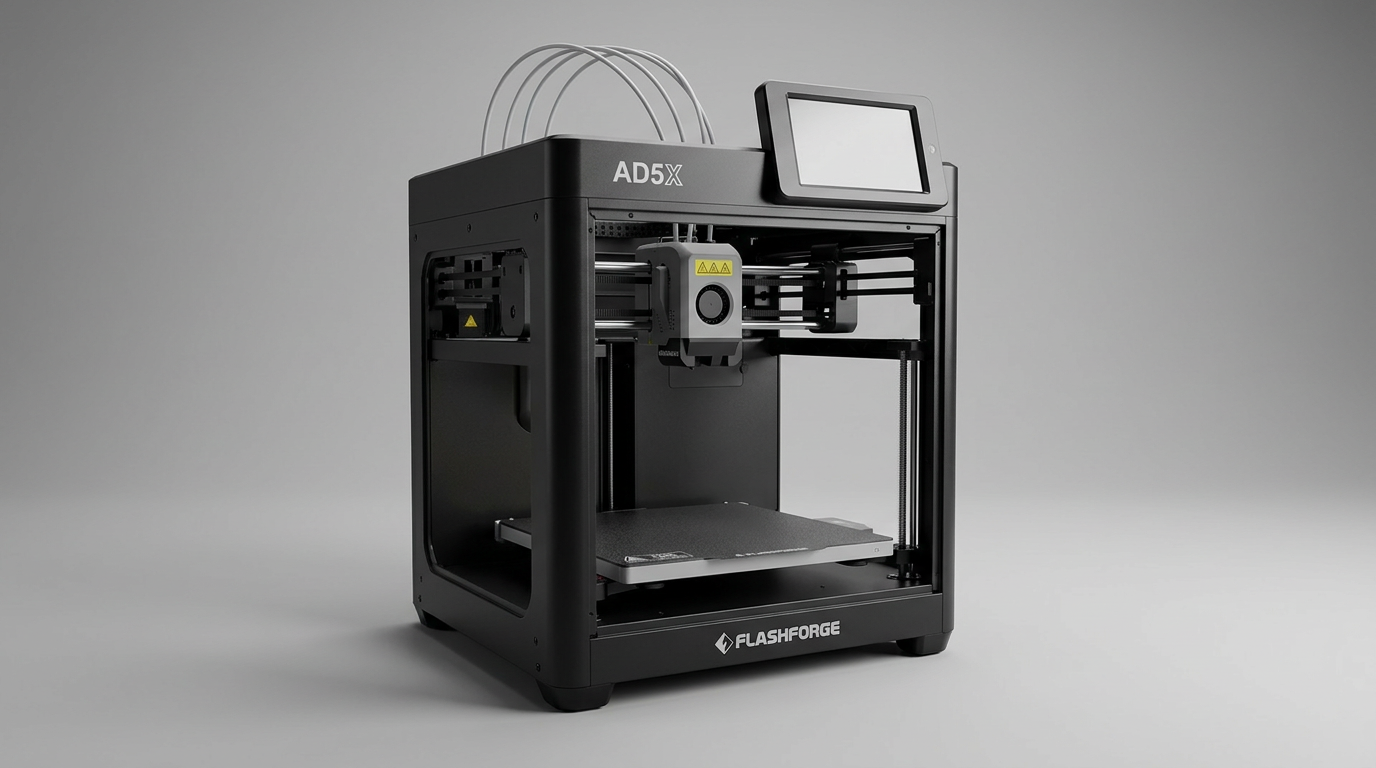
FLASHFORGE AD5X Review: Multi-Color Printing at Speed
This review is based on real experiences shared by owners in online communities.