
Anycubic Kobra S1 Combo Review: Fast Multi-Color 3D Printing
By AValidReview. An AI-assisted summary of customer feedback, not a hands-on test.

The Anycubic Kobra S1 Combo enters a competitive 3D printing market promising high-speed, multi-color capabilities, and a user-friendly experience. This FDM printer, paired with the ACE PRO filament system, aims to deliver sophisticated print projects rapidly.
Marketed for its ability to produce vibrant, multi-color prints at speeds up to 600mm/s, the Kobra S1 Combo positions itself as a compelling option for both hobbyists and makers requiring efficient production. Its integrated filament drying and auto-leveling features suggest a focus on reliability and convenience.
We analyze extensive owner feedback to assess if the Anycubic Kobra S1 Combo lives up to its performance claims, examining its build, operational consistency, and overall value in diverse printing scenarios.
What owners love
- + Delivers fast, high-quality, and smooth multi-color prints.
- + Robust build and enclosure provide stability.
- + Customer support frequently resolves initial product issues.
- + Relatively easy setup for new users.
- + ACE PRO system effectively manages multiple filaments and drying.
Common complaints
- − Initial quality control issues or 'dud' units are reported.
- − ACE PRO filament loading can be finicky; sensors may malfunction.
- − Noise levels, especially from filament drying, are notable.
- − Bed adhesion problems and frequent clogging with certain filaments occur.
- − Slicer software has limitations; app connectivity can be inconsistent.
Design & Build
The Anycubic Kobra S1 Combo features a substantial design, with owners frequently describing its build quality as 'heavy duty' and 'solid.' The printer's enclosure is often compared to a 'minifridge' for its sturdiness, suggesting a stable printing environment. The ACE PRO filament system, a key component of the combo, is generally regarded as well-integrated and contributes to the printer's overall robust appearance. However, some users report design flaws within the ACE PRO, specifically with plastic tabs in sensors that can cause issues, though updated units reportedly use metal replacements.
Setup & Ease of Use
Many owners find the Kobra S1 Combo straightforward to set up, reporting readiness for first prints within 30 minutes. The auto-leveling function contributes to its 'almost dummy proof' reputation. For new users, it provides a 'best first time experience.' However, the ACE PRO unit introduces some complexity; loading filaments can be 'tricky if the feed is not straight,' and its sensors occasionally fail to recognize or feed filament, particularly from the third spool slot. Some users experience initial frustration with the slicer software and its inability to communicate with the printer, necessitating USB transfers for files.
Performance in Real Use
When operating correctly, the Kobra S1 Combo delivers 'very smooth clean prints' and 'superior accuracy and detail.' Its advertised 600mm/s print speed is frequently validated, with owners noting print times are significantly reduced compared to other FDM printers. The multi-color capability is a major draw, providing 'stunningly vibrant and vivid prints.' However, performance consistency is a recurring concern. Owners report issues with bed adhesion, requiring adjustments, and frequent clogging, particularly with PETG, which necessitates time for cleaning. While generally capable of handling various filaments, some users struggle with mixed material prints requiring different temperature settings. The ACE unit's filament drying function is effective but contributes significantly to overall noise.
Software & Ecosystem
The Anycubic App enables remote control and one-click printing, features that many owners appreciate for convenience. However, the accompanying slicer software receives mixed reviews. While it incorporates 'the best components of all the other slicers,' some users find it less intuitive or challenging to connect directly to the printer. Specific issues include the AI monitor defaulting to 'off,' potentially leading to failed prints unnoticed. Direct PC connectivity is often problematic, forcing reliance on USB drives. While the printer supports Wi-Fi, consistent recognition by a PC or use with mesh networks is not universally reported. Firmware updates are regular, indicating ongoing product development and refinement.
Value & Reliability
Priced around $500, the Kobra S1 Combo is often seen as a 'good bang for your buck' and a 'great bargain,' especially given its multi-color and high-speed capabilities. Many owners replace more expensive printers with this model, finding it exceeds expectations. Reliability, however, is a point of contention. Several users report receiving 'dud' units or experiencing significant problems early on, such as catastrophic clogs or motor grinding. While Anycubic's customer service receives consistent praise for addressing these issues promptly-often by replacing units or sending parts-the initial inconsistency impacts the product's out-of-box reliability. When functional, units perform well, with some exceeding 'thousands of hours' of printing.
Verdict
Consider - The Anycubic Kobra S1 Combo offers compelling multi-color printing and high speeds at an attractive price point, but initial reliability can be inconsistent.
This printer is suitable for hobbyists and makers who prioritize multi-color capabilities and fast printing and are prepared to engage with customer support if initial issues arise. Its robust build and advanced features make it a strong option for those seeking an upgrade from entry-level machines, especially given its price in the mid-hundreds range.
Those who require guaranteed out-of-box reliability without troubleshooting, or who are sensitive to machine noise, might find this printer less suitable. Users expecting a completely problem-free experience or a perfectly silent operation may need to re-evaluate their expectations for a printer in this value segment.
FAQ
More 3D Printers reviews

Anycubic Kobra S1 ACE 2 Pro Combo Review: Enclosed Multicolor Value

FLASHFORGE AD5M Pro Review: High Speed Enclosure on a Budget

FLASHFORGE Creator 5 Pro Review: Multi-Toolhead Utility

QIDI Q2 3D Printer Review: High-Temp Power at a Consumer Price
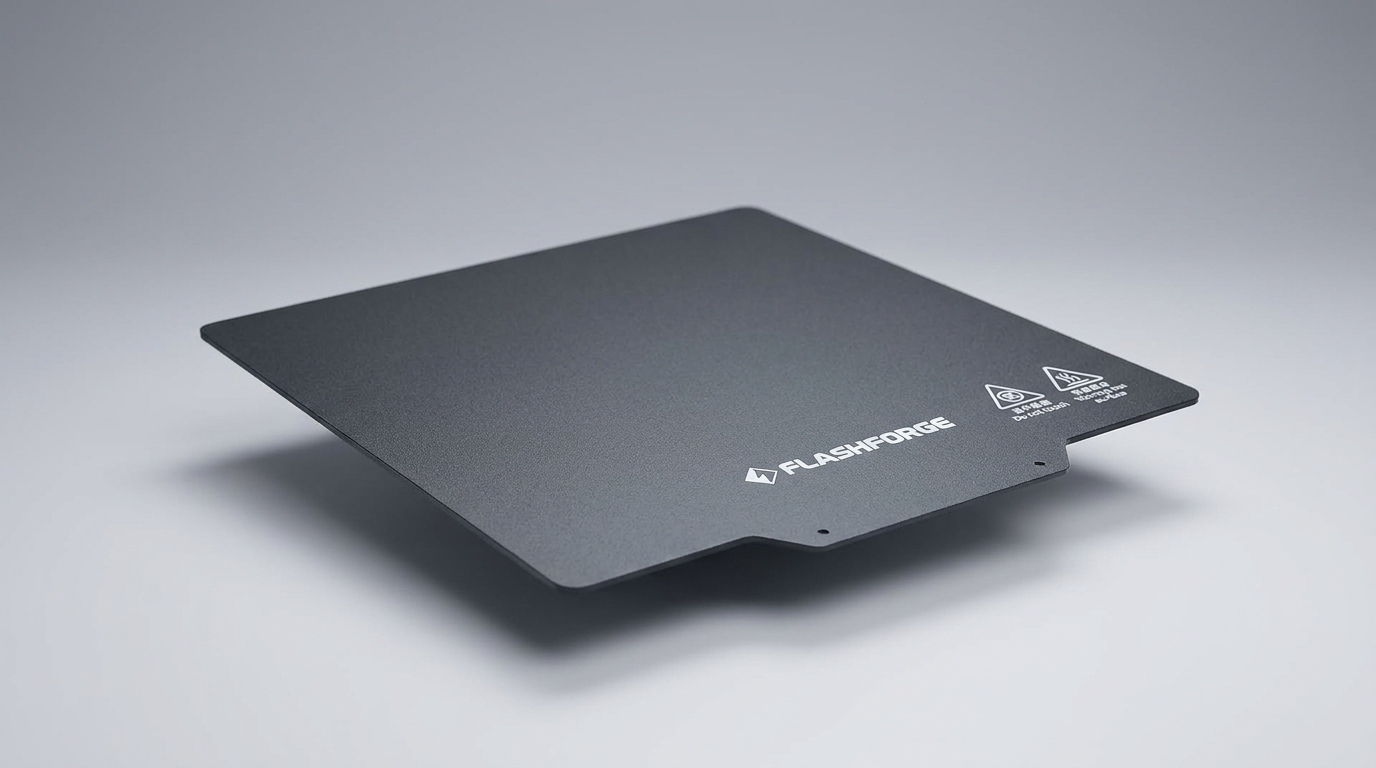
Flashforge Adventurer 5M Smooth PC Plate Review

FLASHFORGE Creator 5 Pro Review: Multi-Toolhead Efficiency
This review is based on real experiences shared by owners in online communities.