
Revopoint MetroY Ultra Review: Precision Handheld 3D Scanning Elevated
By AValidReview. An AI-assisted summary of customer feedback, not a hands-on test.
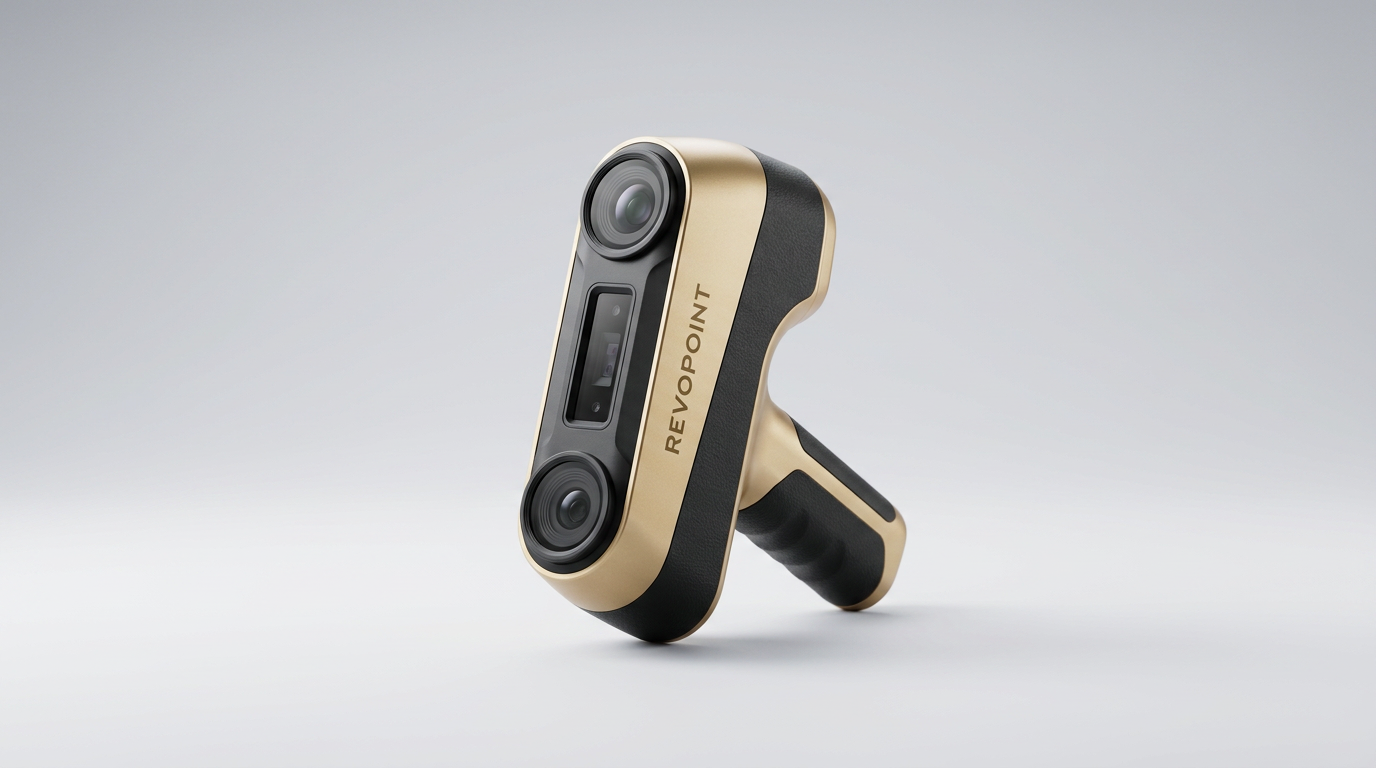
The Revopoint MetroY Ultra enters a competitive 3D scanning landscape not as a budget-friendly entry, but as a purposeful evolution within Revopoint's own lineup. While many scanners target the expansive hobbyist market with broad feature sets, the MetroY Ultra narrows its focus. It prioritizes uncompromising precision and advanced material handling, aiming to close the gap between prosumer accessibility and industrial-grade requirements.
This deliberate specialization positions it as a significant tool for specific professional applications, particularly reverse engineering and quality inspection. The question for potential buyers is not merely if it performs, but whether its targeted capabilities justify its investment over more generalized alternatives, and if its advertised strengths translate into tangible workflow improvements in demanding environments.
What owners love
- + Exceptional 0.01mm precision and detail capture for complex geometries
- + Effective no-spray scanning for dark, shiny, or metallic surfaces
- + High scanning speed, up to 90 FPS, reduces data acquisition time
- + Versatile 5-mode scanning accommodates diverse object types
- + Wireless Wi-Fi 6 connectivity offers significant operational freedom
- + Robust carrying case and comprehensive accessory kit included
Common complaints
- − Steep learning curve for new and even experienced users
- − Post-processing of scan data can be time-consuming
- − Wireless functionality may require a powerful PC, not always mobile devices
- − Scanning spray still occasionally recommended for best results, despite no-spray claims
- − Customer service response times can be slow for some issues
Design & Build
The MetroY Ultra presents as a professional instrument from its initial unboxing. Owners frequently highlight the inclusion of a durable hard carrying case, which immediately signals its intended use beyond a casual accessory. The device's physical design emphasizes ergonomics, with a lightweight build and a 5500mAh battery grip providing approximately 2.5 hours of continuous operation. This design consideration supports extended field use or locations without immediate power access. While not explicitly detailed in feedback, the robust physical presentation suggests a device built for demanding workflows rather than delicate laboratory conditions. This 'Field-Ready' ethos underpins its value proposition for professionals who need portability without compromising on build integrity.
Setup & Ease of Use
Setting up the MetroY Ultra can be a considerable undertaking, often cited as having a significant learning curve. While some experienced users find it intuitive, many new owners, even those with prior scanning experience, report an initial period of adjustment. The package typically includes a motorized turntable, scanning markers, and a test bust, which aids initial calibration. However, achieving optimal scan results consistently requires understanding the interplay of the five scanning modes and post-processing techniques. A recurring observation points to the 'Expert Expectation Gap' here: while the hardware is professional-grade, the path to mastery is not always linear, demanding user investment in learning rather than instant plug-and-play proficiency.
Performance in Real Use
The MetroY Ultra consistently delivers on its core promise of industrial-grade accuracy. Owners frequently confirm the 0.01mm single-frame precision, noting its effectiveness for tasks like reverse engineering mechanical parts or capturing intricate details for CAD work. The ability to scan dark, shiny, and metallic surfaces without pre-treatment spray is a significant advantage, saving preparation time and preserving delicate objects. This 'No-Spray Advantage' is frequently lauded, although some users still opt for scanning spray in specific challenging scenarios or for faster acquisition. The scanner's high frame rates, up to 90 FPS with an NVIDIA GPU, contribute to swift data acquisition, reducing project timelines. Despite some reports of needing patience with specific object types, the overall capture quality on complex geometries is described as excellent, producing clean, detailed meshes suitable for direct integration into professional workflows.
Software & Ecosystem
The accompanying Revo Metro software is described as feature-rich, offering tools for point cloud editing, model processing, and multi-mode alignment. It supports export to major industry formats such as PLY, OBJ, and STL, ensuring compatibility with most CAD and 3D printing applications. However, owner feedback reveals a tension in the ecosystem's maturity. While the software provides powerful capabilities, the 'Wireless Workflow Friction' point emerges: some users found that true wireless operation via Wi-Fi 6, particularly with mobile devices, was less robust than advertised, often requiring a powerful PC for stable data streaming and processing. This suggests that while the hardware enables mobility, the software's demands might still tether the user to a more static computing environment for optimal results.
Value & Reliability
Positioned in the mid-to-high price tier for prosumer and professional scanners, the MetroY Ultra is widely regarded as offering excellent price-to-performance ratio. Many owners describe it as a significant upgrade from previous Revopoint models or other mid-range scanners, particularly for its precision and material handling capabilities. The device's reliability is generally high, with few critical hardware failures reported. However, some complaints about slow customer service response times and issues with accessories, such as missing spray nozzles, indicate potential areas for improvement in support infrastructure. The consensus points to a high-value tool for users whose applications genuinely demand its specific strengths, reinforcing its status as a 'Professional Enabler' rather than a general-purpose device.
Verdict
Buy - The Revopoint MetroY Ultra delivers genuine industrial-grade precision and versatility for professional 3D scanning applications.
This scanner is an excellent fit for engineers, product designers, and industrial users engaged in reverse engineering, quality inspection, or digitizing complex mechanical parts. Those who frequently encounter dark, shiny, or metallic surfaces will particularly benefit from its no-spray capabilities. Buyers upgrading from less capable prosumer scanners will find its accuracy and speed a significant improvement. It represents a solid investment in the mid-range price band, typically well over $1000, for workflows where precision is paramount and time savings from reduced pre-treatment are valuable.
Conversely, hobbyists or users with only occasional scanning needs might find its advanced features and steep learning curve excessive. Individuals expecting a seamless, entirely mobile, and 'out of the box' wireless experience without a powerful companion PC might also be disappointed by the 'Wireless Workflow Friction' that owners sometimes report. Those on a tighter budget or without demanding accuracy requirements should consider less specialized alternatives.
The MetroY Ultra represents a pivotal moment for Revopoint, demonstrating its ambition to move beyond enthusiast tools towards serious industrial application. It quietly carves out a niche as an 'Accuracy Amplifier,' not just capturing details, but validating them for critical workflows. This scanner is not about making 3D scanning easy for everyone, but about making it exceptionally capable for the specific professionals who need it most.
FAQ
More 3D Scanners reviews
Starry 6.0mm 3D Scanner Markers Review: Reliable Tracking Dots
Creality Scan Bridge Review: Wireless Freedom at a Cost
Kingdder Magnetic 3D Scanning Marker Review
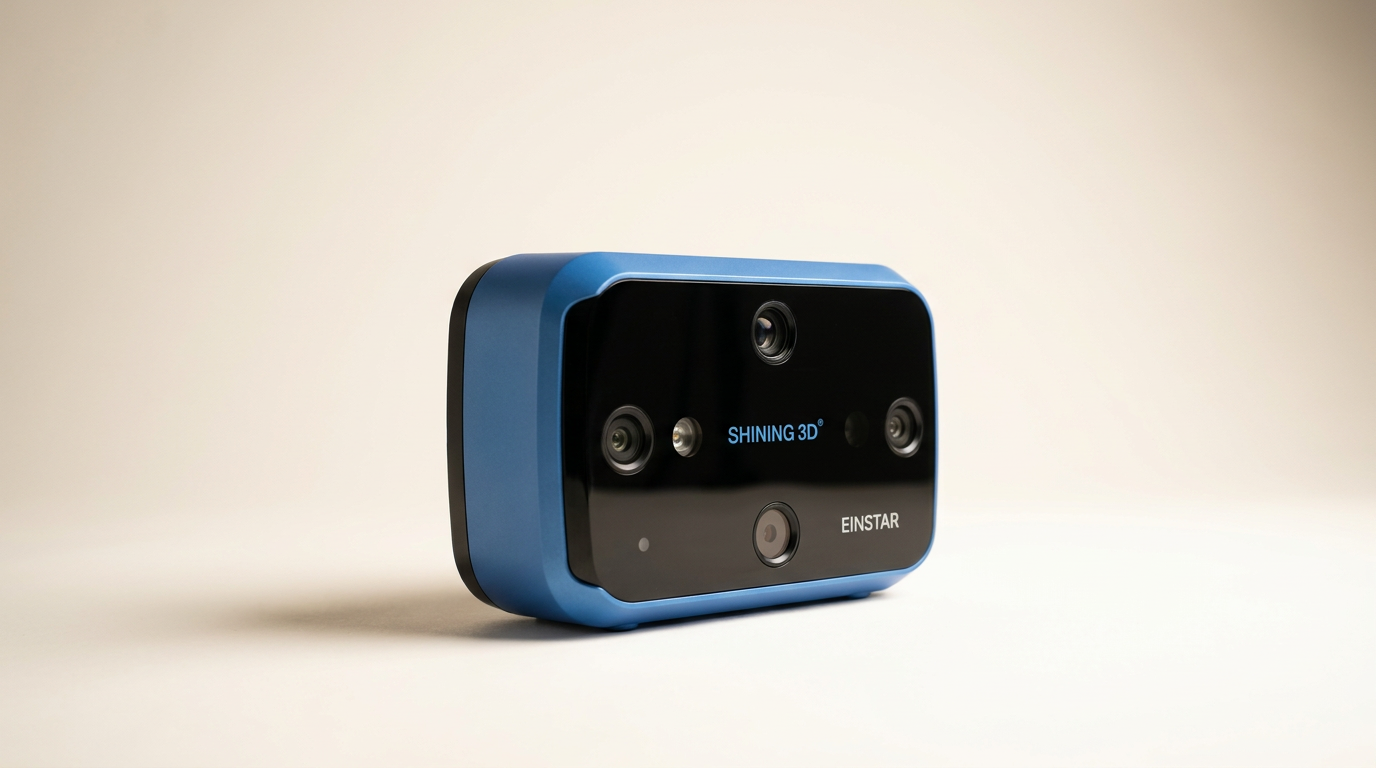
Einstar 3D Handheld Scanner Review: Pro Hardware, Strict Demands
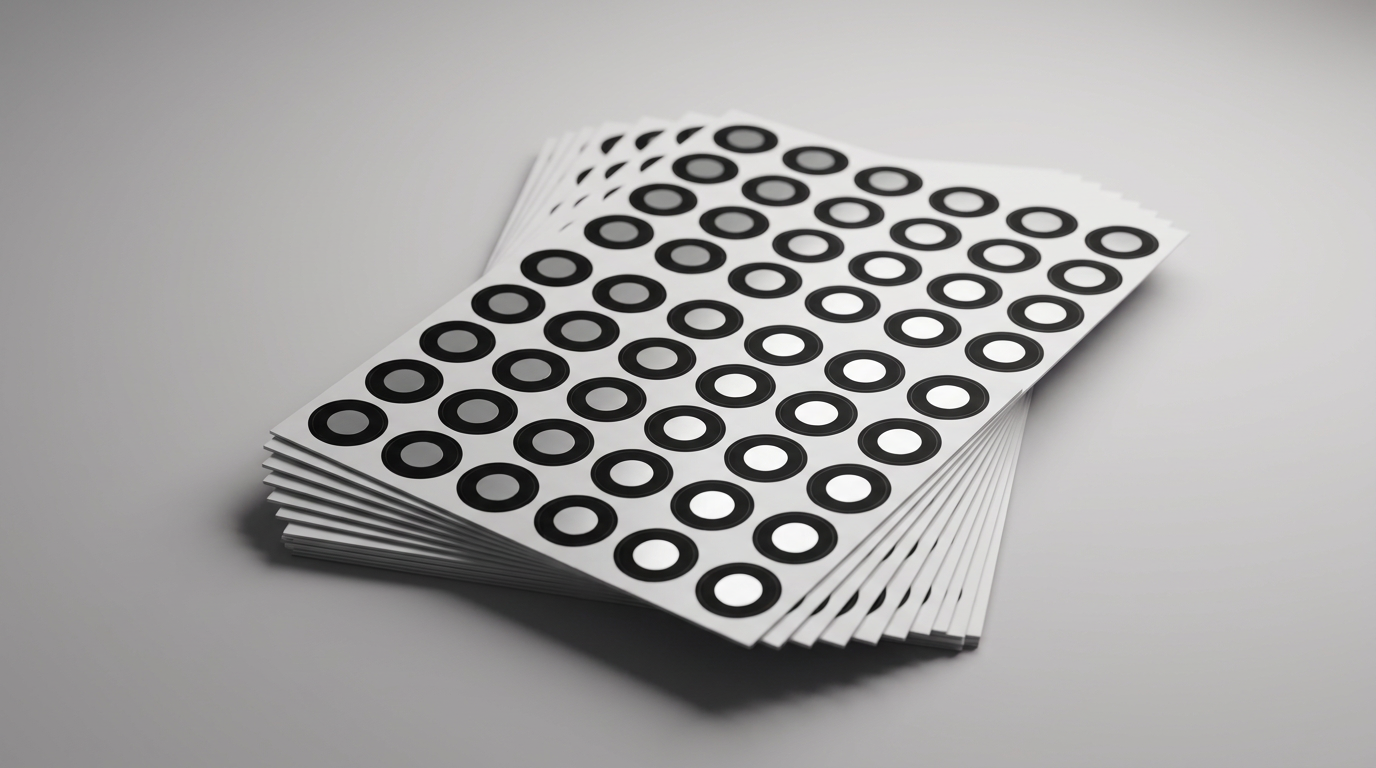
Marspark 6mm 3D Scanning Markers Review: Smart Consumables
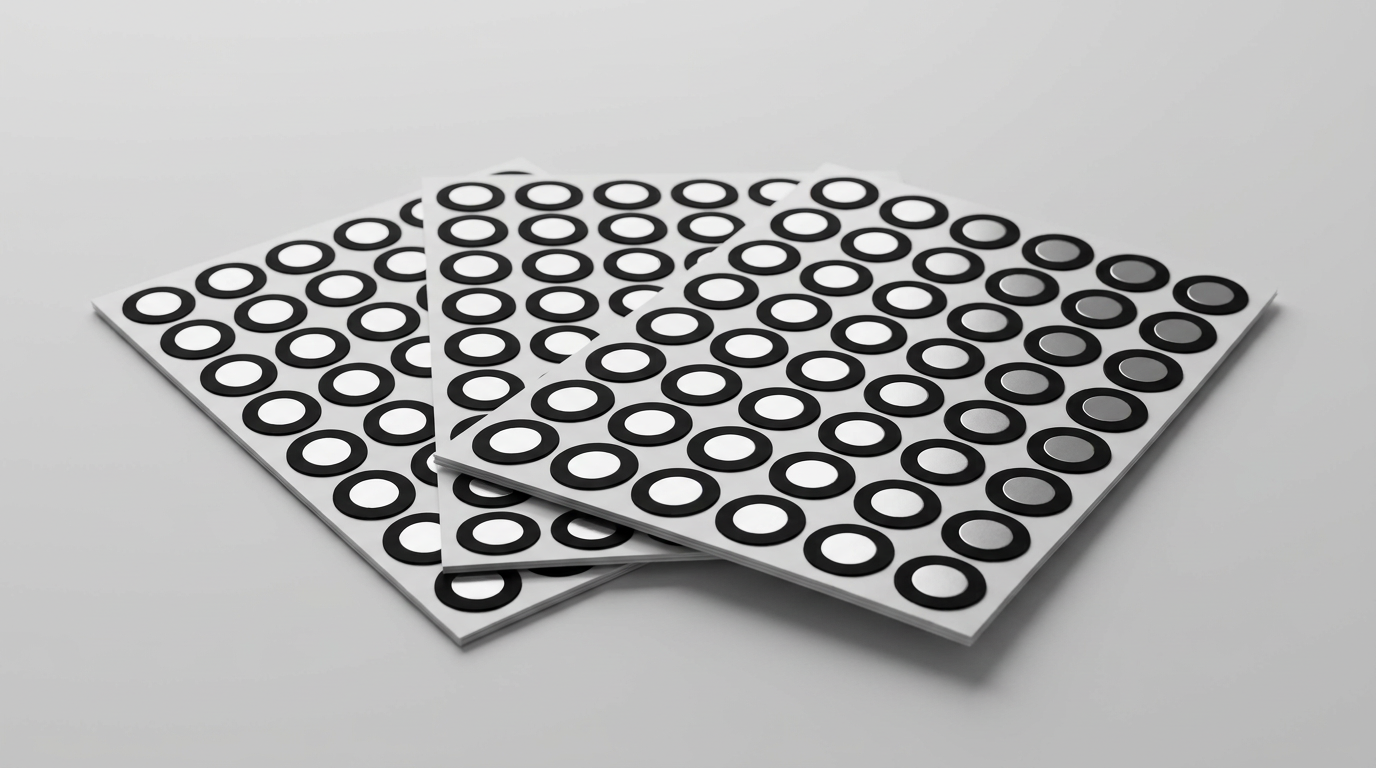
HogarDeco 6mm 3D Scanner Markers Review
This review is based on real experiences shared by owners in online communities.