
Creality Pika Wireless 3D Scanner Review: Pocket-Sized Precision
By AValidReview.
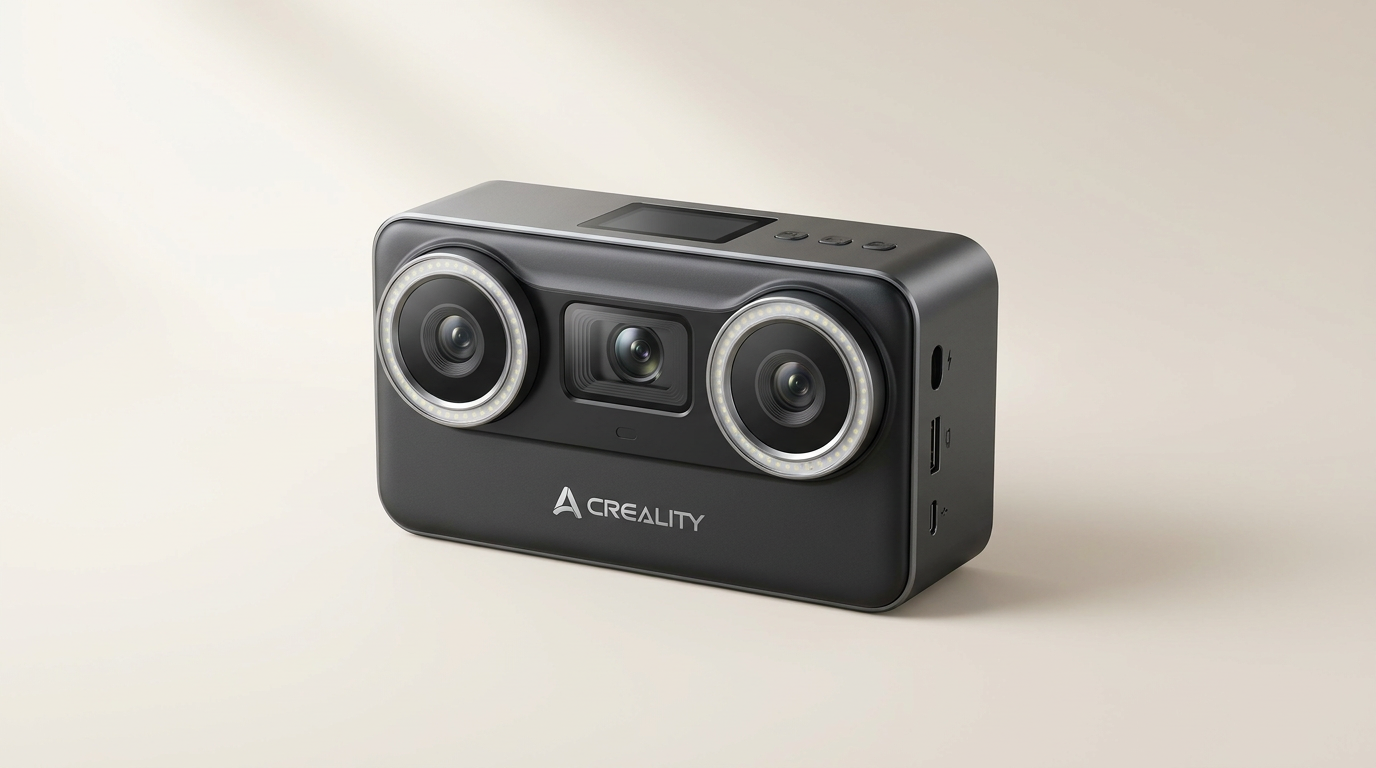
Consumer 3D scanning has long suffered from the capture-to-print gap: point clouds look convincing on a monitor, but collapse into non-manifold geometry the moment you send them to a slicer. Most entry-level units forced buyers to make a stark compromise. You either bought a blue-laser rig that excelled at mechanical brackets while failing on human faces, or an infrared wand that captured organic curves while completely blurring crisp mechanical edges. The Creality Pika tackles this divide head-on by housing both optical engines inside a device no larger than a deck of playing cards.
Positioned in the $600 to $800 range, the Pika combines seven parallel blue laser lines with near-infrared (NIR) structured light. On paper, it addresses the full spectrum of desktop additive manufacturing, from high-accuracy reverse engineering to full-color personal portraits. Its pocketable 260-gram body, onboard display, and Wi-Fi 6 module aim to untether the scanning process from cumbersome workstation carts.
Yet the promise of total mobility runs into what we call tethered autonomy. While the physical wand operates freely in your hand, extracting the promised 0.03mm precision and leveraging automated AI repair still requires serious processing muscle behind the scenes. We analyzed the hardware, workflow, and owner experiences to determine whether the Pika successfully bridges the gap between raw optical data and usable physical prints.
What owners love
- + Dual-light architecture covers both crisp mechanical parts and soft organic subjects
- + Lightweight 260g enclosure with an integrated touchscreen for swift setting adjustments
- + Clean surface data generates directly printable meshes for keepsake and hobby projects
- + Swappable battery system prevents downtime during extended field scanning sessions
- + Blue laser mode tracks reliably across dark and metallic surfaces without developer spray
Common complaints
- − Peak tracking performance and AI mesh repair remain dependent on PC software
- − Small 3-inch onboard screen limits your ability to inspect detailed mesh topology
- − Mastering optical mode transitions requires a steep learning curve for novices
- − CrealityScan mobile utility provides fewer advanced post-processing tools than the desktop client
Design & Build
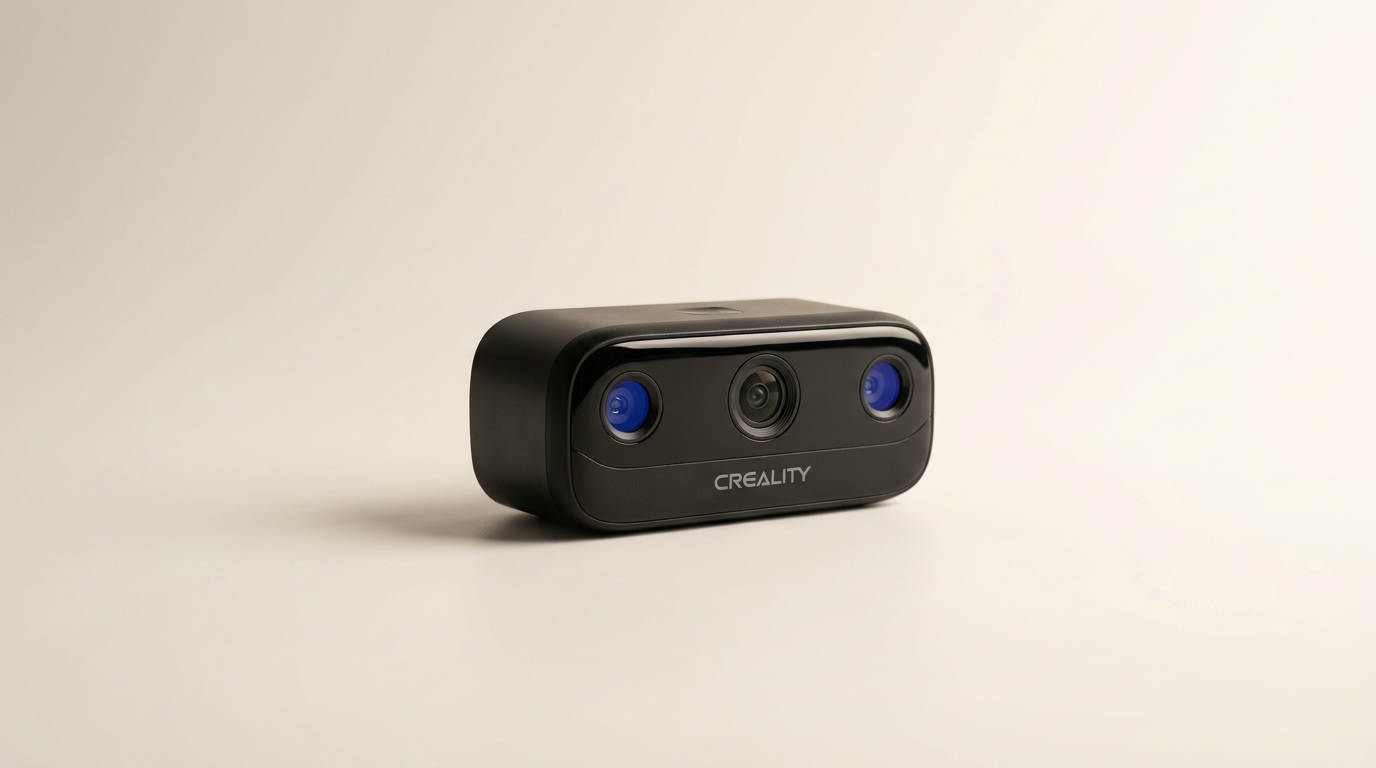
At 260 grams and measuring roughly 100 by 60 by 35 millimeters, the Pika looks more like an action camera than a metrology tool. Creality built the unit around an internal 8-core processor and integrated a 3-inch, 500-nit touchscreen on the rear face. This panel allows you to adjust exposure, switch optical profiles, and monitor frame rates without constantly peering at a laptop screen. The chassis houses a removable NIR filter on the optical array, tailored to mitigate wash-out under intense ambient lighting up to 110,000 lux. Power delivery relies on swappable 3350mAh batteries, a critical design choice that prevents users from discarding the tool once an internal cell degrades. Build quality feels dense and purposeful, though the tight packaging means the internal fan runs audibly under heavy computational load.
Setup & Ease of Use
Setting up the Pika reveals the tension of tethered autonomy. The scanner connects over Wi-Fi 6 or a physical cable to a host device running the CrealityScan suite. While the mobile app on iOS and Android handles basic captures on the go, serious projects reveal the software divide. Marker-free blue laser routines and computational AI reconstruction features require the Windows or macOS desktop environment. Navigating the touchscreen is intuitive, offering responsive tactile feedback for basic toggles. However, evaluating dense point clouds on a 3-inch panel is inherently compromised. You can verify that tracking lock remains intact, but verifying dimensional integrity on fine geometry still requires a secondary workstation screen.
Performance in Real Use
In practical use, the Pika operates like two distinct instruments in one chassis. When switched to NIR structured light, the scanner captures organic volumes with minimal fuss. Early owner reports highlight success in scanning family members to produce highly detailed, customized keepsake prints. The NIR array is gentle on the eyes, avoids skin distortion, and maps 24-bit color texture smoothly over human facial features. Toggle over to the 7-line blue laser, and the scanner sharpens up to an advertised 0.03mm accuracy. The laser lines track dark components and reflective surfaces with minimal surface prep, maintaining up to 110 frames per second on a tethered PC. The system resists tracking loss during moderate hand sweeps, though sudden rotational shifts will still force you to reacquire your feature baseline.
Software & Ecosystem
CrealityScan serves as the pipeline between optical capture and downstream CAD or slicing software. The software suite includes automated hole filling, retexturing, and body isolation routines. For users producing display models or personalized busts, this automated toolset successfully closes the capture-to-print gap, generating watertight STL and OBJ files that slide into slicers without third-party mesh surgery. For reverse engineering, the output is clean enough to serve as an accurate parametric reference mesh. The software has grown substantially more stable than earlier iterations, though deep editing tools remain basic compared to dedicated reverse-engineering platforms like Geomagic.
Value & Reliability
Priced in the $600 to $800 segment, the Pika disrupts a pricing structure that typically demands thousands of dollars for hybrid-light systems. Competitors in this range almost universally restrict you to either structured infrared or rigid desktop laser turntables. By bundling both capture modes into a handheld body with swappable batteries, Creality delivers exceptional hardware value. Reliability hinges primarily on long-term software refinement. While early adopters praise the direct output quality and physical build, Creality must maintain consistent driver updates to ensure the wireless ecosystem remains seamless as desktop operating systems evolve.
Verdict
Consider - Highly capable dual-modality hardware that delivers genuine workshop utility if you accept its software quirks.
FAQ
More 3D Scanners reviews

EinScan 3D Scanner Turntable Accessories Kit Review
3DMakerpro Fox Review: Budget Scanning Meets Hard Physics
Creality Scanner Calibration Board Review: Ferret and Otter
Creality Pika 3D Scanner Review: Dual-Laser Precision on a Budget
Matterport Pro 3 Performance Kit Review: LiDAR Outdoors
Creality Pika Portable 3D Scanner Review
This review is based on real experiences shared by owners in online communities.