
3DMakerpro Fox 3D Scanner Review: Entry-Level Accessibility
This review is based on real experiences shared by owners in online communities.
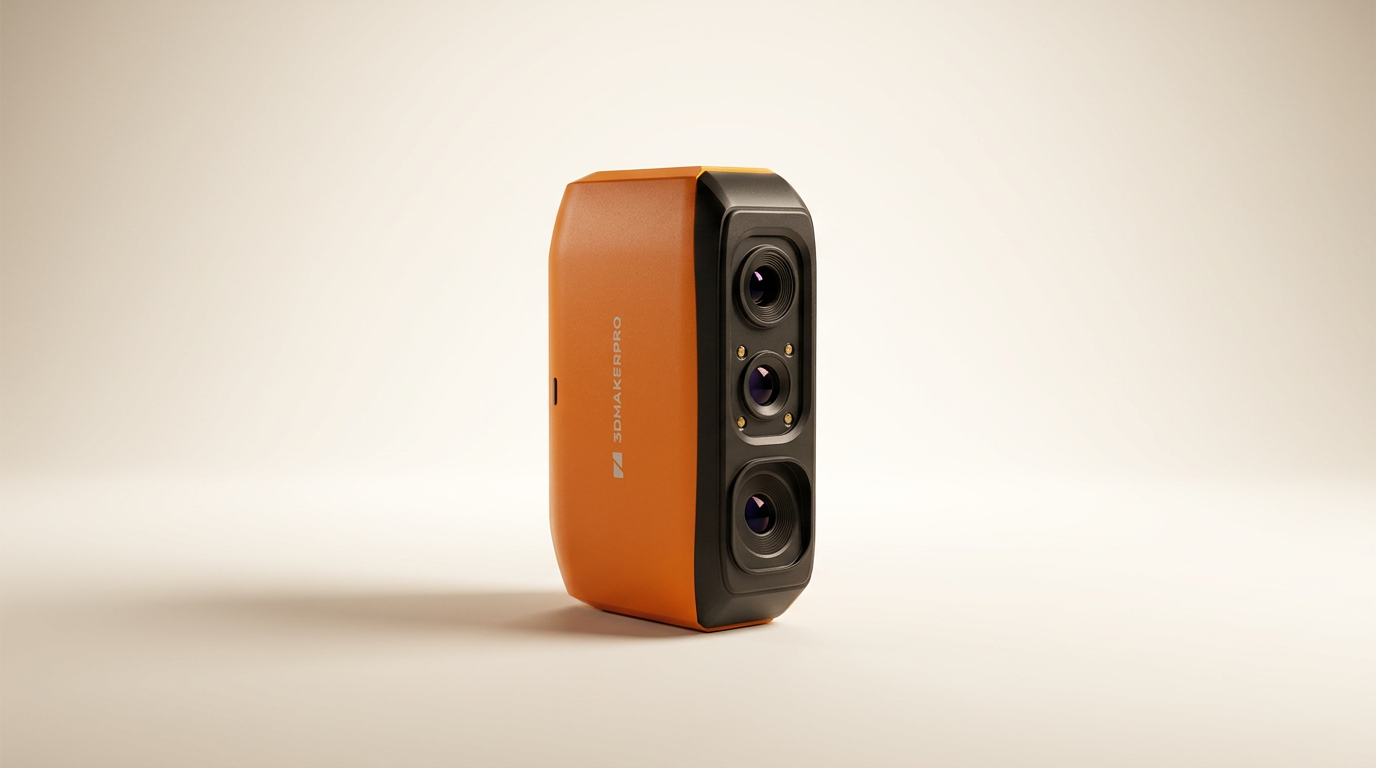
The 3DMakerpro Fox 3D Scanner enters a market segment often defined by steep price barriers and complex workflows. While many entry-level scanners promise simplicity, the reality frequently involves significant compromises in accuracy or tracking stability. The Fox attempts to bridge this gap, aiming to make sub-millimeter precision accessible without requiring a substantial financial outlay.
What sets the Fox apart is its candid acknowledgment of the "learning curve tax" inherent in budget 3D scanning. Rather than market a plug-and-play device, 3DMakerpro positions the Fox as a capable tool for those willing to invest time in mastering its operation. This honest framing is crucial, as owner feedback consistently reinforces that while the hardware delivers, user proficiency remains the primary determinant of success. This scanner is less about instant gratification and more about cultivating a new skill alongside a new tool.
This review evaluates whether the Fox effectively lowers the barrier to entry for detailed 3D digitization, examining its advertised features against the lived experience of users. We investigate its performance across various object sizes, the efficacy of its software, and its long-term value for hobbyists and makers navigating the intricate world of 3D modeling and printing.
What owners love
- + Delivers impressive 0.07mm accuracy for its price point
- + Markerless tracking and anti-shake features simplify setup and use
- + Suitable for a versatile range of small to medium objects (40mm-1200mm)
- + Offers significant time savings compared to manual measurement for parts
- + Software is generally beginner-friendly despite a learning curve
- + Eye-safe NIR light allows face and body scanning
Common complaints
- − Requires patience and a dedicated learning curve for optimal results
- − Tracking can be lost, especially on dark or glossy surfaces
- − Android compatibility requires an expensive, separate adapter
- − Some users report difficulty with auto-alignment features
- − Demands a capable PC with a dedicated GPU for smooth operation
- − Inconsistent results for some users, leading to frustration
Design & Build
The 3DMakerpro Fox presents as a lightweight, handheld device, weighing 210g, which contributes to its portability and ease of maneuvering during scans. Its design emphasizes functional ergonomics, enabling users to maintain control during extended scanning sessions. The integration of Near-Infrared (NIR) light technology is a notable design choice, providing eye-safe operation. This specific light source allows for direct scanning of human subjects, expanding its utility beyond inanimate objects. Owners frequently appreciate the physical design for its straightforward utility rather than any aesthetic flair, focusing on how well it facilitates the scanning process.
Setup & Ease of Use
Initial setup of the Fox scanner is generally straightforward, aligning with its entry-level positioning. The included manual turntable and necessary cables provide a complete kit. A key advantage cited by owners is the markerless tracking system, which removes the need to apply target dots to objects. This significantly reduces pre-scanning labor and setup complexity, which can often be a source of frustration with other budget scanners. The anti-shake technology further aids in maintaining scan stability, mitigating minor hand tremors during manual operation. However, the initial success rate varies. Several users report an initial period of trial and error, often resorting to watching online tutorials for similar products, like the Moose, to grasp the nuances of alignment and tracking. This highlights the "onboarding gap" where the hardware is capable, but explicit, detailed guidance for new users is sometimes lacking.
Performance in Real Use
The Fox scanner delivers on its promise of 0.07mm accuracy, consistently impressing users with its ability to capture fine detail for its price category. This precision proves beneficial for reverse-engineering parts, creating miniatures, and prototyping. Its versatility across object sizes, from 40mm to 1200mm, is a practical advantage, reducing the need for multiple specialized scanners. Owners frequently leverage it for tasks like making replacement parts for 3D printing. However, performance is not without caveats. Tracking loss, particularly on dark, reflective, or glossy surfaces, is a recurring issue. This often necessitates multiple scan attempts or pre-treatment of objects with powder. The "effort ceiling" for consistent, clean scans is evident here; while the device is capable, achieving its stated accuracy often requires user adaptation and environmental control rather than being an entirely autonomous process. The anti-shake feature helps, but it cannot entirely compensate for poor scanning technique or challenging object surfaces.
Software & Ecosystem
The scanner operates with JMStudio software, which provides a comprehensive suite for scanning, editing, fusion, and exporting data in common formats like OBJ, STL, and PLY. Users generally find the software beginner-friendly once they overcome the initial learning curve. Features like one-click processing are designed to streamline the workflow, though some manual alignment is still frequently required. A significant point of friction is the "mobile exclusivity tax" for Android users; integrating the scanner with Android devices requires an additional, considerably more expensive adapter, which some owners perceive as a significant financial barrier. This pricing strategy for mobile compatibility detracts from the product's overall value proposition for those seeking a more portable setup. The software's performance is also tied to PC specifications; a capable machine with a dedicated GPU is strongly recommended to prevent crashes and ensure smooth operation, underscoring that the ecosystem extends beyond the scanner itself.
Value & Reliability
Priced around $200-$300, the 3DMakerpro Fox offers strong value for its accuracy and feature set, especially for those new to 3D scanning. Many owners, even those familiar with much more expensive professional scanners, express surprise at its capability for the cost. For makers, hobbyists, and those involved in STEM education, it represents an accessible entry point. Reliability, however, is contingent on user investment. While many achieve good results and praise its time-saving potential, a subset of users struggles to produce usable scans despite concerted efforts, leading to frustration and returns. This inconsistency points to a potential "support chasm" where the provided resources may not be sufficient for all learning styles or complex troubleshooting scenarios, impacting overall perceived reliability for some. The overall sentiment remains positive for those who persist through the initial challenges, finding it a worthwhile investment for DIY projects and learning.
Verdict
Buy - The 3DMakerpro Fox offers exceptional accuracy and features for its price, provided users commit to its learning curve.
This scanner is an excellent acquisition for hobbyists, makers, and students who are willing to invest time in learning 3D scanning techniques. Its sub-millimeter accuracy and markerless tracking make it highly capable for digitizing small to medium objects for 3D printing, prototyping, or educational projects. Buyers should have a capable PC with a dedicated GPU and anticipate a period of experimentation. If your budget is under $300 and you need precise geometry capture, the Fox delivers, but be prepared to earn your results. Those seeking an immediate, hassle-free scanning experience or seamless Android integration without an additional investment should consider higher-tier options.
The Fox embodies the concept of "earned precision"; its marketing correctly highlights a learning curve, and owner experiences confirm that its capabilities are unlocked through user dedication. This is not a product designed to mask the complexities of 3D scanning, but rather to make the tools of that trade affordable for diligent practitioners. It asks for engagement, not just purchase, turning a common industry challenge into its core value proposition.
FAQ
More 3D Scanners reviews

Revopoint INSPIRE 2 3D Scanner Review: Unpacking the Accessory Echo Chamber

Creality 6mm 3D Scanning Markers Review: Essential Tracking Aid

TOSUKKI 6mm Positioning Targets Review: The Refined Generic Choice

AESUB 3DTOOLS 3D Scanner Spray Review: The 'Evaporative Enabler'

Creality 8-inch Rotating Turntable: A Solid Scanner Accessory

Generic 12 Piece Multi-Angle Markers Review: Essential 3D Scanning Dots
This review is based on real experiences shared by owners in online communities.