
Creality Pika Review: High Precision in a Pocket Form Factor
By AValidReview. An AI-assisted summary of customer feedback, not a hands-on test.
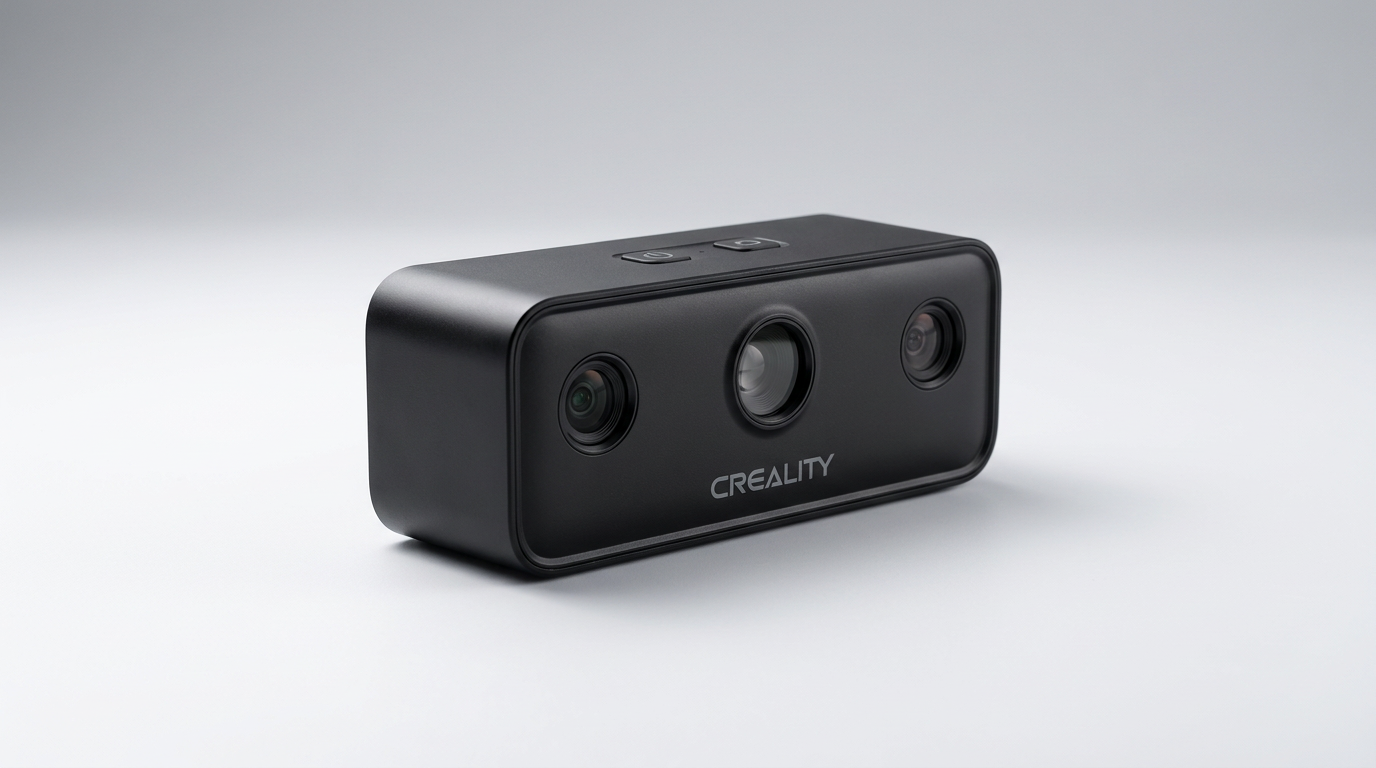
Consumer 3D scanning has long suffered from what we call the laboratory trap: hardware so finicky, bulky, and tether-heavy that owners spend more time troubleshooting calibration routines than digitizing actual parts. Creality attacks this problem head-on with the Pika, a dual-mode optical scanner weighing just 260 grams that slips into a jacket pocket and runs on swappable batteries.
On paper, the Pika looks like the ultimate democratization of metrology-grade scanning, combining a seven-line blue laser array for fine 0.03mm geometry with near-infrared (NIR) structured light for larger volumes and tracking. It acts as what many hobbyists consider the reverse-engineering bridge, shifting 3D printing away from downloaded decorative novelties toward fabricating obsolete automotive brackets and broken household components.
Yet the marketing presents an idealized vision that collides with what we term the tethered reality check. While the physical housing offers untethered freedom, extracting the Pika's full geometric accuracy and marker-free tracking requires high-performance desktop processing. Understanding the line between its standalone mobility and its tethered workstation requirements is critical before adding it to your bench.
What owners love
- + Compact 260g chassis with swappable batteries and bright touchscreen
- + Dual-mode optics combine sharp 7-line blue laser with wide-field NIR
- + Exceptional geometric detail on small mechanical components
- + Generous bundle includes turntable, tripod, and calibration plate
- + Fast frame rates up to 110 FPS maintain solid tracking
Common complaints
- − Mobile and iPadOS companion software feels like an early alpha build
- − Marker-free tracking is restricted to wired PC mode
- − Demands a powerful discrete Nvidia GPU for reliable desktop processing
- − Still requires scanning spray on dark and reflective metals for best accuracy
Design & Build
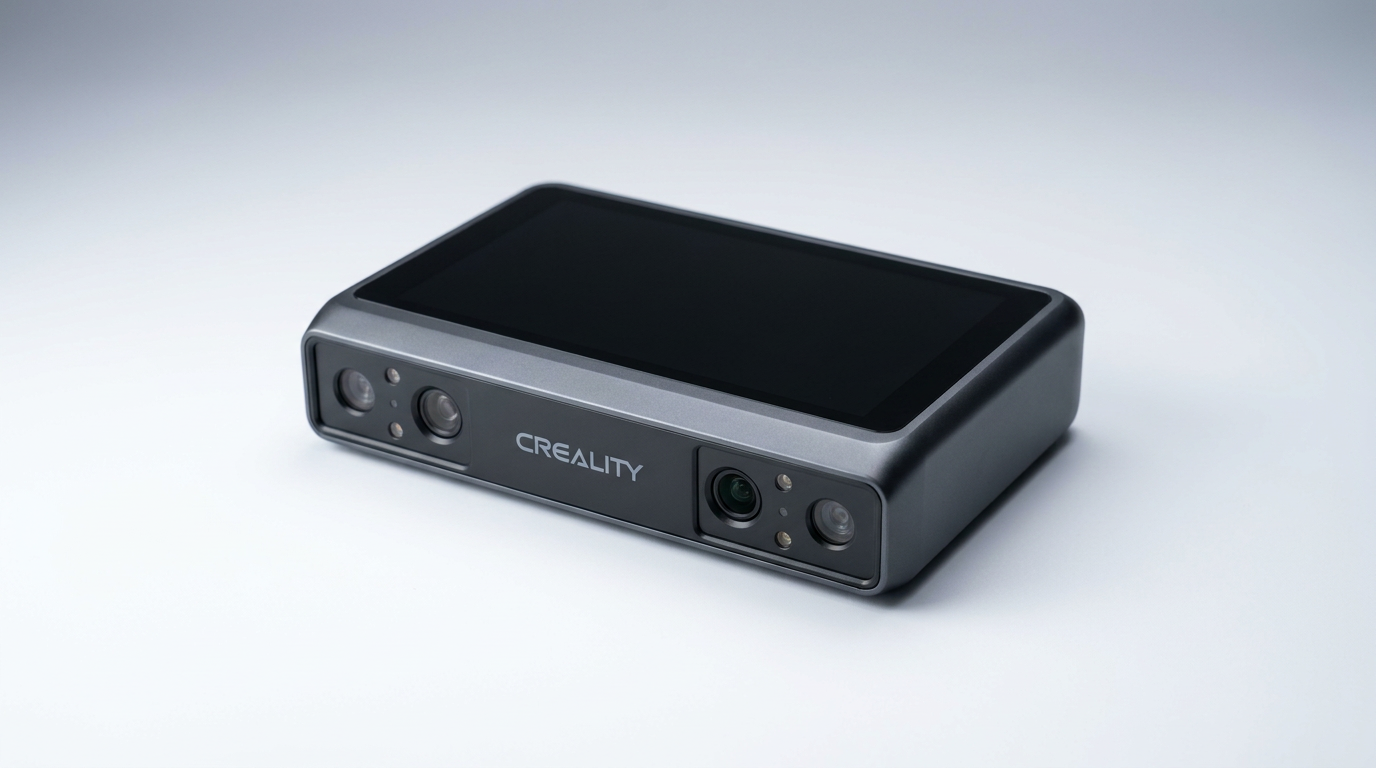
At 100 by 60 by 35 millimeters, the Creality Pika resembles an action camera far more than an industrial metrology wand. Despite the lightweight 260-gram shell, the chassis feels dense and purpose-built. A 3-inch, 500-nit capacitive touchscreen occupies the rear panel, offering enough brightness to read exposure histograms outdoors under bright ambient light. Creality ships the unit with two swappable 3350mAh batteries, an operational detail that prevents workflow interruptions when scanning away from a bench. The retail package stands out for its completeness: a motorized turntable, compact tripod, and rigid calibration board come standard, sparing buyers the secondary accessory hunt common in this product tier.
Setup & Ease of Use
Setting up the Pika reveals the tension between its standalone aspirations and its real-world requirements. Booting the device and navigating the onboard touch interface is intuitive, allowing quick adjustments to exposure, mode selection, and laser brightness on the fly. However, markerless scanning exposes the fine print of the marketing specs: true marker-free capture is strictly confined to wired PC operation. When running untethered, relying solely on geometric tracking often results in lost alignment on symmetrical or featureless parts. Preparing your workspace with reference targets remains a necessity for difficult geometry, proving that portable form factors do not eliminate fundamental optical scanning disciplines.
Performance in Real Use
In operation, the dual-engine optical system proves its merit. The seven parallel blue laser lines excel at pulling crisp edge profiles and fastener threads from dense engineering plastics down to a single-frame resolution that genuinely mirrors industrial output. Switching to the NIR structured light mode broadens the field of view, making it easy to capture organic contours or larger enclosures without tracking stutter, aided by a smooth 110-frame-per-second capture rate. Creality claims spray-free operation on dark and reflective surfaces, but real-world testing introduces what we call the scanning spray paradox: while the blue lasers will read raw black anodized aluminum without crashing the point cloud, dimensional fidelity improves dramatically with a light aerosol dusting. Treating spray-free scanning as an emergency fallback rather than a daily workflow yields far better CAD meshes.
Software & Ecosystem
Software remains the definitive bottleneck of the Pika platform. CrealityScan on desktop is capable but unforgiving, demanding serious workstation silicon to mesh dense point clouds efficiently. Users running modern Nvidia RTX cards report responsive tracking, whereas systems relying on integrated graphics or certain mobile chipsets hit severe processing bottlenecks. Worse, the mobile ecosystem is rough. On iPadOS, users encounter frequent connection drops, laggy mesh generation, and software stability issues that border on alpha software. Export pipelines to STL, OBJ, and PLY work cleanly once a mesh is baked, but reaching that stage through mobile devices remains an exercise in patience.
Value & Reliability
Selling in the $600 to $700 range, the Creality Pika undercuts traditional professional handheld scanners by thousands while delivering comparable raw sensor resolution. Build longevity appears solid, thanks to swappable power cells that protect the device from internal lithium degradation over multi-year lifespans. The value equation hinges entirely on how you intend to process data. As an untethered, tablet-driven field scanner, the current software makes it an unreliable investment. As a sub-millimeter tabletop digitizer connected via USB-C to a dedicated CAD workstation, it offers rare price-to-performance that hobbyists and light fabrication shops will struggle to match elsewhere.
Verdict
Consider - Exceptional dual-mode scanning hardware held back by immature mobile software and heavy workstation demands.
Buy the Creality Pika if you own a capable desktop with a dedicated Nvidia RTX GPU and need a compact, highly accurate tool for reverse engineering mechanical parts and CAD modeling. The blue laser precision, comprehensive accessory bundle, and sub-$700 price point deliver legitimate utility for workshops.
Skip it if you expect a turnkey, tablet-first experience. If your workflow depends on scanning directly to an iPad or an underpowered laptop in the field, the unstable mobile app and heavy compute requirements will produce constant frustration.
The Creality Pika represents an inflection point where consumer optical miniaturization has outrun affordable mobile processing. It is not an all-in-one wireless revolution, but rather a high-grade industrial sensor masquerading as a handheld gadget, and it rewards only those who treat it as a tethered precision instrument.
FAQ
More 3D Scanners reviews
LIANGYUNZE 500 Magnetic 3D Scanner Markers Review

AESUB Violet 3D Scanning Spray Review
3DMakerpro Moose Review: Precision Scanning Meets a Real Learning Curve
Creality Otter Lite Basic 3D Scanner Review: Reality Capture
Creality Pika 3D Scanner Review: Precision Meets The Compute Cliff
Revopoint POP 4 Magnetic Outdoor Filter Review
This review is based on real experiences shared by owners in online communities.