
Creality Scan Bridge Review: Wireless Freedom at a Cost
By AValidReview. An AI-assisted summary of customer feedback, not a hands-on test.
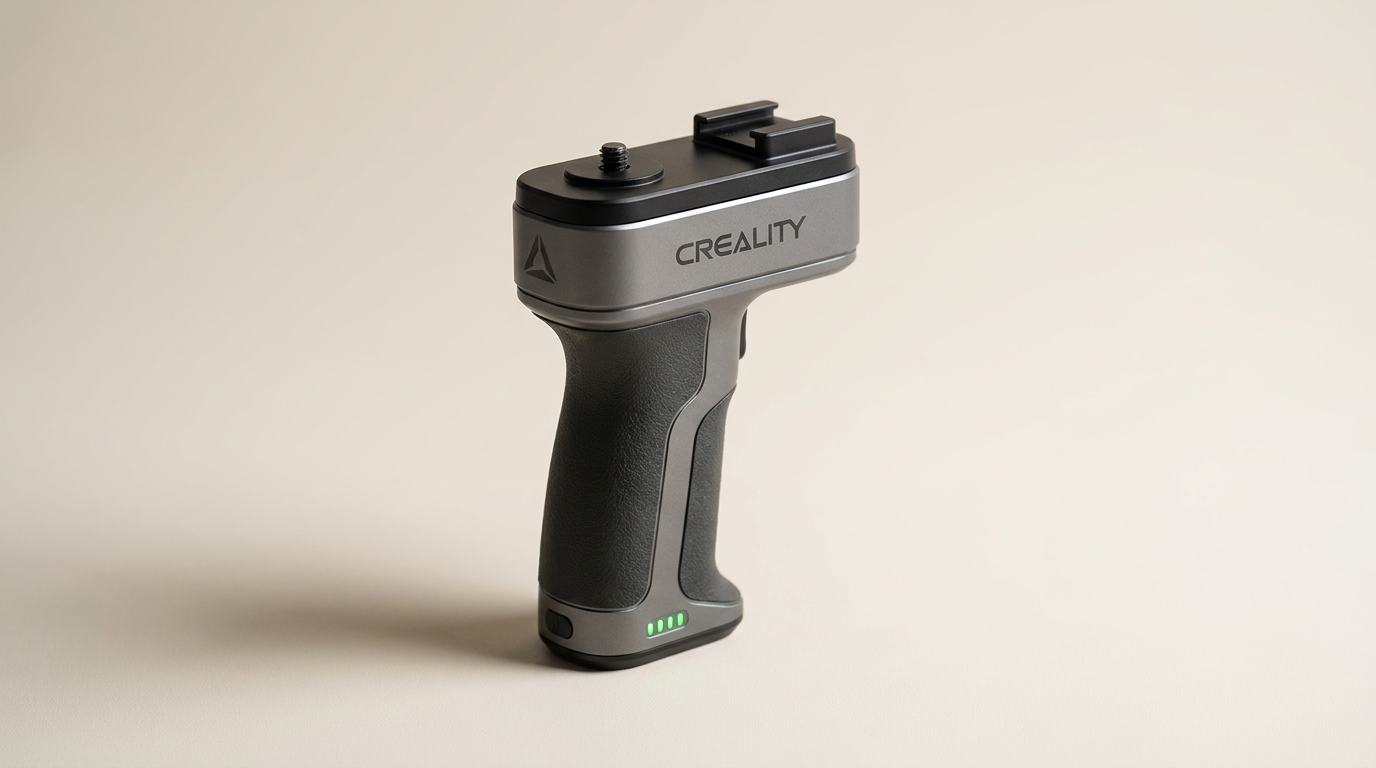
Handheld 3D scanning has long suffered from what can be called the tether tax: the physical clumsiness of dragging a thick USB cable and a heavy laptop around an automotive chassis or human subject. Creality designed the Scan Bridge to eliminate that friction, turning its high-resolution Raptor series into an untethered, mobile capture rig. In an industry rushing toward integrated wireless solutions, an add-on bridge module represents an intriguing halfway house between dedicated metrology workstations and self-contained handhelds.
Shedding the cord shifts the entire engineering burden onto wireless throughput and mobile processing. Transferring dense structured-light and blue-laser point clouds over the air requires uncompromising bandwidth. While Creality promises seamless WiFi 6 transmission and screen mirroring to phones and tablets, the real-world execution reveals sharp trade-offs between hardware capability and platform-dependent software maturity.
Buyers must also navigate significant rating noise. Retail listings for this accessory frequently combine reviews with Creality consumable tracking dots, masking the real experiences of early hardware adopters. When isolated on its own merits, the Scan Bridge emerges as a specialized tool that performs admirably under very specific conditions, while leaving certain users stranded.
What owners love
- + Eliminates cumbersome laptop cables for true mobile field scanning
- + Generous onboard battery delivers close to four hours of continuous capture
- + Fast Wi-Fi setup and stable hotspot pairing when using iOS devices
- + Supports fast charging to 80 percent in roughly 90 minutes
- + Ergonomic handle integration balances well with Raptor series hardware
Common complaints
- − Severe software connection failures reported on Android devices
- − Prone to steep frame-rate drops and resolution downscaling in congested setups
- − Requires direct ad-hoc hotspot connection rather than joining local networks
- − Included PC adapter exhibits limited macOS compatibility
Design & Build
The Scan Bridge functions as an ergonomic battery grip and compute bridge that mounts cleanly beneath the CR-Scan Raptor series and Sermoon S1 hardware. Weighing enough to counterbalance the scanner head without feeling like a brick, the chassis houses a high-capacity power cell alongside its wireless transmitters. Creality managed to pack an airline-safe battery pack into the handle, designed to sustain roughly four hours of continuous operation. USB-C connectivity handles both power delivery and wired pass-through charging. The build quality feels rigid and cohesive, looking more like an integrated factory extension than an awkward aftermarket bracket.
Setup & Ease of Use
Initial configuration exposes a phenomenon best described as the platform lottery. On iOS devices, onboarding is straightforward: power on the bridge, connect directly to the broadcasted Wi-Fi hotspot, open the Creality app, and update the firmware. iPhone users consistently report completing this routine in under five minutes. For Android users, however, the experience can be an exercise in frustration. Multiple owners report that the Android application fails to detect the bridge entirely, even after isolating networks and attempting direct wired tethering. The hardware relies strictly on an ad-hoc direct connection rather than integrating into an existing local Wi-Fi infrastructure, which limits operating range and isolates the host phone from wider internet connectivity during use.
Performance in Real Use
When operating within its sweet spot, the Scan Bridge fundamentally alters how you interact with large scan volumes. Circling around furniture or vehicle panels without managing cord slack is liberating. Creality rates the link for high-speed transmission in both laser and near-infrared modes, but real-world throughput is fragile. Under ideal signal conditions with an iOS client, tracking remains responsive. If signal interference strikes, users report frame rates plunging down to single digits alongside noticeable stream compression. Maintaining a clean visual feed demands keeping the paired phone or display within arm's reach of the handle to prevent stuttering.
Software & Ecosystem
Software remains the clearest bottleneck in Creality's ecosystem. While the manufacturer markets cross-platform parity, the divide between iOS and Android codebases is severe. The mobile app interface mirrors essential controls for exposure and tracking sensitivity, but unexpected lockups during mesh generation remain an issue. Furthermore, desktop casting via the bundled USB Wi-Fi dongle runs into operating system roadblocks, specifically lacking dependable macOS driver support. Creality has treated the mobile pipeline as a secondary viewer rather than a true alternative to desktop post-processing software, meaning raw capture is untethered, but final model compilation still demands a heavy workstation later.
Value & Reliability
Priced in the $250 to $300 range, the Scan Bridge commands a premium relative to standard 3D printing accessories. Its value equation hinges entirely on whether untethered scanning saves measurable labor hours in your workflow. For field technicians and reverse-engineering specialists who work on location away from wall outlets, the combined value of the extended battery pack and cordless scanning justifies the expenditure. Hobbyists scanning small tabletop objects will find the upgrade redundant. Longevity remains an open question given early firmware rough edges, but the physical hardware and fast-charging power architecture show strong underlying reliability.
Verdict
Consider - An ambitious wireless adapter that delivers liberating mobility for iOS users, but remains crippled by software instability and platform fragmentation.
If you own a Raptor Pro, rely on an iPhone or iPad, and regularly scan large industrial components or automotive interiors on site, the Scan Bridge pays for itself by eliminating awkward laptop tethering. The four-hour battery life and rapid charging curve provide genuine operational endurance in the field.
Android users and desktop-bound hobbyists should hold off entirely. Until Creality resolves its Android network handshake bugs and improves multi-platform driver support, the bridge risks serving as little more than an expensive handheld battery bank for non-Apple hardware.
The Scan Bridge exposes the modern metrology paradox: optical hardware has become remarkably cheap and capable, but creating reliable real-time wireless pipelines remains brutally hard. Cutting the cable sounds simple on a marketing sheet, but until mobile software catches up with laser throughput, physical wires remain the default standard for professional reliability.
FAQ
More 3D Scanners reviews
Kingdder Magnetic 3D Scanning Marker Review
Einstar 3D Handheld Scanner Review: Pro Hardware, Strict Demands
Marspark 6mm 3D Scanning Markers Review: Smart Consumables
HogarDeco 6mm 3D Scanner Markers Review
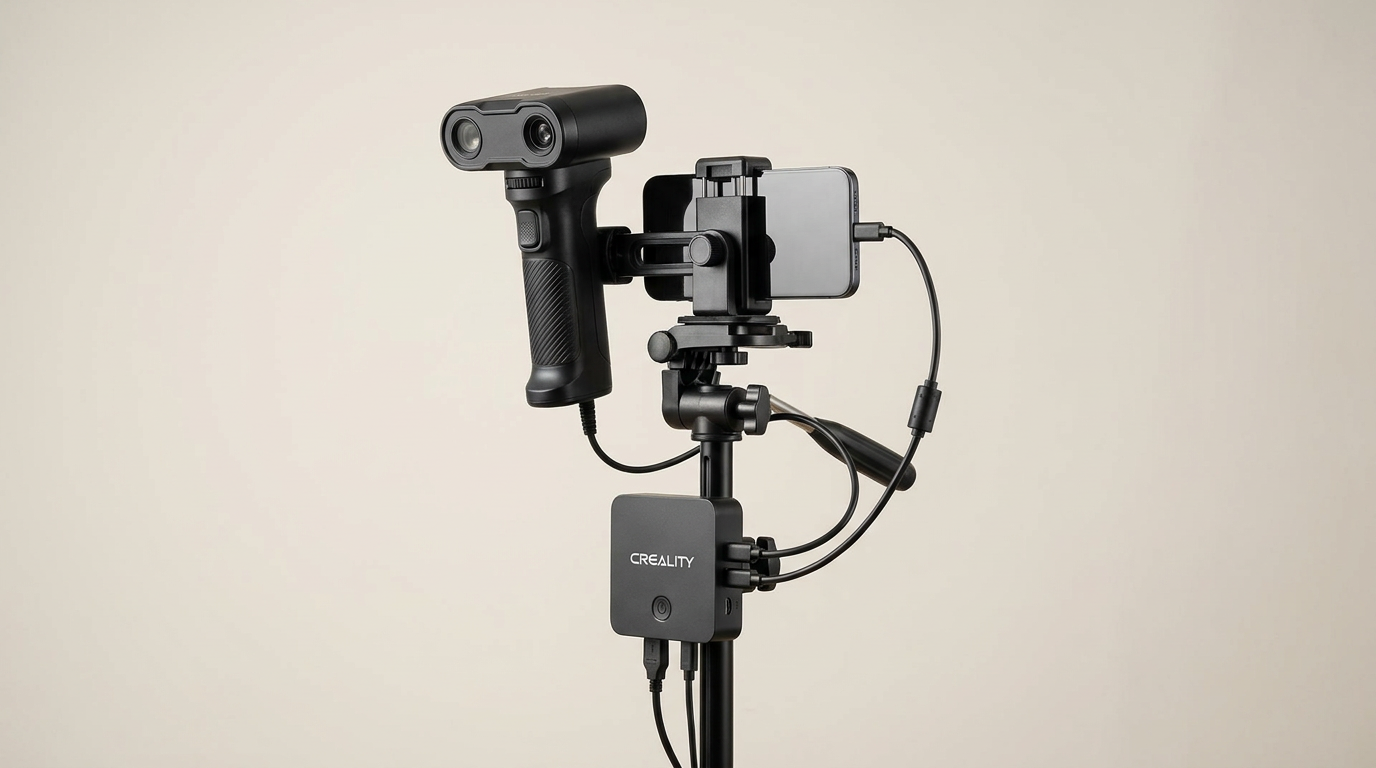
Creality CR-Scan Ferret Pro Review: Budget Reality Check
3DMakerpro Fox Review: Budget 3D Scanning with Real Trade-offs
This review is based on real experiences shared by owners in online communities.