
MYNT3D Pro 3D Pen Kit Review: A Gateway to Hands-On Creativity
By AValidReview. An AI-assisted summary of customer feedback, not a hands-on test.
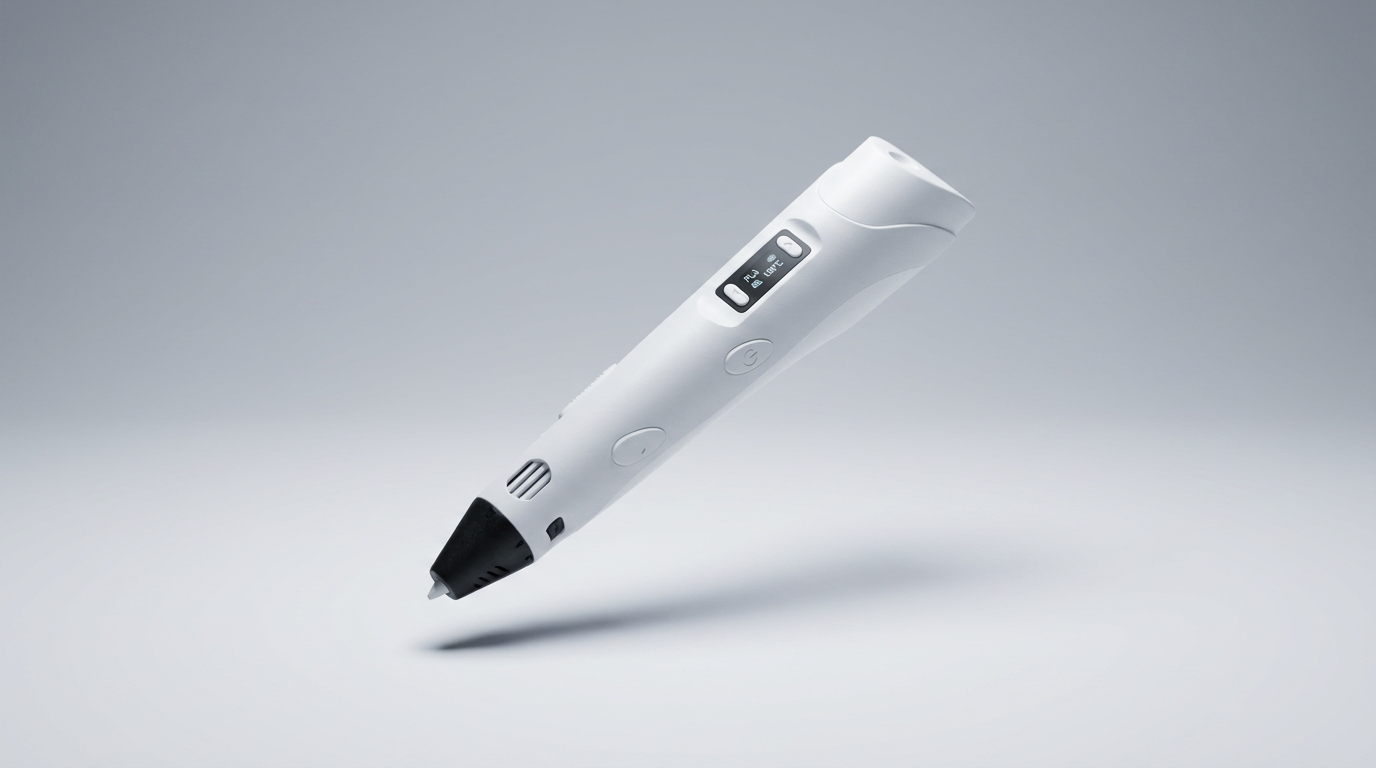
The ubiquity of consumer 3D printers often overshadows a simpler, more immediate form of additive manufacturing: the 3D pen. The MYNT3D Pro 3D Pen Kit bypasses the digital design workflow and layer-by-layer printing of its larger counterparts, offering a direct, hands-on experience. This pen isn't aiming to replace a 3D printer; it presents itself as a creative tool in its own right, bridging the gap between drawing and sculpture.
While marketed as a "Pro" model, owner feedback consistently positions this kit as an accessible entry point for younger users and casual hobbyists. Its design emphasizes immediate engagement over complex features, making it a compelling option for those seeking a tangible output without a steep learning curve. This review examines how effectively the MYNT3D Pro delivers on its promise of intuitive 3D creation, and who truly benefits from its focused approach.
The core appeal of a 3D pen lies in its ability to foster spontaneous, sculptural thinking, a stark contrast to the precise, CAD-driven world of desktop 3D printing. The MYNT3D Pro, with its bundled accessories, attempts to cultivate this creative impulse, targeting a demographic that values playful exploration more than industrial accuracy. Understanding this distinction is key to evaluating its true utility and potential pitfalls.
What owners love
- + Intuitive controls and comfortable handling for extended use
- + Encourages creative exploration and hands-on building
- + Effective for minor 3D print repairs and detailing
- + Bundled mat and filament simplify getting started immediately
- + Kids and pre-teens find it highly engaging and easy to learn
Common complaints
- − Learning to create complex 3D objects requires practice and patience
- − Some users report vague or missing instructions for key functions
- − Can draw significant power, potentially affecting USB ports
- − Pen tip gets extremely hot, requiring supervision for younger users
- − Included filament can be consumed quickly by enthusiastic users
Design & Build
The MYNT3D Pro pen is designed with ergonomics in mind, featuring a comfortable grip that remains manageable during longer creative sessions. Owners describe the pen as lightweight, which contributes to ease of use, particularly for children. The stepless speed control and discrete temperature adjustments are present, though some owners note a lack of clear instructional guidance on optimizing these features. One recurring observation points to the "first-layer cliff" phenomenon, where initial attempts at creating 3D structures can be challenging until users develop a feel for extrusion speed and material cooling. This highlights a fundamental tension in 3D pen design: the tool aims for simplicity, but the physics of plastic extrusion still demand a certain level of user skill. The replaceable sealed nozzle design is a positive, aiming to mitigate common clogging issues, a frequent pain point with similar devices. Build quality appears robust enough for regular use, with several users reporting consistent performance over time.
Setup & Ease of Use
Setting up the MYNT3D Pro kit is generally straightforward. The bundled PLA filament and DesignPad mat mean users can begin creating almost immediately after unboxing. Many owners describe it as "easy to learn," with children as young as six quickly grasping basic operation. The primary learning curve involves developing manual dexterity to translate two-dimensional drawing concepts into stable three-dimensional forms. A significant number of users, however, mention that the included instructions are either vague or altogether absent for crucial functions like temperature management, leading to a period of trial and error. One owner noted the necessity of straightening filament before loading, suggesting a minor but important practical detail not always conveyed. This 'intuitive friction' means while basic operation is simple, mastering the pen requires user-led discovery rather than comprehensive guidance. The initial consumption rate of filament by enthusiastic young users also suggests the included spools, while a good start, are a temporary supply.
Performance in Real Use
In practice, the MYNT3D Pro functions as expected for its intended use. Owners use it for everything from crafting simple decorations to more intricate sculptures. A notable "utility tax" emerges from feedback, where the pen proves surprisingly effective for niche applications like welding and repairing existing 3D prints or household plastic items. This highlights a hidden upside often overlooked in consumer reviews; the pen transitions from a toy to a functional repair tool. For creative endeavors, the pen heats quickly, and the adjustable controls allow for material and speed modifications, though understanding these without clear instructions takes time. The DesignPad mat is praised for simplifying the creation of geometric shapes. The primary performance limitation, the "melted USB port" incident, suggests a high power draw. This is a critical point; while the pen itself performs well, its power requirements can strain certain USB power sources, a trade-off that users should be aware of, especially when using desk-integrated USB hubs.
Software & Ecosystem
The MYNT3D Pro operates as a standalone hardware tool, meaning there is no associated software or app ecosystem. Its functionality is entirely manual, relying on user skill and the physical manipulation of the pen. The kit includes a DesignPad mat, which acts as a physical template and tracing surface, effectively replacing digital design tools for rudimentary shapes. Owners frequently supplement the provided resources by printing images from the internet to trace, indicating a natural extension of the pen's usage beyond the included stencils. The simplicity of this ecosystem is a core part of its appeal, removing barriers to entry often associated with 3D design. However, it also means that users looking for more advanced features, design libraries, or guided projects will need to seek those resources independently. The focus is entirely on the direct creative act, not on a digitally enhanced workflow.
Value & Reliability
Priced in the realm of around $90, the MYNT3D Pro 3D Pen Kit offers good value, particularly given its inclusion of filament and accessories. Owners consistently view it as an "affordable" and "quality item." Its reliability is underscored by comments noting it works "as directed" and functions better than comparable pens that failed. The “longevity dividend” is evident, with some users replacing other brands with this model due to its robust performance. The pen's ability to facilitate both artistic creation and practical repairs adds to its perceived value proposition. The main cost consideration beyond the initial purchase is the ongoing need for filament, as enthusiastic users can deplete the included supply quickly. While the initial investment is modest, continued use necessitates buying additional filament, which is typical for any additive manufacturing tool. The one-year warranty and customer service access provide a standard level of support for the price point.
Verdict
Buy - This kit provides an excellent, accessible entry into 3D creation for children and hobbyists, effectively bridging the gap between drawing and sculpture.
This is a strong recommendation for families and individuals seeking a hands-on creative outlet without the complexities of a full 3D printer. It particularly suits children aged 7-13, offering an engaging STEM-style activity. Those who benefit most are individuals looking to experiment with 3D forms, make small repairs to plastic items, or add details to existing 3D prints. If you prioritize immediate creative output and tactile engagement over digital precision, this kit is well-suited. Those who should consider alternatives are users expecting industrial-grade accuracy, extensive software integration, or those unwilling to supervise younger children due to the hot tip.
The MYNT3D Pro exemplifies the 'play-first' paradigm in consumer 3D tools. Its strength isn't in technological advancement, but in democratizing the fundamental act of additive construction. It quietly reclaims 3D creation from the realm of CAD and complex machinery, offering a direct, almost primal, engagement with material. This pen subtly highlights that for many users, the most compelling innovation is often the one that simplifies interaction, not the one that adds more features.
FAQ
More 3D Printing Pens reviews
SCRIB3D Advanced 3D Printing Pen Review: Beyond the Hobbyist
MYNT3D Super 3D Pen Review: A Low-Cost Creative Gateway
MYNT3D Professional Printing 3D Pen Review: Precision for Play
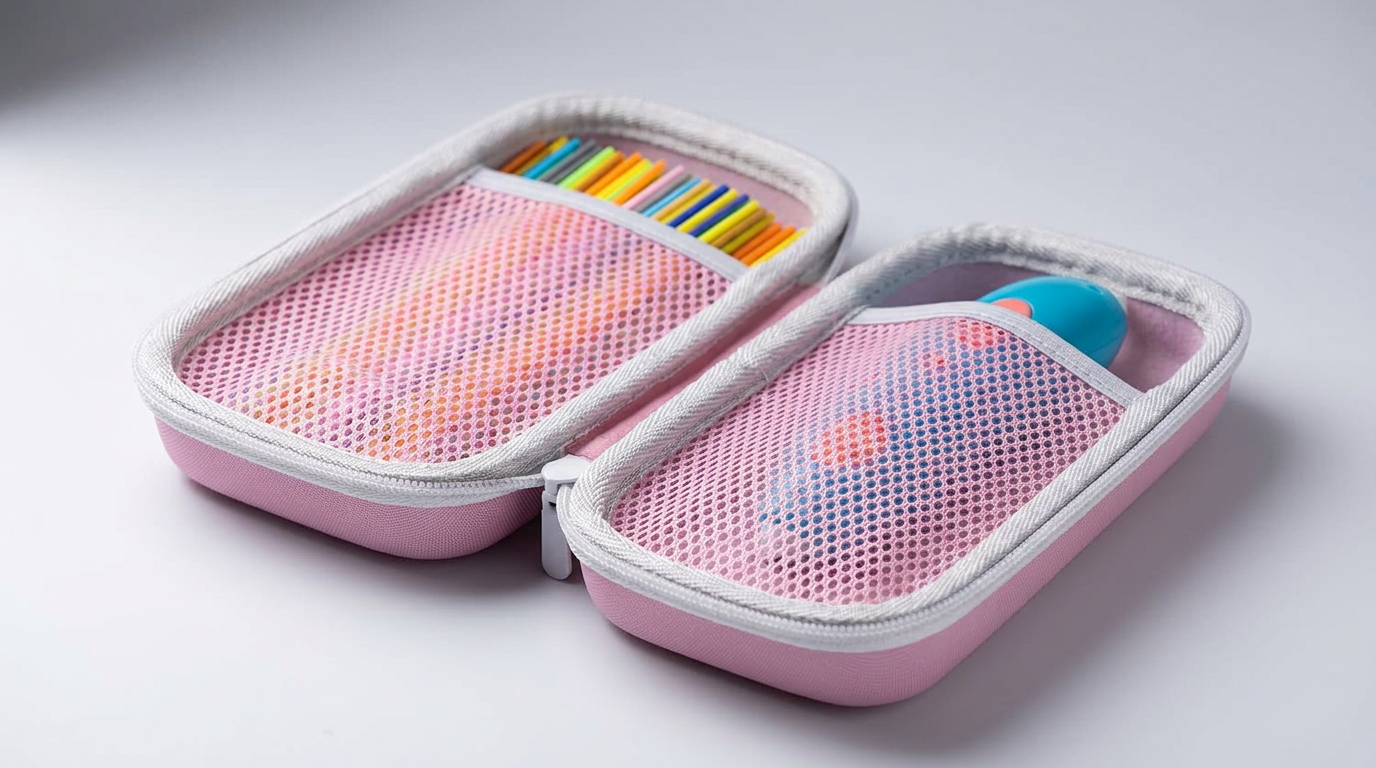
Lebakort Storage Case Review: An Essential 3Doodler Pen Companion
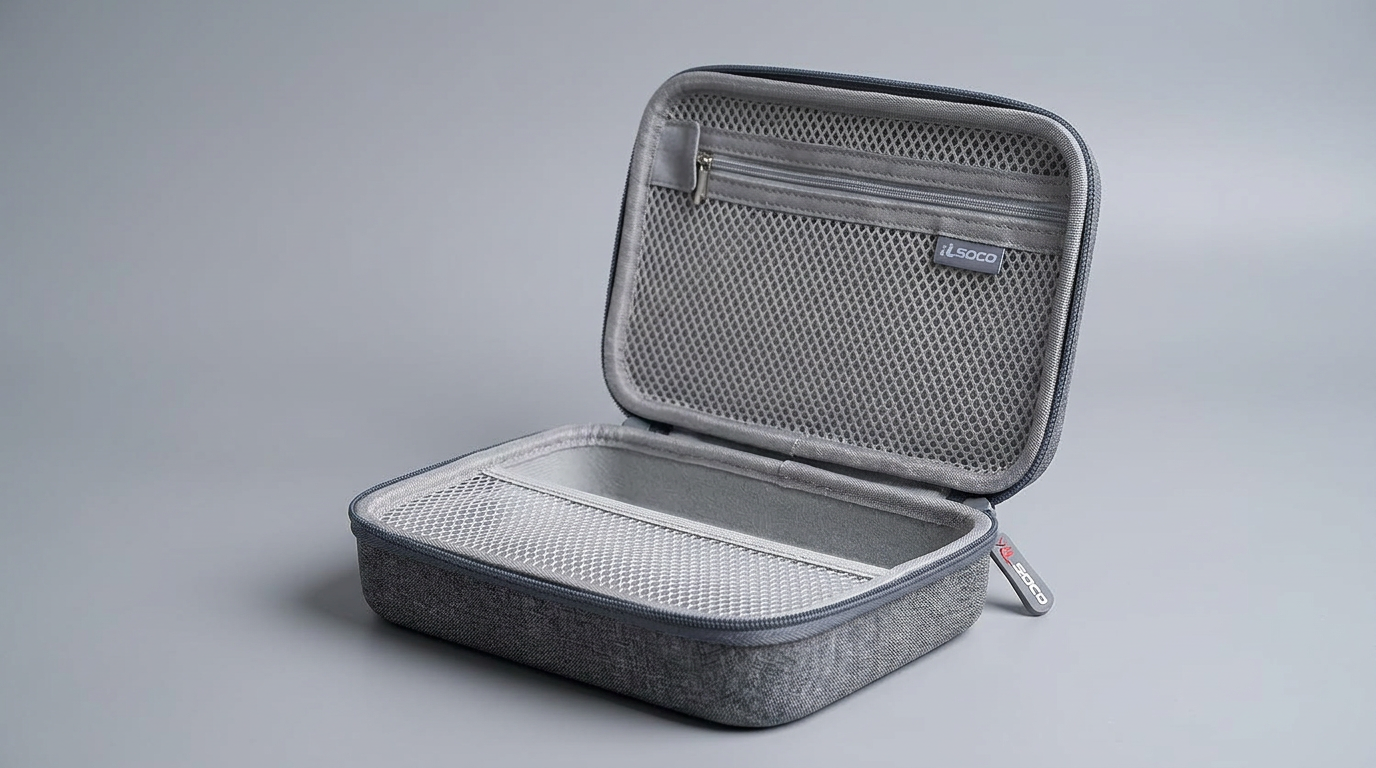
RLSOCO 3D Printing Pen Case Review: Beyond the Printer
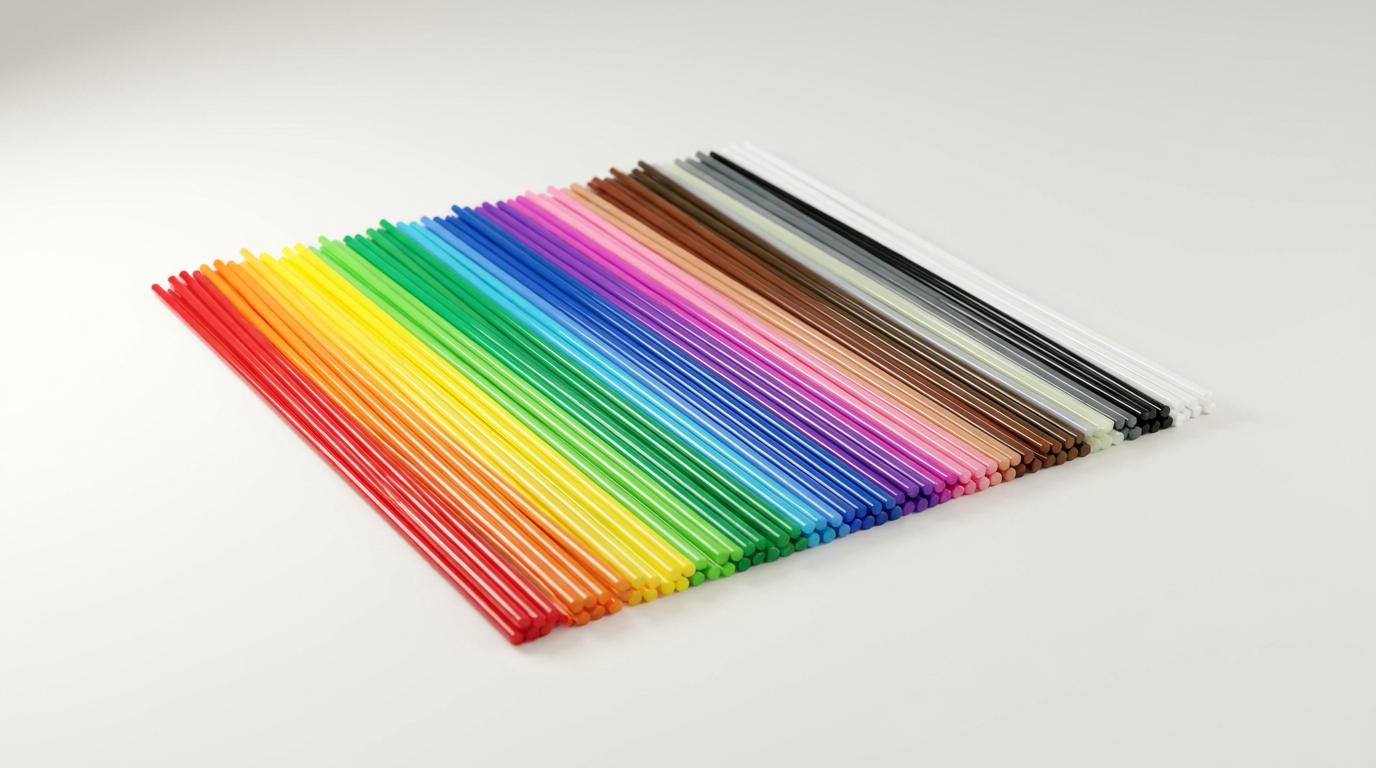
KEZIGLOW 3D Pen Filament: A Safe and Vibrant Option for Young Artists
This review is based on real experiences shared by owners in online communities.