
Entina TINA2S Review: A Gateway 3D Printer for Young Builders
By AValidReview. An AI-assisted summary of customer feedback, not a hands-on test.
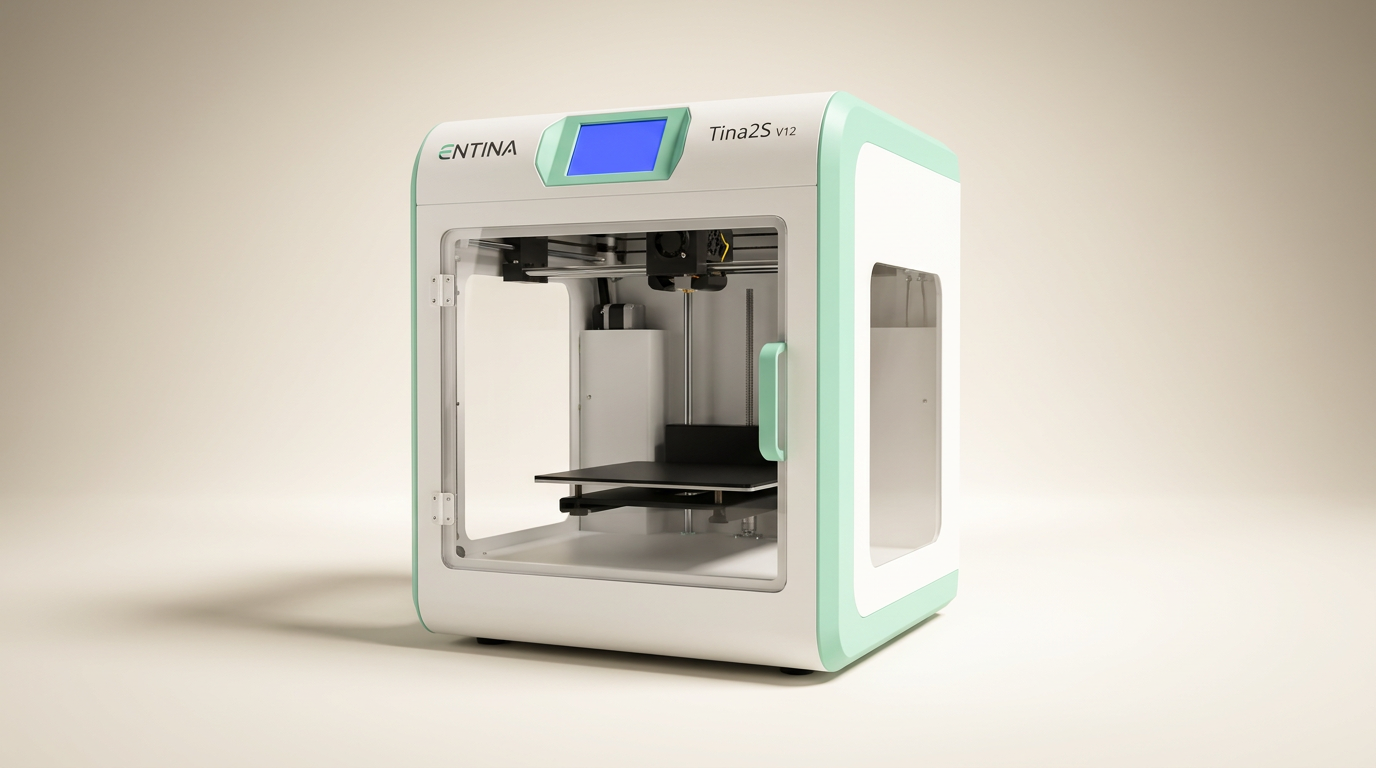
The 3D printing landscape has long grappled with the 'first layer problem' for new users: the often frustrating, technical hurdles that prevent a successful initial print. Many machines claim beginner-friendliness, but few deliver on the promise of true out-of-box functionality. The Entina TINA2S aims squarely at this challenge, positioning itself as a no-fuss introduction to additive manufacturing for children and novice adults.
Yet, this positioning introduces a tension. Can a printer designed for simplicity still offer a meaningful pathway into the broader capabilities of 3D printing, or does its streamlined approach create a 'walled garden' effect? Owners consistently praise its immediate usability, often reporting successful prints within minutes of unboxing. The TINA2S effectively lowers the access barrier, but it also defines a specific lane. The critical assessment lies in whether this initial ease can sustain engagement as user skills evolve.
This review evaluates the TINA2S not just as a toy, but as a genuine educational tool and a foundation for future exploration, weighing its immediate gratification against its long-term potential within the evolving 3D printing ecosystem.
What owners love
- + Exceptional ease of setup and first print experience
- + Highly suitable for children and absolute beginners
- + Effective auto-leveling and flexible build plate simplify operation
- + App integration with preloaded models offers immediate content
- + Generally quiet operation suitable for home environments
Common complaints
- − Small print volume limits project scope
- − Connectivity issues reported by some users (Wi-Fi/app)
- − Print speeds can be slow compared to higher-end models
- − Detail quality can be basic for complex models
- − Reliance on app ecosystem may constrain advanced users
Design & Build
The TINA2S distinguishes itself with a compact, fully assembled form factor, a significant departure from the build-it-yourself kits prevalent in the beginner segment. Its dual Z-axis structure and enclosed design enhance stability and safety, particularly relevant for its target demographic of younger users. Owners frequently highlight its small footprint as a key advantage, fitting easily into various home or classroom settings. While the small print volume, approximately 3.9 x 4.7 x 3.9 inches, is a recurring observation, it is a deliberate design choice that enables the machine's compact nature. This trade-off between size and build area creates what we term the 'Desktop Footprint Advantage,' allowing the TINA2S to occupy minimal space without demanding significant dedicated real estate. This makes it an ideal 'kitchen table' printer, easily integrated into shared living spaces without becoming an obtrusive piece of workshop equipment.
Setup & Ease of Use
The Entina TINA2S excels in the critical area of initial setup, delivering on its promise of an unbox-and-print experience. Owners consistently report successful first prints within 15-30 minutes, often initiated by children themselves. The inclusion of an automatic bed leveling function significantly reduces one of the most common frustrations for new 3D printer users. The flexible spring steel build plate further simplifies the process, allowing for easy model removal without tools or excessive force. This focus on minimizing points of failure, combined with preloaded models on a TF card, creates a low-friction onboarding process. For many, this instant gratification is a primary selling point, bypassing the typical calibration curve that often discourages beginners. The 'First Print Success' metric, often overlooked in technical specifications, is where the TINA2S truly shines, fostering immediate engagement and confidence.
Performance in Real Use
In day-to-day operation, the TINA2S delivers on its core function: producing small, tangible 3D objects with reasonable fidelity for its class. Print quality is described as good for basic items, with several users noting unexpected detail for a beginner machine. The advertised speed of up to 200 mm/s is often contextualized by the small print size, meaning projects complete within acceptable durations for its target audience, though some experienced users noted it felt slow compared to larger machines. A significant advantage is the machine's low noise level, attributed to its optimized cooling and motherboard, making it suitable for quiet environments like bedrooms or classrooms. The LED lighting also aids in monitoring progress without distraction. This combination of accessible print quality and quiet operation contributes to its 'stealth engagement' factor- it can be actively used without demanding constant attention or disrupting its surroundings, allowing for passive learning and discovery.
Software & Ecosystem
The TINA2S leverages a Poloprint Cloud app ecosystem, offering access to a library of over 1,500 ready-to-print models. This app-driven approach, supporting Wi-Fi printing, streamlines the process from model selection to print initiation. While many owners find this convenient for immediate use, a recurring theme is occasional connectivity issues with Wi-Fi and the app. Some users report difficulty connecting or prefer relying on TF card printing, highlighting a potential area for refinement. The open-source nature and compatibility with slicing software like Cura and Simplify3D suggest flexibility for advanced users, but the primary user experience is heavily guided by the proprietary app. This creates a kind of 'content funnel,' where immediate access to simple models is prioritized, but venturing beyond that curated experience may present friction for some, pushing users towards external slicing solutions. The advertised 'Creative Hub' aims to bridge this gap by offering simple DIY design, though owner feedback focuses more on printing existing models.
Value & Reliability
Positioned around the $150 to $200 price point, the Entina TINA2S represents a strong value proposition for its intended users. Owners frequently cite its affordability and ease of use as key factors, often purchasing it as a gift or first machine. The overall reliability appears solid, with reports of continuous use and minimal clogging issues. While one 3-star review mentioned inconsistent operation, the vast majority of feedback points to a dependable experience. The inclusion of features like auto-leveling and a flexible build plate at this price point enhances its competitive edge. Technical support, when needed, has also received positive mentions. For new users, the TINA2S offers an attractive 'cost-of-entry' gateway into 3D printing, making the initial investment feel low risk given the immediate success stories. However, prospective buyers should consider the long-term utility of a small print volume if their ambitions scale beyond introductory projects.
Verdict
Buy - The Entina TINA2S offers an exceptionally smooth and accessible entry into 3D printing for beginners and children.
This printer is an excellent choice for families seeking a first 3D printer for a child, educators introducing basic additive manufacturing concepts, or any novice adult who wants to experiment with 3D printing without a steep learning curve. Its compact size, auto-leveling, and app-driven model library make for an almost immediate gratification experience. If your projects are small and your priority is ease of use over advanced features or large print volumes, and you're comfortable with a price around $150 to $200, the TINA2S delivers.
Those who should skip the TINA2S include experienced 3D printing enthusiasts, users needing larger print volumes, or those who require advanced material compatibility or fine-tuned control over print parameters. Its 'walled garden' app ecosystem, while beneficial for beginners, might feel restrictive for power users. This is not a machine for pushing the boundaries of 3D printing, nor is it a workshop workhorse.
The TINA2S masterfully navigates the 'initiation gap' in 3D printing, making the process feel less like an engineering challenge and more like an accessible craft. It succeeds as a 'curiosity catalyst,' sparking interest and providing tangible results quickly. Its ultimate value lies not in groundbreaking technology, but in democratizing the fundamental experience of bringing digital designs into physical reality, serving as a vital on-ramp for the next generation of makers and creators.
FAQ
More 3D Printers reviews
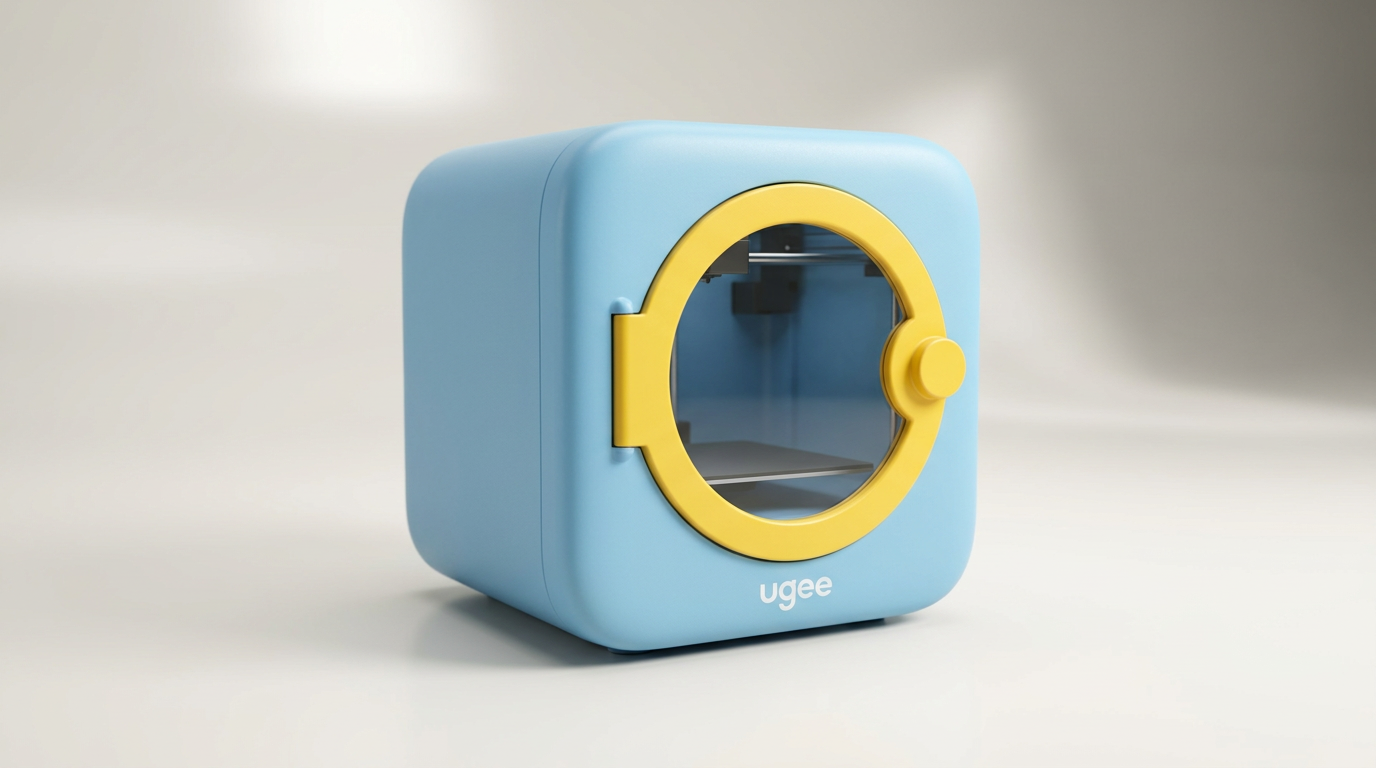
ugee Funbox 3D Printer Review: Safe Household Making
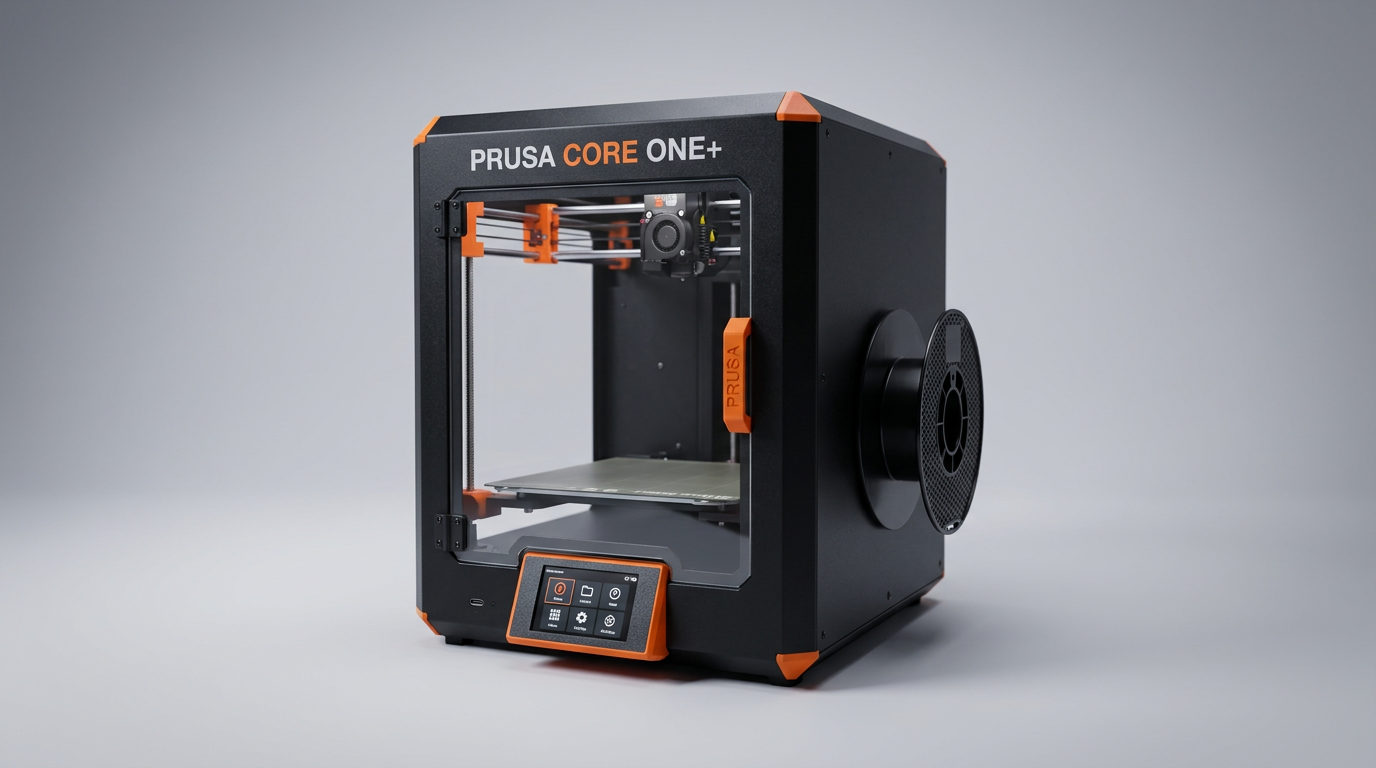
Original Prusa CORE One+ Kit Review: The Maker's CoreXY
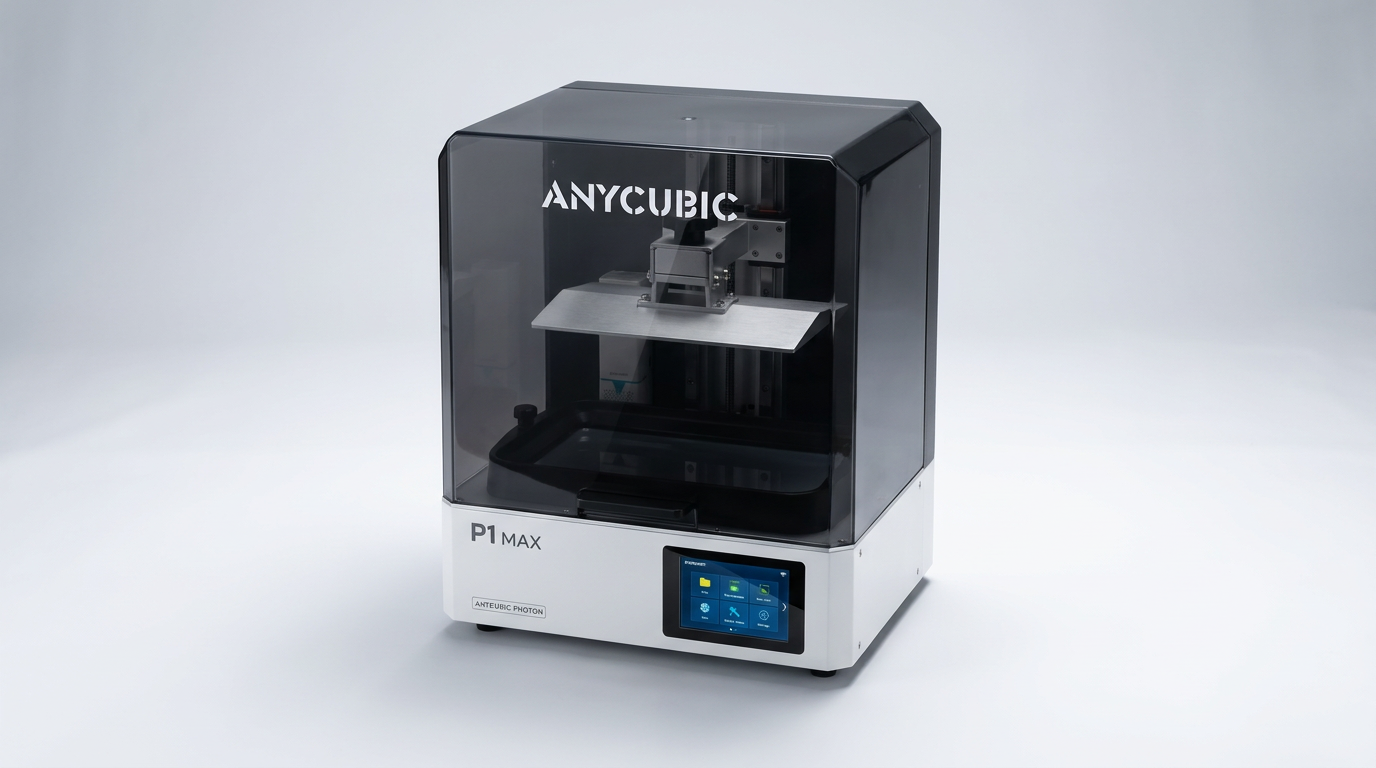
ANYCUBIC Photon P1 Max Review: Scale Meets Detail
Anycubic Kobra S1 ACE 2 Pro Combo 3D Printer Review
Toybox Alpha Two 3D Printer Review: The Zero-Fuss Toy Factory
Creality K2 SE 4C Review: Budget Multicolor CoreXY
This review is based on real experiences shared by owners in online communities.