
Creality CFS for K2 Plus Review: Multi-Color Printing, Simplified
By AValidReview. An AI-assisted summary of customer feedback, not a hands-on test.
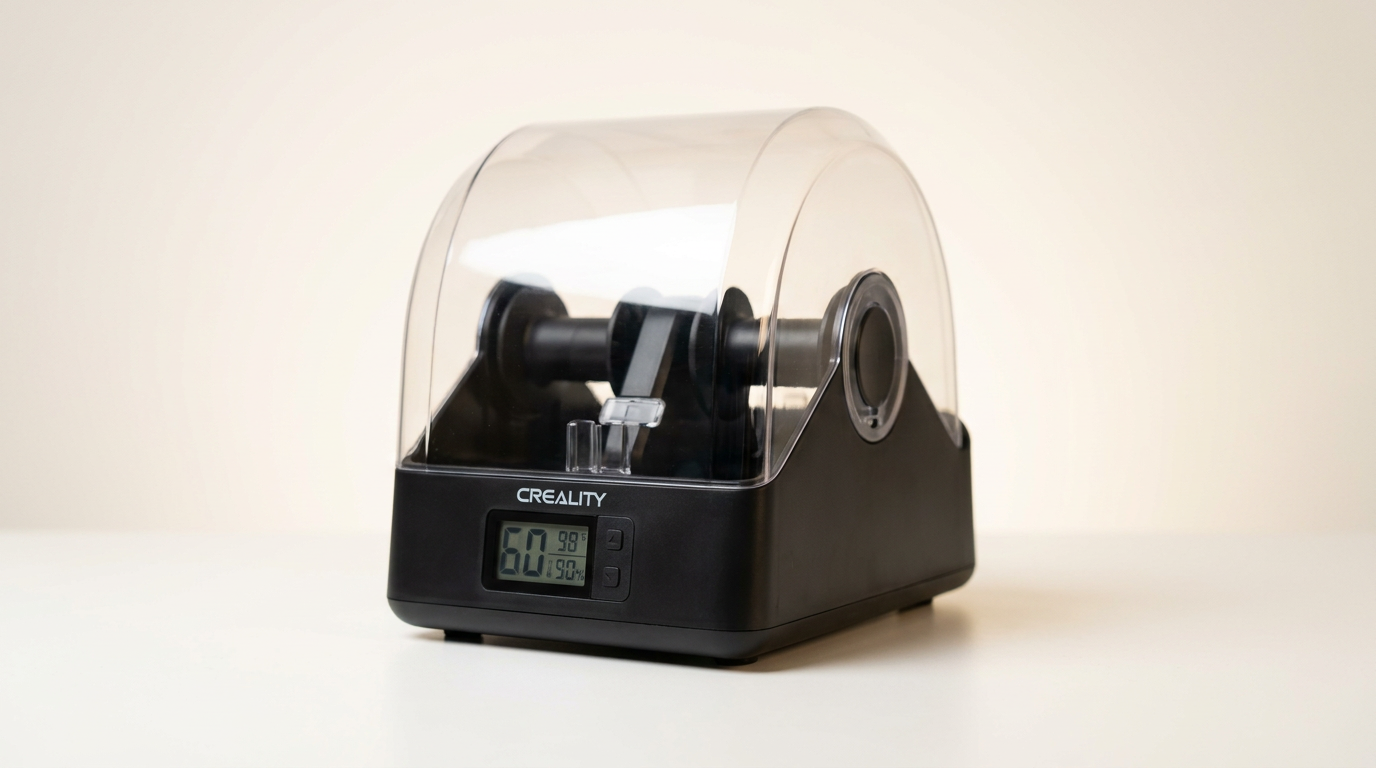
The Creality CFS filament system arrives in a 3D printing landscape increasingly prioritizing automation and multi-material capability, aiming to bridge the gap between complex multi-color setups and user accessibility. Unlike earlier, often finicky multi-material units that demanded significant user intervention, the CFS positions itself as a streamlined companion specifically for Creality's K2 Plus, promising a more integrated and less demanding experience.
However, its tight integration with a single printer model introduces a specific set of considerations. While this focused compatibility ensures a tailored experience for K2 Plus owners, it also defines a narrow addressable market and underscores a new trend: the ecosystem lock-in, where printer manufacturers are developing proprietary accessories that offer enhanced features but limit broader compatibility. This review examines whether the CFS delivers on its promise of simplified multi-color printing within these defined boundaries.
Many multi-material systems market themselves on raw capability; the CFS, in contrast, largely sells on convenience and reduced friction for its specific target audience. The core question is whether its design choices effectively minimize common pain points like filament management, moisture control, and the often-steep learning curve associated with multi-color printing, or if its specialized nature creates its own set of compromises.
What owners love
- + Enables robust 16-color printing capability for K2 Plus
- + Effective moisture protection for filaments
- + Simplified setup and operation once configured
- + RFID ensures automatic filament identification and parameters
- + Seamless filament switching and runout detection
- + Contributes to improved overall print quality
Common complaints
- − Solely compatible with the Creality K2 Plus printer
- − Lacks active filament drying, a recurring request
- − User documentation is reported as sparse or non-English
- − Requires the K2 Plus to remain powered for optimal filament storage
- − Motor sounds may indicate long-term durability concerns for some
Design & Build
The Creality CFS presents a functional, cohesive design that aligns well with the K2 Plus aesthetic. Owners frequently comment on its robust appearance and the comprehensive nature of the included kit, which provides necessary cables and accessories. The build quality generally receives positive remarks, with users noting it feels like a substantial upgrade. The moisture-proof storage aspect is a key design element, and while owners appreciate this feature, a recurring point of contention is the absence of active drying. This creates what we term the 'passive moisture tax' - while it prevents new moisture ingress, it does not actively remove existing moisture from spools, which can be critical for hygroscopic filaments. This design choice implies a workflow where filaments are dried externally before being loaded into the CFS for maintenance, rather than comprehensive, integrated drying.
Setup & Ease of Use
Despite its advanced features, the CFS is often described as straightforward to set up, with one user specifically calling it “very easy to set up, use and maintain.” The primary hurdle for new owners appears to be a lack of comprehensive, accessible instructions; some report receiving documentation only in Chinese or Spanish, necessitating reliance on online resources or trial and error. Once connected and configured with the K2 Plus, the system operates largely autonomously. The RFID filament identification simplifies material management, automatically syncing details to the printer. This automation significantly lowers the barrier to entry for multi-color printing, reducing manual data input and potential errors. The seamless switching mechanism further contributes to ease of use, minimizing interruptions during print jobs.
Performance in Real Use
In day-to-day operation, the Creality CFS performs its core functions reliably. Owners consistently report successful multi-color prints with good quality, attributing improvements to the CFS. The system's ability to manage 16 different filaments and switch between them smoothly is a primary draw. Filament runout and winding detection also contribute to print reliability, preventing failed prints due to material issues. Critically, some users observe that the system effectively prevents filament clogging, indicating a well-designed material path. However, a specific mechanical concern has surfaced: one user noted the internal motors sound weak, suggesting potential longevity issues or a design that might be under-engineered for continuous heavy use. This 'motor hum concern' points to a potential long-term maintenance consideration that discerning users should monitor.
Software & Ecosystem
The Creality CFS operates within a tightly integrated ecosystem, specifically designed for and compatible only with the Creality K2 Plus. This focused compatibility ensures a high degree of functional synergy; the RFID system, for instance, relies on this direct communication to automatically detect filament properties. This tight integration means the software experience is largely an extension of the K2 Plus's own interface, rather than a separate application. While beneficial for K2 Plus owners, this lack of broader compatibility is a significant limitation. It embodies the 'ecosystem embrace' strategy, where the manufacturer provides a highly optimized experience within its own product line but offers no flexibility outside it. For users heavily invested in the Creality ecosystem, this is an advantage, but for others, it represents a closed system.
Value & Reliability
Priced in the mid-hundreds, the Creality CFS represents a significant investment, positioned as a premium accessory for a specific printer. Owners generally view it as a worthwhile upgrade for expanding multi-color capabilities and enhancing print reliability. The consensus leans towards it being a 'prime investment' for those with a K2 Plus, with some even considering purchasing multiple units to expand their material palette further. The primary reliability concern, as noted, relates to the reported weak motor sounds, which could suggest a potential point of failure over extended use. Another aspect affecting long-term value is the 'always-on tax' - the need to keep the K2 Plus powered to maintain the CFS's dry environment, which adds to operational energy costs and potentially component wear if not managed effectively. The specialized nature of the CFS means its value is intrinsically linked to the K2 Plus's longevity and the user's ongoing commitment to that specific printer platform.
Verdict
Buy - This system delivers excellent multi-color printing and filament management for Creality K2 Plus owners.
If you own a Creality K2 Plus and frequently engage in multi-color or multi-material printing, or if you simply desire hassle-free filament management and moisture protection, the CFS is a strong recommendation. It streamlines a typically complex process, making advanced printing more accessible. Those who print with hygroscopic filaments, however, should factor in an external drying solution. For anyone operating a K2 Plus and seeking to elevate their print capabilities and material handling convenience, particularly for projects demanding up to 16 colors, the investment, typically in the low to mid-hundreds, is justified.
Conversely, if you do not own a K2 Plus, or if you prefer a more open ecosystem with broader printer compatibility, this product is not for you. Buyers who expect active, integrated filament drying should also look elsewhere. This device serves a specific niche, and outside that niche, its utility diminishes completely. The CFS for K2 Plus signals a future where printer ecosystems become increasingly specialized. It demonstrates how manufacturers are enhancing specific models with bespoke accessories, creating integrated, high-performance 'super-systems' that, while powerful for their intended users, also solidify a distinct barrier to entry for cross-platform utility. It defines a category of accessories that prioritizes deep integration over broad compatibility, offering a glimpse into how 3D printing may segment into more tightly controlled environments.
FAQ
More 3D Printers reviews
ugee Funbox 3D Printer Review: Safe Household Making
Original Prusa CORE One+ Kit Review: The Maker's CoreXY
ANYCUBIC Photon P1 Max Review: Scale Meets Detail
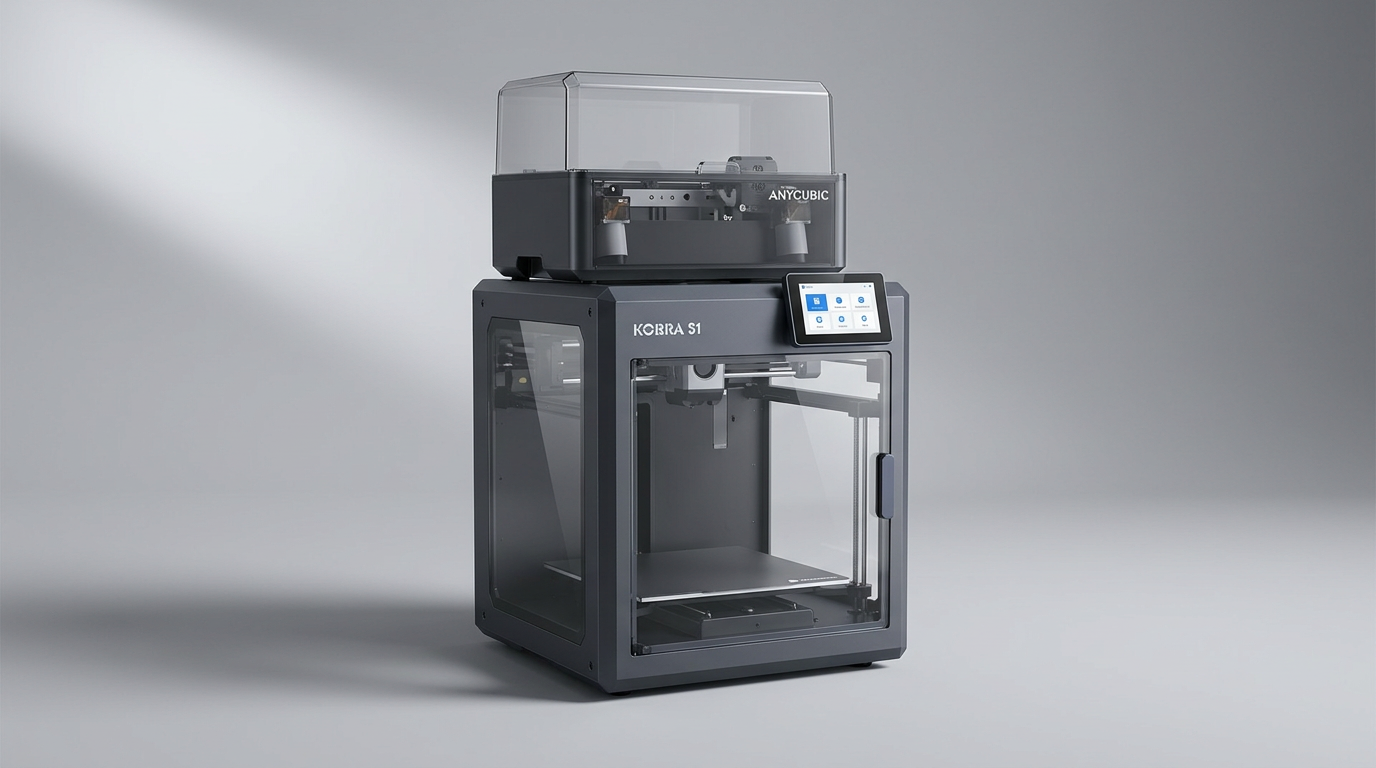
Anycubic Kobra S1 ACE 2 Pro Combo 3D Printer Review
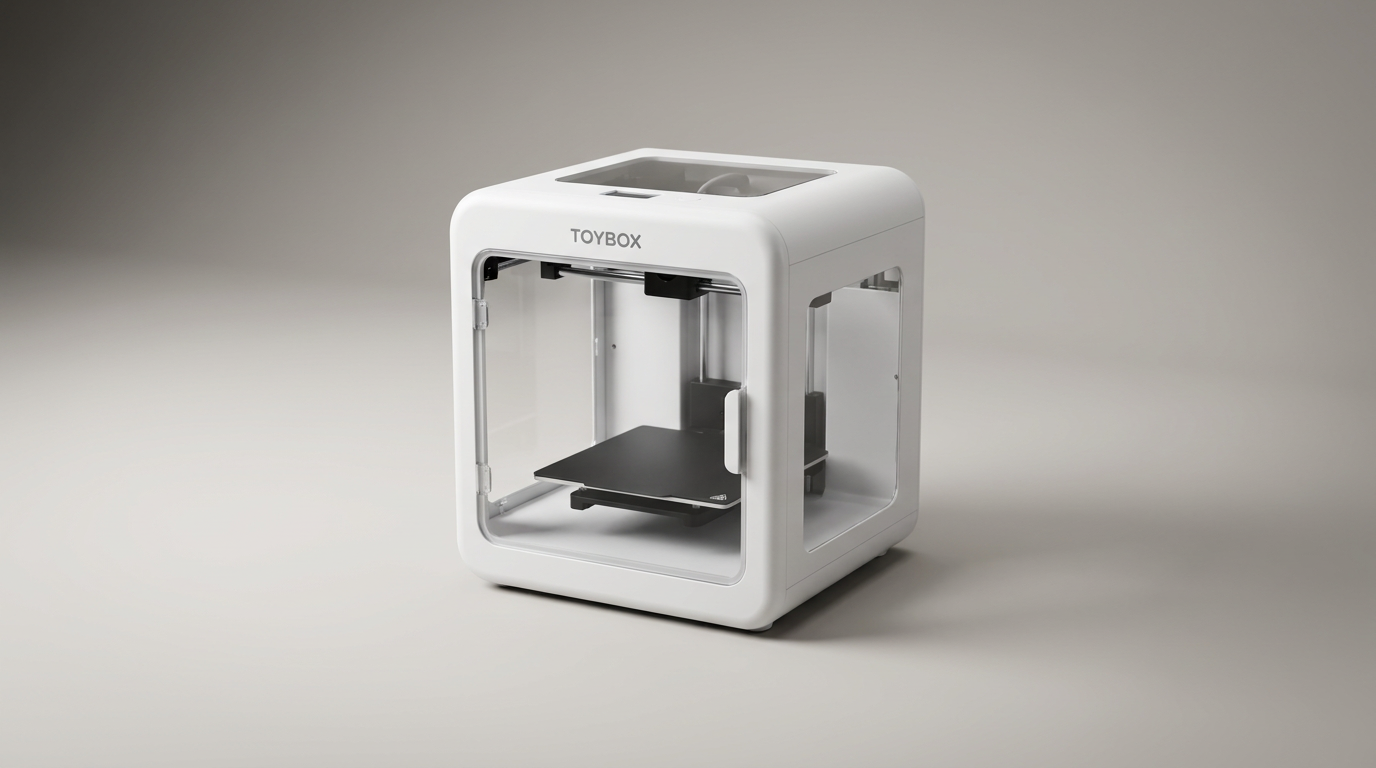
Toybox Alpha Two 3D Printer Review: The Zero-Fuss Toy Factory
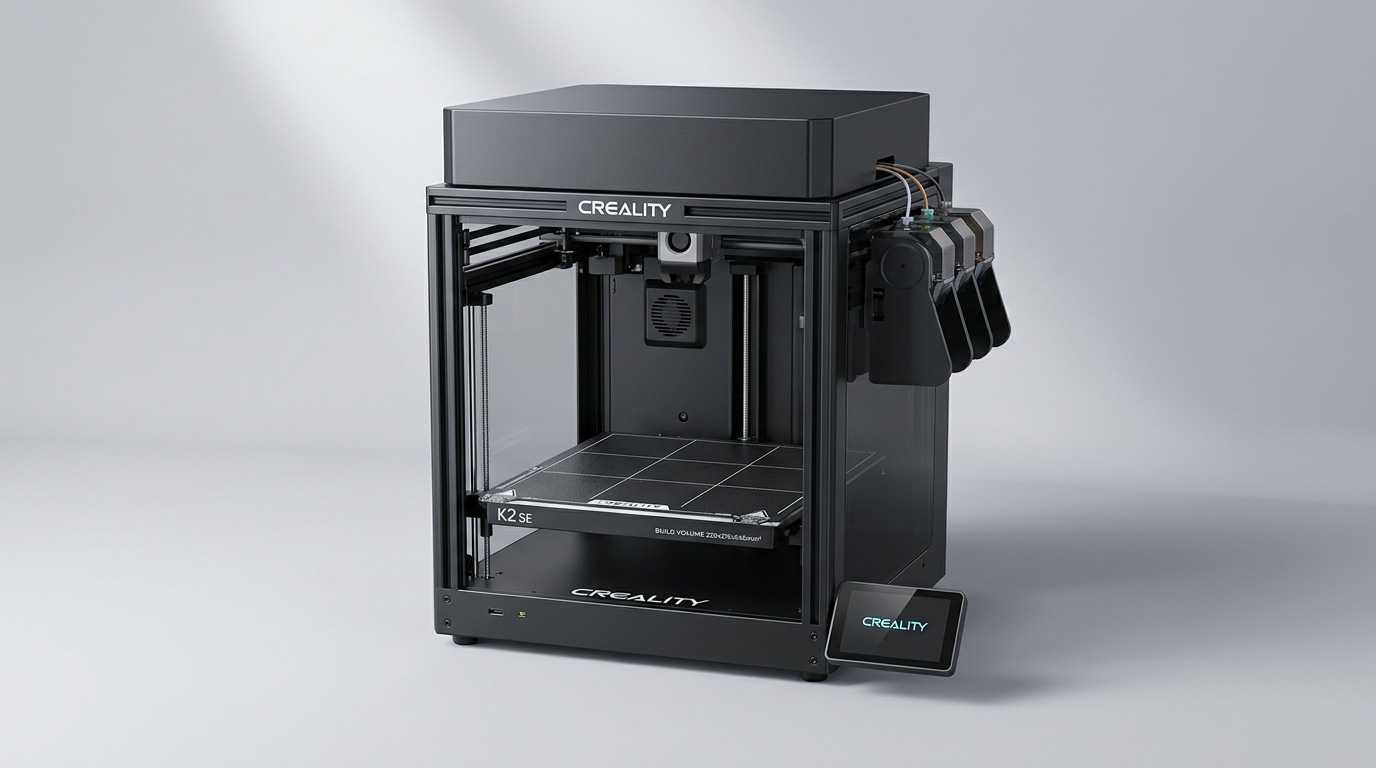
Creality K2 SE 4C Review: Budget Multicolor CoreXY
This review is based on real experiences shared by owners in online communities.