
Bambu Lab P1S Combo Review: The 3D Printer for the Making Generation
By AValidReview. An AI-assisted summary of customer feedback, not a hands-on test.
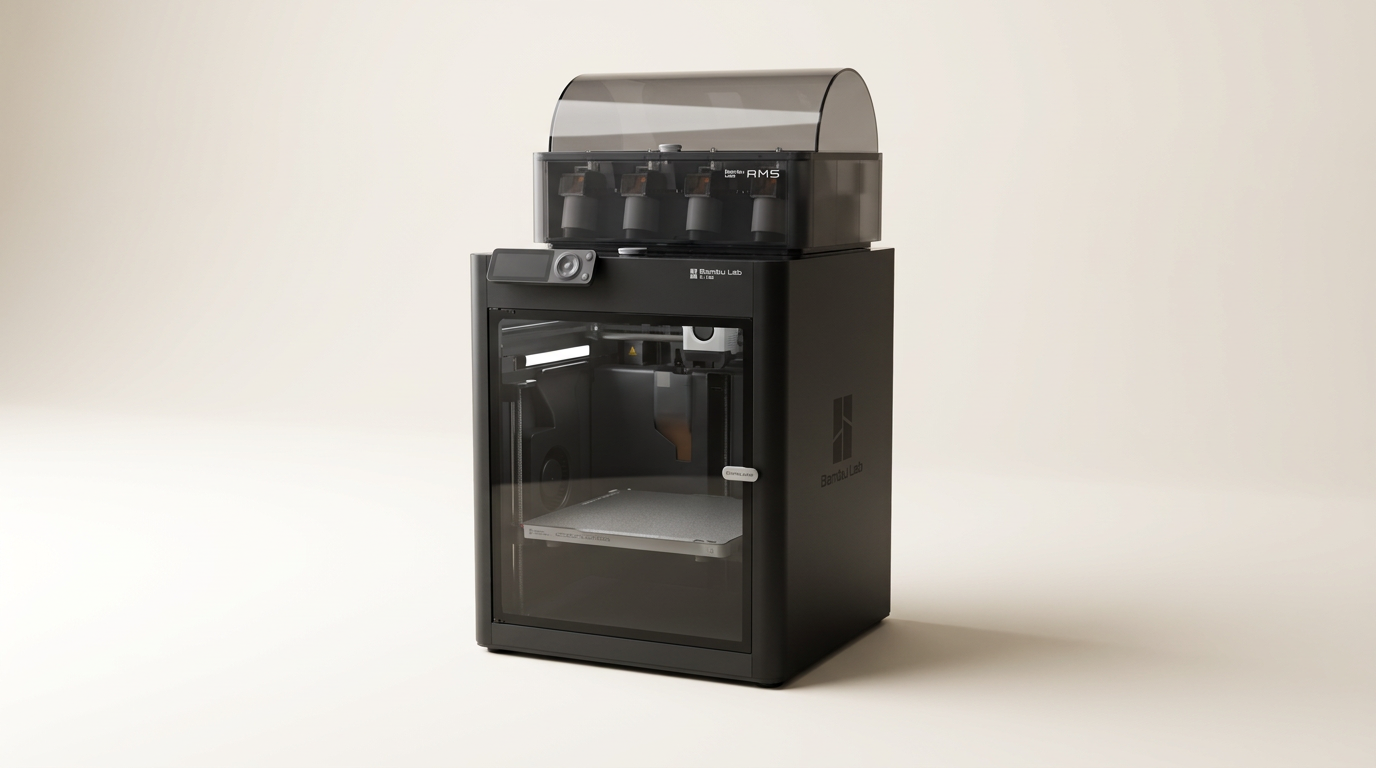
The Bambu Lab P1S Combo arrives in a 3D printing landscape often segmented by complexity and cost, yet it manages to bridge a significant gap. While many consumer-grade printers demand extensive calibration and troubleshooting, the P1S charts a course toward reliable, 'magic-like' operation. This printer represents a shift from the 'tinker-first' mentality prevalent in the hobbyist space, offering instead a 'make-first' experience that prioritizes output over endless adjustments. It effectively lowers the barrier to entry for high-quality, multi-color printing, making it accessible to a broader audience without sacrificing performance.
Historically, 3D printing has carried a hidden 'tinkering tax' a non-monetary cost in time and frustration spent on setup, calibration, and failed prints. The P1S directly addresses this by packaging advanced features into a cohesive, user-friendly system. Owners consistently report an experience that minimizes this overhead, allowing them to focus on design and creation rather than machine maintenance. This positions the P1S not just as another 3D printer, but as a catalyst for a new generation of makers who demand immediate results and intuitive operation.
Our examination of extensive owner feedback reveals a product that largely delivers on this promise, distinguishing itself through speed, print quality, and a cohesive ecosystem. This review will explore how the P1S Combo fulfills its role as a high-performance, low-fuss production tool for both novices and seasoned enthusiasts, and where it truly stands in the rapidly evolving world of additive manufacturing.
What owners love
- + Exceptional print speed and quality are consistently praised by owners.
- + Very easy setup and user-friendly operation, even for beginners.
- + Reliable, consistent performance minimizes failed prints.
- + AMS multi-color/multi-material system offers creative versatility.
- + Comprehensive software and app ecosystem enhances usability.
- + Automatic bed leveling and calibration contribute to hassle-free printing.
Common complaints
- − Print bed size is a recurring point of contention for some users.
- − Requires 2.4 GHz Wi-Fi, which can be an issue in some network environments.
- − Occasional reports of PTFE connector loosening over time.
- − Fan connection issues upon unboxing noted by some owners.
- − Can be noisy, especially at higher speeds.
Design & Build
The Bambu Lab P1S presents a substantial, enclosed design, a critical feature for printing with advanced filaments like ABS and ASA, which are susceptible to warping without a controlled environment. Owners acknowledge its considerable size, indicating a robust, purpose-built machine. The packaging itself receives frequent commendation, with products arriving well-protected, which is essential for delicate components. While the unit feels solid, a few long-term users have noted that the PTFE connector on the back, crucial for filament delivery, can become loose after several months of use. This highlights a potential area for long-term wear, suggesting that while initial build quality is high, specific components may require attention over extended operation. The inclusion of an AMS unit adds to the overall footprint but integrates smoothly, enhancing the machine's multi-material capabilities.
Setup & Ease of Use
A defining characteristic of the P1S Combo is its remarkable ease of setup, often described as 'beginner friendly' and 'plug and play.' Owners consistently report being able to print within 15 minutes to an hour of unboxing. The instructions are clear, guiding users through the necessary steps. A common theme is the P1S's ability to minimize the 'first-layer cliff' the frustrating initial hurdle many new 3D printer owners face with bed leveling and adhesion. Automatic bed leveling and calibration are frequently cited as key features that eliminate this pain point, leading to immediate success with prints. Even those entirely new to 3D printing describe a seamless entry, contrasting sharply with the steeper learning curves of many competitor machines. The 'Bambu Handy' app and 'Bambu Studio' software are also instrumental in streamlining the setup and ongoing operation, creating a cohesive user experience from the outset.
Performance in Real Use
The P1S delivers on its promise of speed and print quality, consistently earning high marks from users. Prints are reported to be fast, clean, and impressively detailed, even at high speeds. This performance extends to a wide range of materials, including PLA, PETG, TPU, ABS, and ASA, with owners successfully experimenting beyond the ideal recommendations. The AMS unit, when included, transforms the printing experience by enabling multi-color and multi-material projects with ease, opening new creative avenues. Users frequently comment on the machine's reliability, reporting very few failed prints. This dependable performance allows creators to focus on designing and making rather than troubleshooting. While the printer is not silent, especially at its fastest settings, many owners note that its noise level is manageable for an enclosed printer, and often goes unnoticed in a typical home or workshop environment. Some users do express a desire for a larger print bed, indicating that while quality is high, the build volume can sometimes be a limiting factor for ambitious projects.
Software & Ecosystem
The Bambu Lab ecosystem, comprising the Bambu Handy app, Bambu Studio slicing software, and MakerWorld, receives overwhelming praise for its integration and user-friendliness. Owners appreciate the ability to monitor and control prints remotely via the phone app, fostering a sense of confidence that prints will complete successfully. Bambu Studio is lauded for being intuitive, even for beginners, simplifying the process of preparing models for printing. MakerWorld, described as a repository of free STL files and projects, further enhances the user experience by providing immediate access to a vast library of printable content. This comprehensive suite of tools contributes significantly to what owners describe as a 'drama-free' and 'magic-like' printing experience. The ecosystem supports the 'make-first' approach, removing technical barriers and encouraging creativity across all skill levels. However, connectivity specifically requires a 2.4 GHz Wi-Fi network, which can be a minor inconvenience for users in 5 GHz-heavy environments.
Value & Reliability
Owners consistently view the Bambu Lab P1S Combo as an excellent value, particularly given its high performance and ease of use. Many compare it favorably to much more expensive industrial machines, noting that it delivers professional-quality prints at a consumer-friendly price point. The machine's reliability is a recurring theme, with reports of continuous, issue-free operation, sometimes running non-stop. This dependable performance directly translates to value, as it minimizes material waste and user frustration. While parts are reportedly available, and YouTube offers ample support, the general consensus is that the P1S rarely requires extensive intervention. The 'hidden cost' of 3D printing often includes material waste from failed prints and the time spent troubleshooting. The P1S significantly reduces this cost, making it an economically sound investment for both hobbyists and small businesses looking for consistent output without a significant capital outlay or ongoing maintenance burden. The P1S essentially offers a robust production capability that far exceeds its price band.
Verdict
Strong Buy - The Bambu Lab P1S Combo redefines accessibility and performance in consumer 3D printing.
This is an outstanding choice for both beginners seeking a hassle-free introduction to high-quality 3D printing and experienced makers looking for a reliable, fast workhorse. Its robust enclosed design, integrated AMS for multi-color printing, and highly refined software ecosystem make it a production powerhouse for its price band, typically under $1,000 for the combo. Those who value immediate, consistent results over endless tinkering will find the P1S an excellent investment.
However, users needing a significantly larger print volume for very big projects might find its build plate size restrictive. Also, individuals in environments without 2.4 GHz Wi-Fi or those who prefer to build and troubleshoot every component of their printer from scratch might consider other options. The P1S prioritizes a 'black box' reliable operation over deep, granular user-level modification.
The P1S doesn't just sell a 3D printer; it sells a frictionless making experience. It liberates users from the pervasive 'tinkering tax' that has long plagued consumer 3D printing, shifting the focus from machine maintenance to creative output. This product represents a pivotal step in the consumer 3D printing market, moving beyond a niche hobby towards a more integrated, appliance-like tool that simply works, allowing the 'making generation' to bring their ideas to life without becoming mechanics first.
FAQ
More 3D Printers reviews
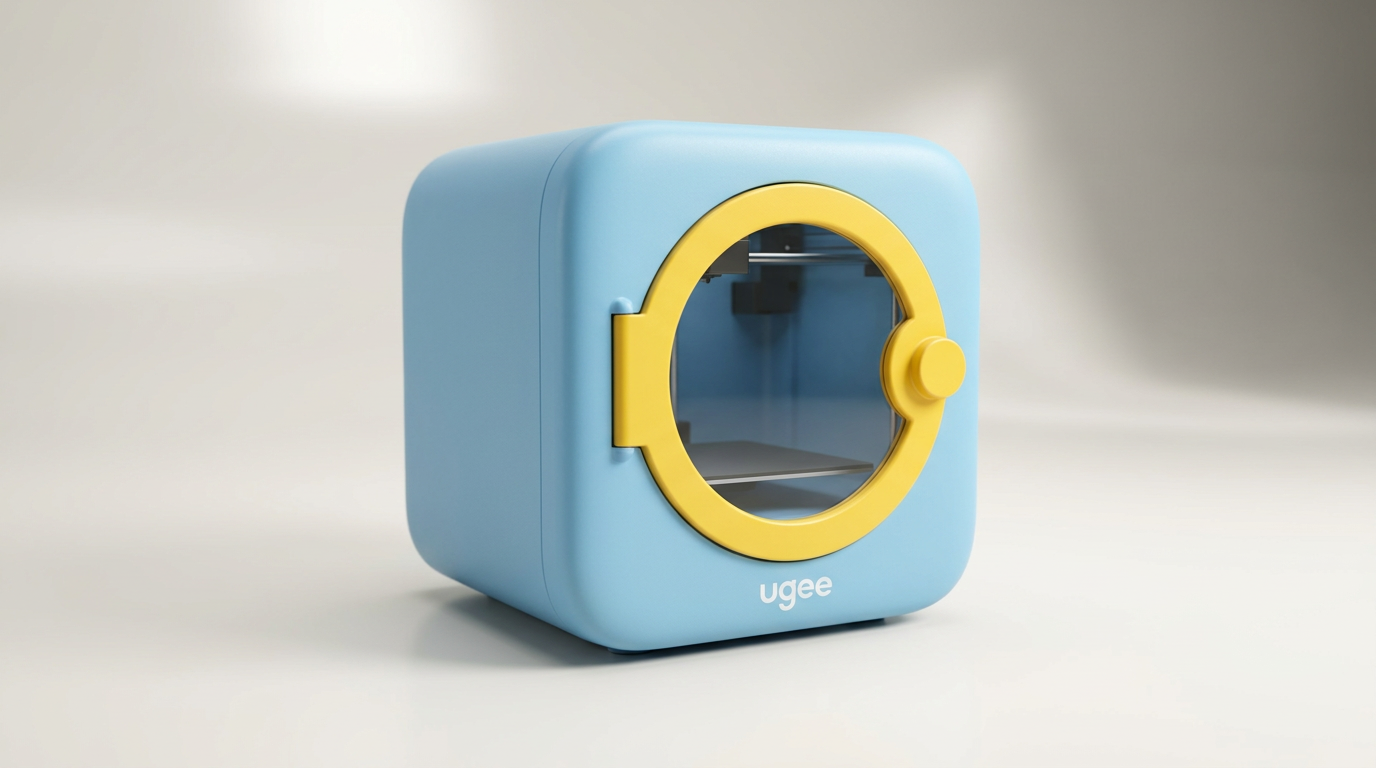
ugee Funbox 3D Printer Review: Safe Household Making
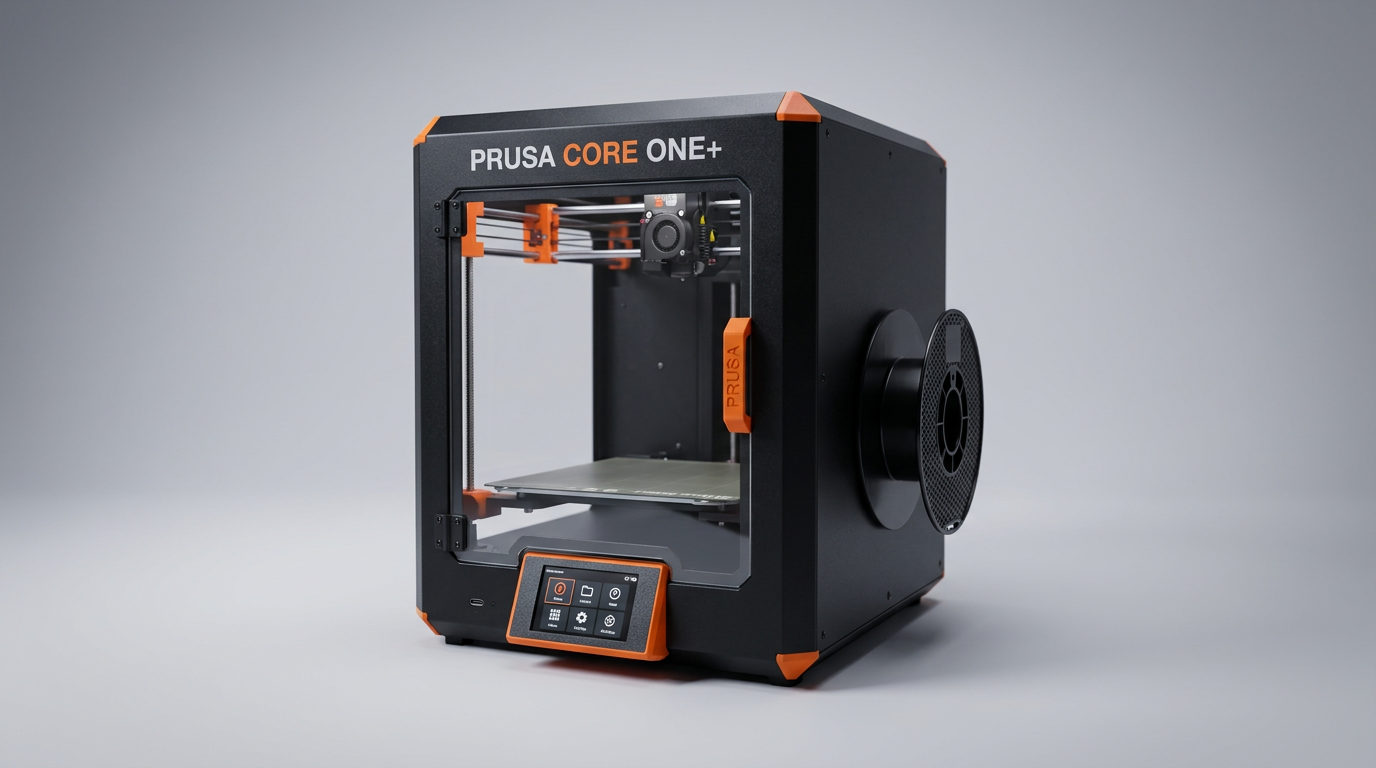
Original Prusa CORE One+ Kit Review: The Maker's CoreXY
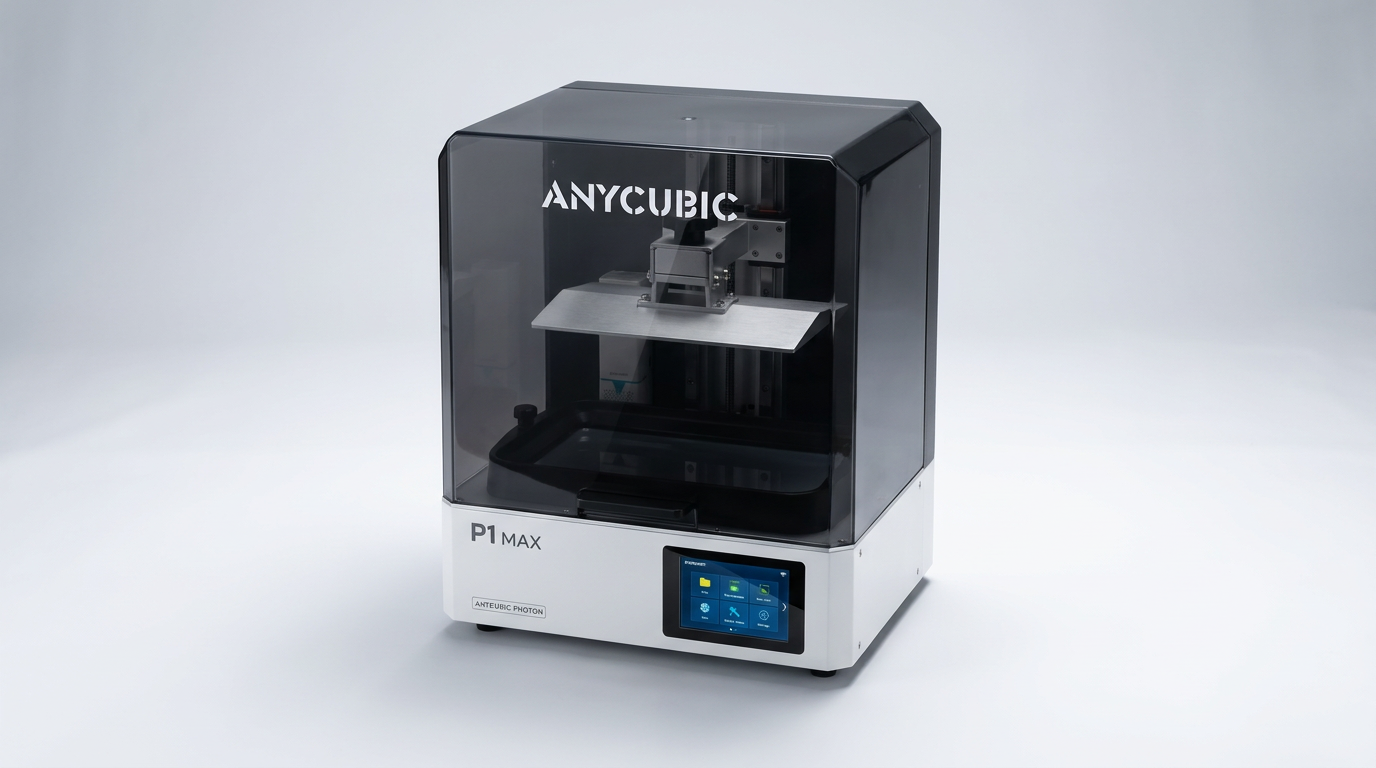
ANYCUBIC Photon P1 Max Review: Scale Meets Detail
Anycubic Kobra S1 ACE 2 Pro Combo 3D Printer Review
Toybox Alpha Two 3D Printer Review: The Zero-Fuss Toy Factory
Creality K2 SE 4C Review: Budget Multicolor CoreXY
This review is based on real experiences shared by owners in online communities.