
Creality Pika 3D Scanner Review: Precision Meets The Compute Cliff
By AValidReview. An AI-assisted summary of customer feedback, not a hands-on test.
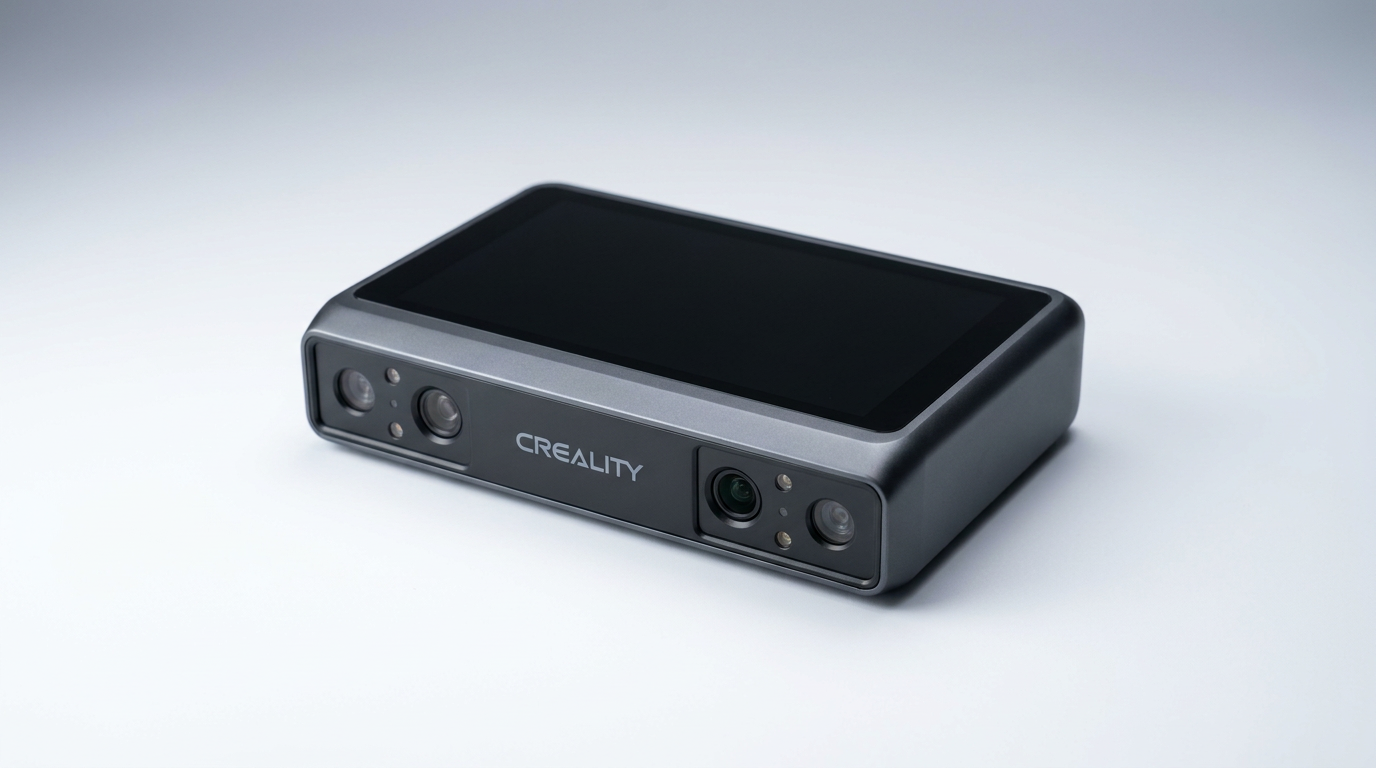
The consumer 3D scanning category has long sold an impossible dream: wave a wand at an object, produce a flawless mesh, and send it straight to a 3D printer. Creality attempts to bridge the gap between hobbyist convenience and metrology-grade capture with the Pika, packing a 7-line blue laser and near-infrared structured light into a 260-gram handheld chassis. On paper, it promises sub-millimeter industrial reverse-engineering without the standard requirement of dulling sprays or five-figure price tags.
Yet what most buyers miss when looking at ultra-portable scanners is what we call the Compute Cliff. While the scanner itself fits into a jacket pocket, the real heavy lifting happens inside the host machine. The Pika does not simply digitize an object; it demands that your PC continuously reconstruct high-density point clouds in real time. The moment you pair this lightweight capture tool with a modest laptop, the experience collapses under the weight of driver timeouts and dropped frames.
For those who understand the operational demands and possess the necessary workstation muscle, the Pika offers genuine engineering utility. From obsolete automotive components to custom in-ear audio shells, its laser mode captures minute geometry with clinical precision. But reaching that finish line requires enduring software quirks, meticulous surface preparation, and strict discipline over scanning distance.
What owners love
- + Captures sharp geometric detail on small components down to coin-level textures
- + Blue laser mode scans dark and reflective surfaces without dulling spray
- + Ultra-compact, lightweight body is easy to maneuver around complex parts
- + Effective software alignment tools for merging multiple scan passes
- + Dual-light system covers both fine mechanical edges and broader shapes
Common complaints
- − Demands a high-spec PC; mid-tier machines suffer driver crashes and freezes
- − Creality Scan software exhibits bugs, including broken wireless sync on macOS
- − Narrow field of view requires strict distance control to avoid lost tracking
- − Tethered cable is short, proprietary, and prone to USB power draw conflicts
Design & Build
At just 260 grams, the Creality Pika adopts a remarkably small footprint that resembles an oversized action camera more than an industrial measuring rig. Its pocket-sized chassis makes maneuvering around cramped engine bays or awkward workpieces painless. However, shrinking the enclosure forces specific ergonomic compromises. Owners frequently point out the absence of a dedicated pistol grip or contoured handle, which makes extended handheld sessions fatiguing on the fingers. Creality also omits a protective lens cap, an oversight for an optical instrument intended to travel inside toolbags. When operated over a physical tether, the proprietary multi-lead cable proves noticeably short and stiff. This physical leash counteracts the freedom of the lightweight head, leaving users wishing for standard USB-C extension support.
Setup & Ease of Use
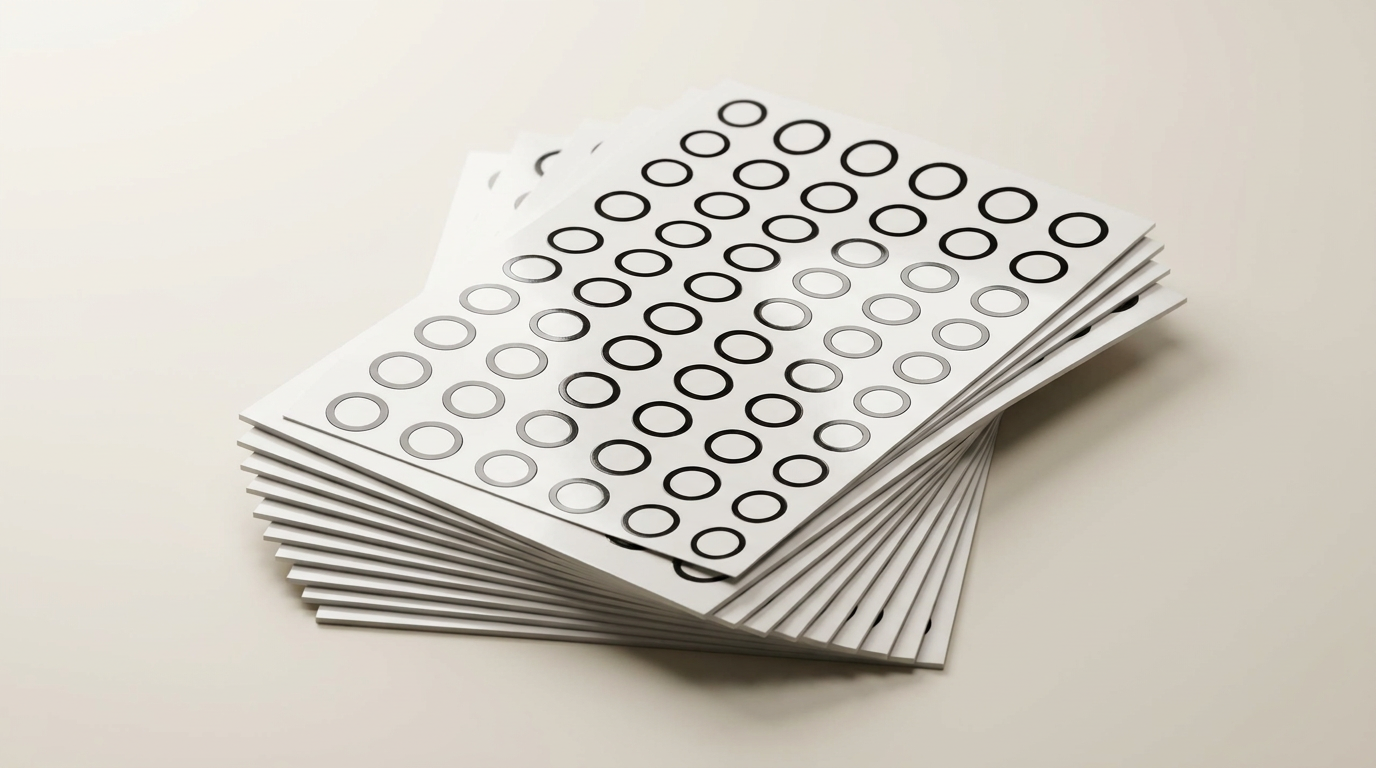
Operating the Pika exposes a phenomenon familiar to metrology veterans: The Sweet-Spot Stare. Because the blue laser array operates within a narrow focal envelope, the user must constantly monitor the on-screen distance bar rather than watching the physical target. Straying millimeters too close or too far breaks the tracking lock immediately. Smooth, featureless, or symmetrical objects compound this sensitivity, necessitating what can be called The Marker Toll. Users routinely rely on Creality reflective fiducial dots to give the optical sensors reference points. Applying and removing dozens of adhesive markers adds substantial friction to spontaneous scans, proving that true scan-and-go automation remains elusive for featureless mechanical parts.
Performance in Real Use
Once tracking conditions are met, the dual-light optical engine delivers results that punch far above the entry-level standard. The 7-parallel blue laser mode is the standout feature, resolving sub-millimeter contours on dark, metallic, or glossy surfaces where infrared structured light routinely blinds itself. Workshop owners successfully digitize obsolete car parts for CAD reproduction, while hobbyists scan coin reliefs and custom medical-grade ear impressions with crisp fidelity. The near-infrared mode handles broader geometry and organic shapes faster, though with noticeably softer edge definition. The primary trade-off is speed versus operator discipline: moving too rapidly or pivoting around sharp corners without sufficient marker coverage triggers tracking loss, forcing you to rewind or restart the pass entirely.
Software & Ecosystem
The accompanying Creality Scan suite functions as both the Pika greatest asset and its most unpredictable liability. On a fully tuned Windows workstation, the multi-scan alignment tool stitches separate passes together cleanly, creating watertight meshes ready for slicers. But the software platform is clearly fractured across operating systems. Multiple owners report that wireless transfers to macOS stall out entirely, presenting phantom update errors after data collection. On underpowered PCs, the graphics processing load frequently overwhelms the system, triggering outright display driver crashes and USB disconnects. The software pipeline demands patience and technical literacy; those expecting automated, consumer-app polish will find the post-processing phase tedious.
Value & Reliability
Priced in the $600 to $800 range, the Creality Pika occupies an aggressive tier between disposable budget toys and prosumer metrology rigs. It provides genuinely usable CAD-ready scans at a fraction of the cost commanded by established industrial brands. Yet reliability remains conditional. Several buyers report random hardware disconnects caused by aggressive power draw over shared USB buses, indicating that your motherboard port topology matters as much as your graphics card. If you treat the Pika as a disciplined shop tool backed by a stout workstation, the value proposition is undeniable. If you expect a casual peripheral that runs effortlessly on a budget home laptop, you will feel shortchanged by the ecosystem stability.
Verdict
Consider - Exceptional precision for CAD and small-part replication, but held back by unstable software and steep PC hardware demands.
The Creality Pika is an impressive capture tool for makers, fabricators, and restoration specialists who own high-end workstation PCs and need to reverse-engineer discontinued or intricate parts. If your workflow involves CAD, mesh editing, and reproducing parts under two feet in length, the blue laser mode provides accuracy previously unavailable in this price class.
Bypass this unit if your primary computer is a baseline laptop, an older Mac, or an office machine lacking a dedicated graphics card. The software instabilities, cable management hurdles, and rigid tracking requirements will generate immense frustration for anyone seeking an effortless, plug-and-play experience.
The broader truth of the Pika is that hardware miniaturization has outpaced consumer software maturity. Creality has successfully compressed industrial laser optics into the palm of your hand, but they have simply shifted the friction from physical calibration to raw compute overhead. Treat the Pika not as an all-in-one wireless scanner, but as a specialized optical sensor that happens to live at the end of an expensive desktop tether.
FAQ
More 3D Scanners reviews
Creality Otter Lite Basic 3D Scanner Review: Reality Capture
Revopoint POP 4 Magnetic Outdoor Filter Review
3DMakerpro Moose Lite Premium 3D Scanner Review
3DMakerpro Seal Lite Review: Precision at a Strict Distance
3DMakerpro 6mm 3D Scanning Marker Dots Review
Creality Scan Bridge for CR-Scan Otter Review: Wireless Freedom
This review is based on real experiences shared by owners in online communities.