
Creality Otter Lite 3D Scanner Review: High Precision with a Catch
By AValidReview. An AI-assisted summary of customer feedback, not a hands-on test.
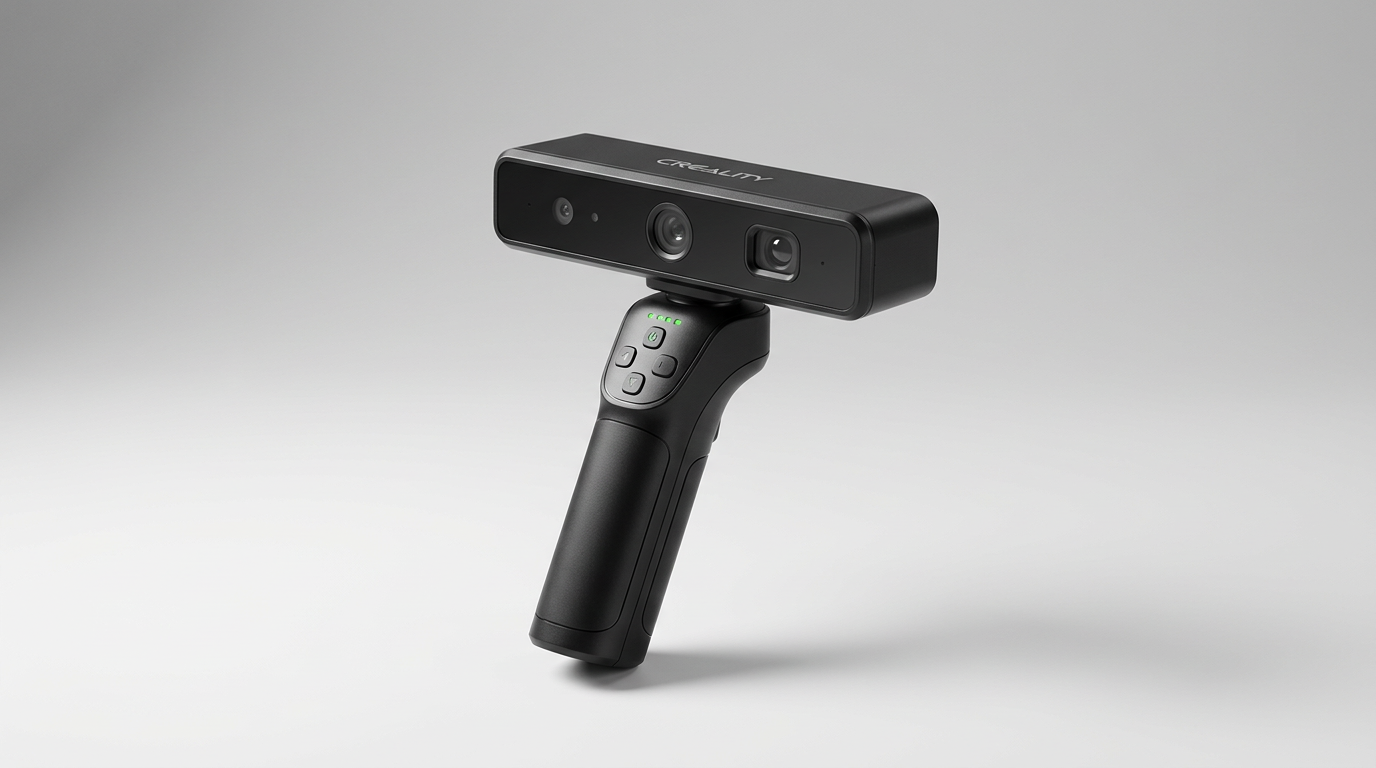
Consumer 3D scanning has long suffered from the point-and-shoot myth: the assumption that digitizing physical objects should feel as immediate as snapping a smartphone photo. In reality, hand-held structured light scanning is an unforgiving discipline of optical physics and relentless math. The Creality Otter Lite arrives in the $500 to $700 range with hardware promises that seem aimed at ending that friction, including Wi-Fi connectivity, a battery grip, and an optical engine tuned for challenging dark and reflective targets.
Beneath the wireless freedom lies what we call the Host Hardware Cliff. While the scanner captures up to 30 frames per second using its internal depth-computing chip, turning that flood of raw spatial data into a watertight mesh requires immense computational grunt. For buyers with workstation-grade hardware, the Otter Lite unlocks high-precision capture that outclasses older mid-tier scanners. For buyers on everyday laptops, it can turn into an exercise in frustration.
Understanding the Otter Lite requires looking past the cordless marketing to assess how its dual-wavelength structured light performs when held by an imperfect human hand. When dialed in, it delivers clean 0.05mm structural data on parts that usually confound optical sensors, but only if you respect its workflow constraints.
What owners love
- + Scans dark and reflective surfaces without dulling spray
- + Flawless out-of-the-box setup on modern macOS and Windows rigs
- + Smooth 30fps tracking minimizes lost frames during deliberate sweeps
- + Untethered scanning workflow via wireless battery handle
- + Excellent 0.05mm resolution for small and medium objects
Common complaints
- − High compute tax requires a discrete GPU for reliable mesh generation
- − Low-spec laptops will suffer frequent scan stalls and aborted jobs
- − Requires strict sweep pacing and hand discipline to prevent lost tracking
- − Creality Scan mobile interface is more restrictive than the desktop client
Design & Build
The Otter Lite strikes a deliberate balance between handheld ergonomics and sensor density. Rather than tethering you directly to a desktop tower with a heavy umbilical cable, Creality leans on a modular setup built around a wireless battery handle. The main scanner unit sits securely atop this grip, balancing the center of gravity directly over your wrist to prevent fatigue during extended passes. The chassis houses dual LED fill lights alongside an infrared diffractive optical element (DOE) projector, flanked by stereo tracking cameras and an RGB sensor for texture mapping.
Material fit and finish are utilitarian. The plastics feel sturdy enough for workshop use, and the included carrying case provides adequate protection for field work. What stands out editorially is Creality's choice to decouple the scanner core from the grip. This modular approach recognizes that wireless mobile capture and tethered desktop turntable work require fundamentally different physical layouts. The physical controls on the handle are sparse, leaving most operational parameters to the software interface.
Setup & Ease of Use
Initial onboarding highlights a noticeable divide between operating systems. Modern Mac users enjoy an unusually frictionless experience, with the scanner connecting cleanly right out of the box without requiring manual driver overrides or complex calibration routines. Windows setup is similarly quick provided your system meets the heavy graphics-acceleration criteria.
However, the term wireless can easily mislead novices. While you can drive the scanner via the Creality Scan mobile app on an iOS or Android device, the phone primarily functions as an active viewfinder and wireless bridge. Navigating complex settings on a small display while simultaneously maintaining the proper standoff distance requires significant hand-eye coordination. It is far from an automated appliance: the operator must actively monitor the on-screen distance meter to maintain the sweet spot between 20mm and 2000mm object volumes.
Performance in Real Use
The headline capability of the Otter Lite is its capacity to resolve dark, semi-glossy components out of the box without the operator having to dust them in chalk spray or masking powder. In category testing, dark injection-molded plastics and cast metals represent the ultimate failure mode for entry-level structured light scanners. The Otter Lite cuts through these difficult surfaces with surprising competence, capturing deep feature recesses that routinely blind rival devices in the same price tier.
Success, however, hinges on what we identify as the Scan Sweep Cadence. Although the scanner is rated for 30 frames per second with built-in anti-shake computation, it will lose registration if moved quickly or erratically. The hardware rewards slow, methodical sweeps. Owners who approach the scanner with deliberate patience report crisp 0.05mm accuracy and sharp edge retention. If you rush an awkward geometry, the tracking algorithm will drift, resulting in overlapping ghost artifacts or severed point clouds.
Software & Ecosystem
The software suite, Creality Scan, is where the hardware's ultimate value is decided. The suite handles alignment, point cloud cleaning, and final watertight meshing into OBJ, STL, and PLY formats. When supplied with adequate processor cycles, the multi-angle stitching algorithms knit consecutive passes together with commendable fidelity.
Yet this pipeline reveals the product's primary vulnerability: the hidden compute tax. Handheld scanning generates millions of three-dimensional points that must be continuously registered against existing geometry in real time. Running this scanner on a standard business laptop with integrated graphics or an entry-level processor will lead to sluggish viewport updates, dropped tracking frames, and outright meshing failures. Creality rates mid-tier machines as borderline, and real-world results confirm that a dedicated graphics card and substantial system RAM are virtually mandatory for acceptable turnaround times.
Value & Reliability
Priced in the $500 to $700 bracket, the Otter Lite competes in a volatile segment dominated by compromised budget sensors and stripped-down industrial tools. From a pure hardware standpoint, its optical accuracy, texture capture, and wireless versatility represent high value for small design studios, reverse-engineering workshops, and advanced 3D printing hobbyists.
The real reliability question does not lie in the physical sensor housing, which holds up well under typical shop handling, but in overall workflow consistency. Because the hardware relies so heavily on external system resources to complete a job, prospective buyers must calculate the true cost of ownership. If you must upgrade your computing workstation to process the scans, the real price of integrating the Otter Lite doubles immediately.
Verdict
Consider - A capable optical scanner whose true cost depends on the machine powering it.
Buy the Creality Otter Lite if you already operate a high-end workstation or modern Mac, need to reverse-engineer dark or complex mechanical parts without surface sprays, and have the patience to master a disciplined scanning cadence. It punches well above its class in optical resolution and surface tolerance.
Skip this unit if you intend to run it off an everyday office laptop or rely solely on a smartphone workflow for production work. Without discrete GPU processing backing it up, the software will struggle to deliver on the scanner's theoretical precision.
The Otter Lite exposes the central reality of modern consumer metrology: optical hardware has gotten cheap and exceptionally good, but the compute barrier remains absolute. This is not an all-in-one scanning appliance, but a high-precision sensor tethered to an invisible workstation requirement.
FAQ
More 3D Scanners reviews
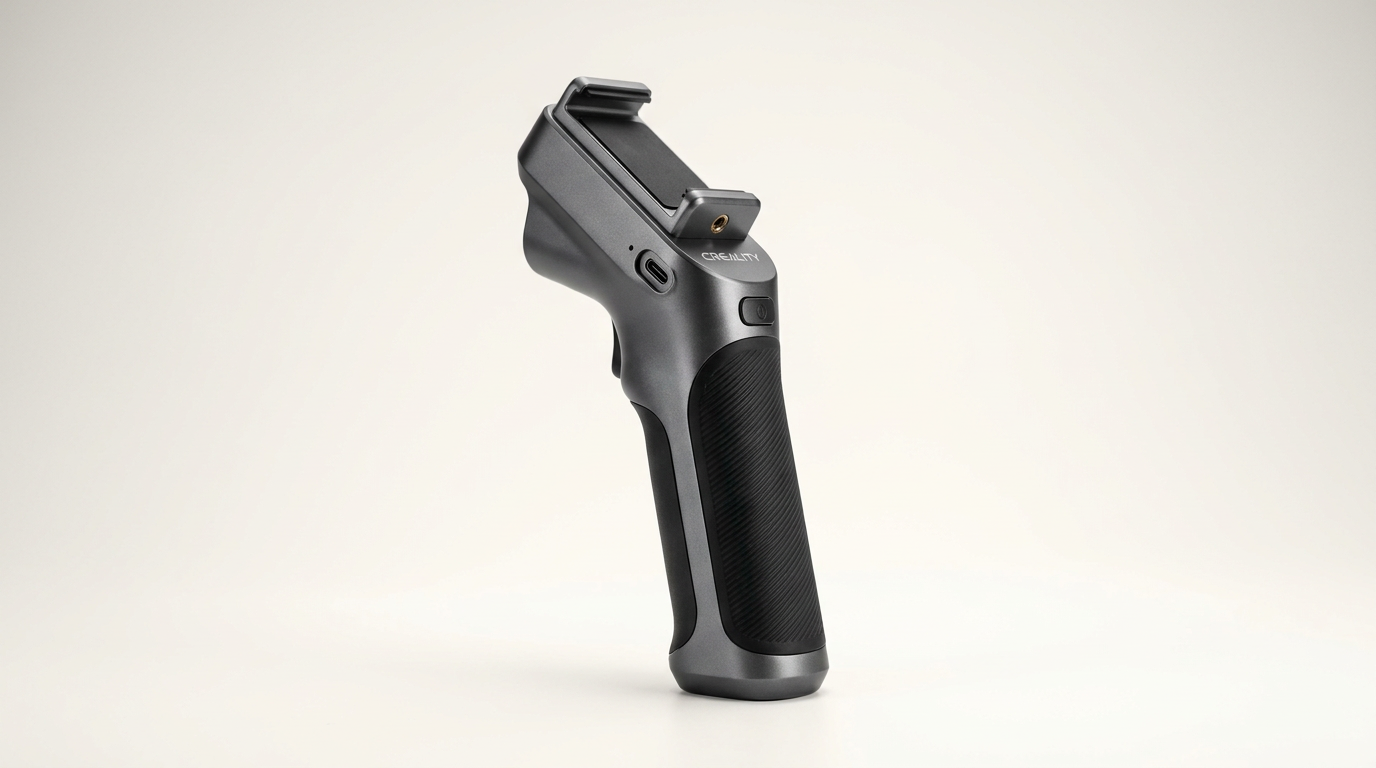
Creality Scan Bridge for CR-Scan Otter Review: Wireless Freedom
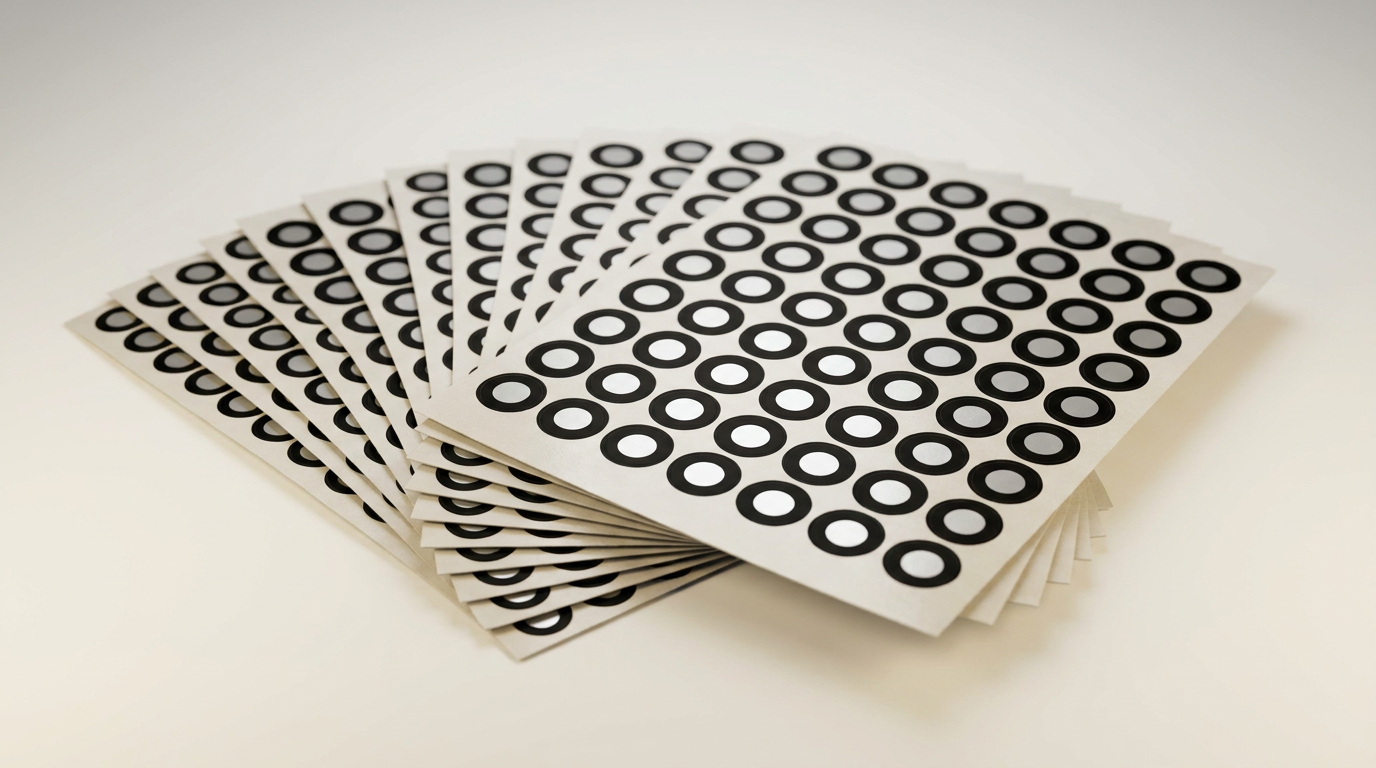
Starry 6.0mm 3D Scanner Markers Review: Reliable Tracking Dots
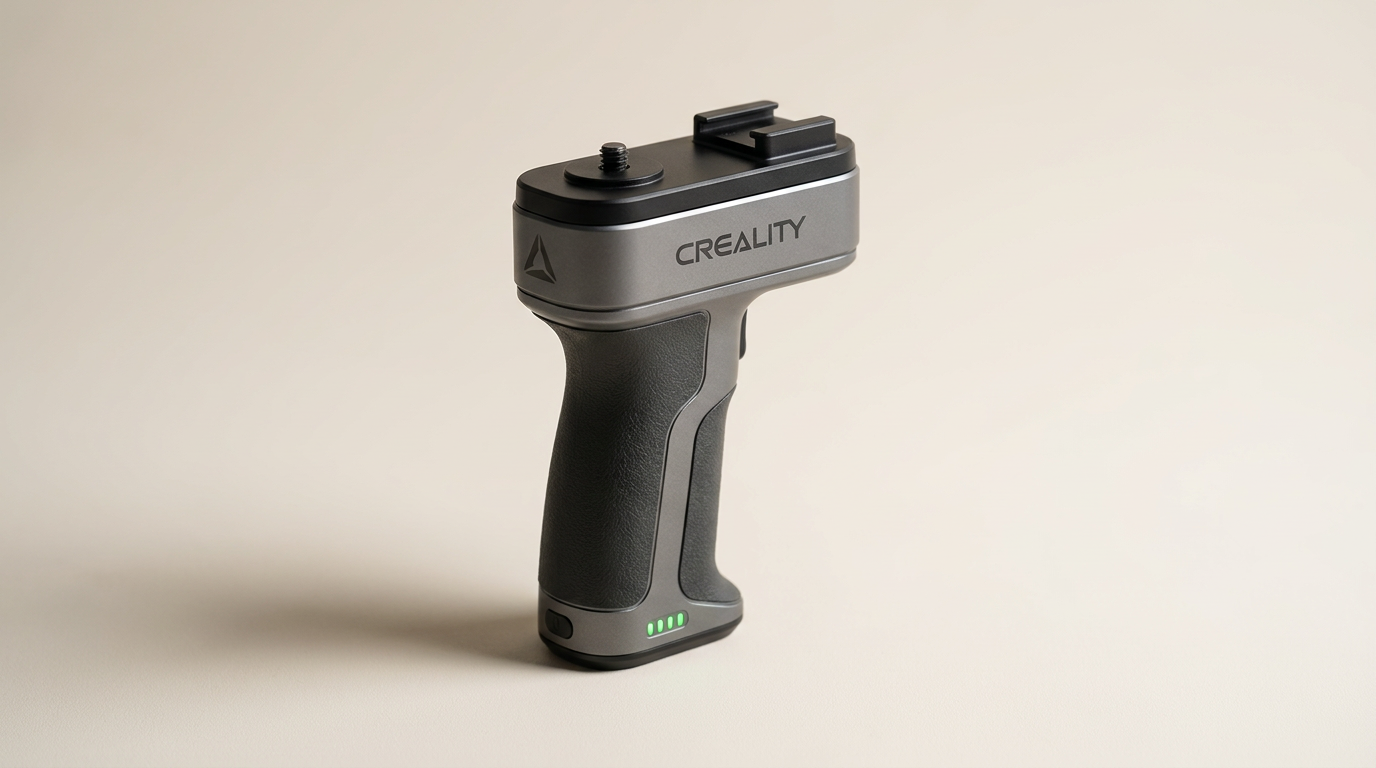
Creality Scan Bridge Review: Wireless Freedom at a Cost
Kingdder Magnetic 3D Scanning Marker Review
Einstar 3D Handheld Scanner Review: Pro Hardware, Strict Demands
Marspark 6mm 3D Scanning Markers Review: Smart Consumables
This review is based on real experiences shared by owners in online communities.