
3DMakerpro Moose Review: Precision Scanning Meets a Real Learning Curve
By AValidReview. An AI-assisted summary of customer feedback, not a hands-on test.
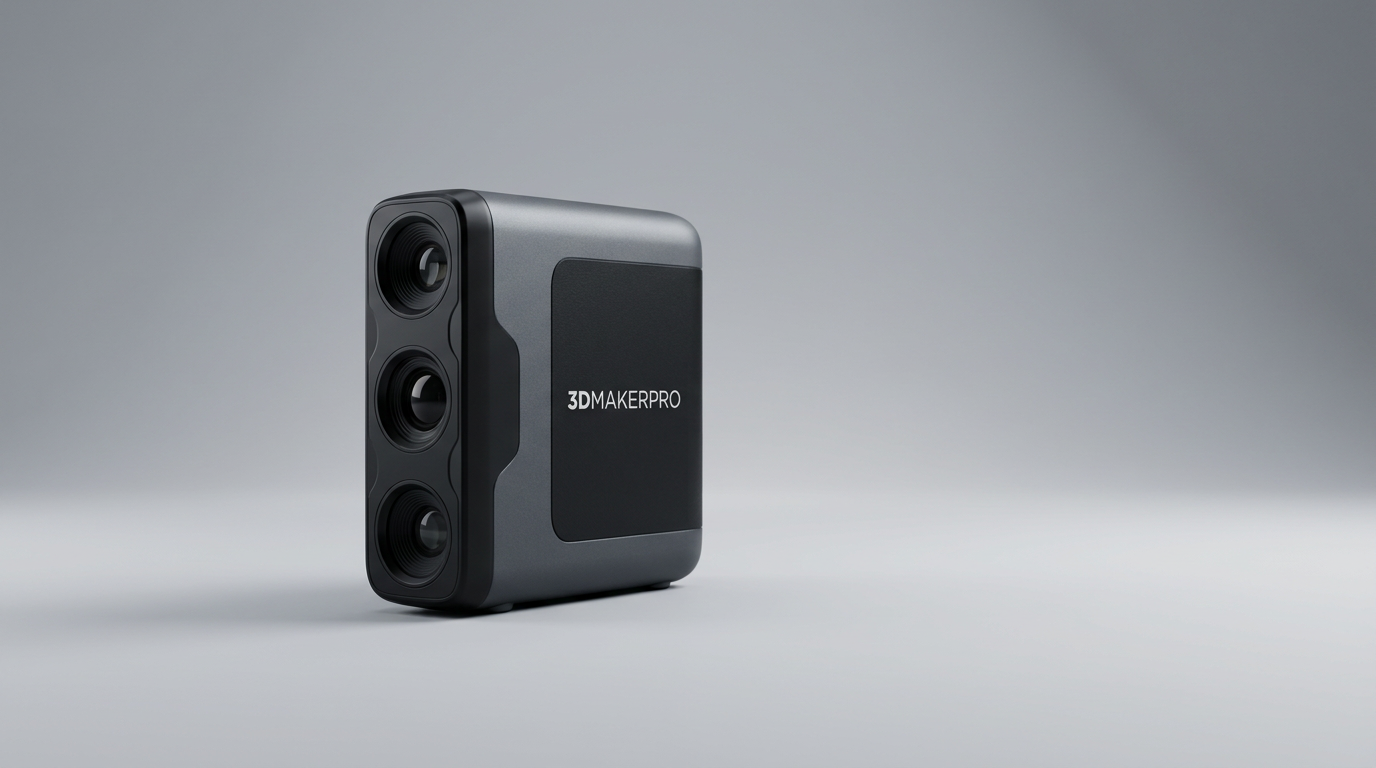
Desktop 3D printing has made materializing digital geometry almost trivial, but moving in the opposite direction remains one of digital fabrication's most stubborn friction points. Hobbyists and fabricators attempting to duplicate an injection-molded bracket or an ergonomic grip typically run into what we call caliper fatigue: hours spent taking cross-sectional measurements by hand, only to yield a rough approximation of a complex organic curve. Affordable 3D scanners promise to bridge this reality gap, yet historically, budget-friendly digitizers have traded away resolution and tracking stability.
The 3DMakerpro Moose Premium addresses this exact divide by deploying single-frame blue LED structured light, promising accuracy down to 0.03mm and resolution of 0.07mm without requiring adhesive tracking dots. On paper, it brings industrial-grade metrology specs into a portable desktop ecosystem aimed squarely at functional prototyping and replica work.
In real workshops, the Moose delivers on its core geometric promise, but it does not let operators bypass the classic optical learning curve. What most prospective buyers overlook is that capturing fine point clouds is only half the battle. Success with this tool depends less on the sensor's raw capabilities and more on adapting to its narrow working corridor and navigating software that is still finding its polish.
What owners love
- + High-fidelity 0.03mm accuracy captures fine contours and mechanical edges
- + Blue LED structured light resolves fine surface textures without tracking markers
- + Comprehensive Premium bundle includes an automated turntable and sturdy tripod
- + Visual tracking remains steady without frequent alignment drops
- + Clean point cloud alignment exportable directly to STL, OBJ, and PLY
Common complaints
- − Restricted operational depth window demands rigid distance discipline
- − JMStudio companion software exhibits interface lag and minor translation errors
- − Minimal physical documentation creates a steep initial learning curve
- − Tethered operation unless upgraded with an optional wireless power handle
Design & Build
The Moose is a compact, handheld unit constructed for dual-mode operation: handheld sweeps or hands-off stationary scanning. The Premium package sets a sensible benchmark by including a dedicated tripod and a motorized turntable packed neatly inside a molded protective case. The physical housing feels dense and balanced in the hand, avoiding the hollow plastic sensation common to entry-level hardware. Thermal management is handled quietly during operation, and the blue LED projection array is protected behind clean optical glass. The primary ergonomic limitation in this configuration is the tether; while the hardware is lightweight, managing the combined power and data lines during manual sweep passes reminds you that true handheld freedom requires an add-on wireless battery handle.
Setup & Ease of Use
Getting the Moose running highlights an industry-wide gap between hardware maturity and onboarding polish. Owners report that out-of-box documentation is practically non-existent, leaving newcomers dependent on downloading the JMStudio application and piecing together setup steps via community forums or trial-and-error. For an experienced operator, plugging into a 65W power source and connecting to a workstation takes minutes. For a novice, the lack of an intuitive quick-start manual creates immediate friction. Once configured, operating the hardware demands steady muscle memory: the sweet spot sits between 150mm and 400mm, and straying outside that zone stalls data capture immediately.
Performance in Real Use
When operating inside what we call its focal corridor, the Moose delivers exceptional geometric fidelity. The 0.03mm accuracy rating is not just marketing hyperbole; owners consistently capture crisp bolt threads, crisp bevels, and subtle organic contours that typically require meticulous manual probing. The blue LED structured light outclasses standard near-infrared alternatives on challenging surface materials, picking up darker plastics and fine feature lines without relying on adhesive tracking dots. The trade-off is mechanical rigidity. The ideal depth of field spans roughly four inches of true operational leeway. When scanning stationary parts on the turntable, this setup produces dense, watertight meshes with minimal post-processing. Moving to handheld sweeps on larger, 1500mm objects requires robotic arm control to prevent losing frame synchronization.
Software & Ecosystem
Data acquisition is tied directly to JMStudio, 3DMakerpro's proprietary capture and mesh-processing suite. The software handles point cloud registration, automated frame alignment, and final STL export adequately for downstream 3D printing slicers. However, user experience remains unrefined. Operators report visible UI latency, occasional stalls during heavy mesh generation, and unpolished localization quirks, such as system status prompts reading 'initialing.' While free lifetime updates on Windows and macOS offer long-term value, the application lacks the sophisticated parametric modeling and hole-filling automation found in professional metrology suites. It functions as a bridge from photons to polygons, but intermediate CAD cleanup remains mandatory for mechanical replication.
Value & Reliability
Positioned competitively within the mid-tier consumer scanning segment, the Moose Premium offers compelling price-to-performance for creators who already own capable workstations. By bundling the turntable and tripod, 3DMakerpro avoids nickel-and-diming users for basic desktop utility. Structural hardware reliability has held up well across regular production cycles, and the optical tracking algorithms recover smoothly if alignment slips during a sweep. The actual operational cost is not financial; it is time. Buyers seeking instant, one-button digitizing will find the precision-to-patience ratio frustrating, whereas fabricators ready to master sensor standoff distance will find it replaces hours of tedious digital sculpting.
Verdict
Consider - Remarkable 0.03mm blue-light precision makes this a potent reverse-engineering tool, but software rough edges and an unforgiving focal range require patience.
The Moose Premium is tailored for 3D printing enthusiasts, model makers, and light fabricators who regularly need to duplicate functional parts with awkward geometry. If you have the patience to dial in your scanning technique and do not mind occasional quirks inside JMStudio, the level of mesh detail you extract punch well above mid-tier pricing.
Skip this unit if you need seamless, point-and-shoot scanning for rapid field work, or if you expect flawless automated CAD conversion straight out of the box. Without the optional wireless handle, large-object tracking can be tedious, and beginners looking for hand-holding documentation will run into early frustration.
Ultimately, the Moose exposes the defining truth of modern desktop 3D scanning: the optical hardware has officially outgrown the software ecosystem. The blue LED sensor delivers precision that rivals professional gear, but until companion suites match that level of maturity, using it remains an acquired craft rather than an automated appliance.
FAQ
More 3D Scanners reviews

AESUB Violet 3D Scanning Spray Review
Creality Otter Lite Basic 3D Scanner Review: Reality Capture
Creality Pika 3D Scanner Review: Precision Meets The Compute Cliff
Revopoint POP 4 Magnetic Outdoor Filter Review
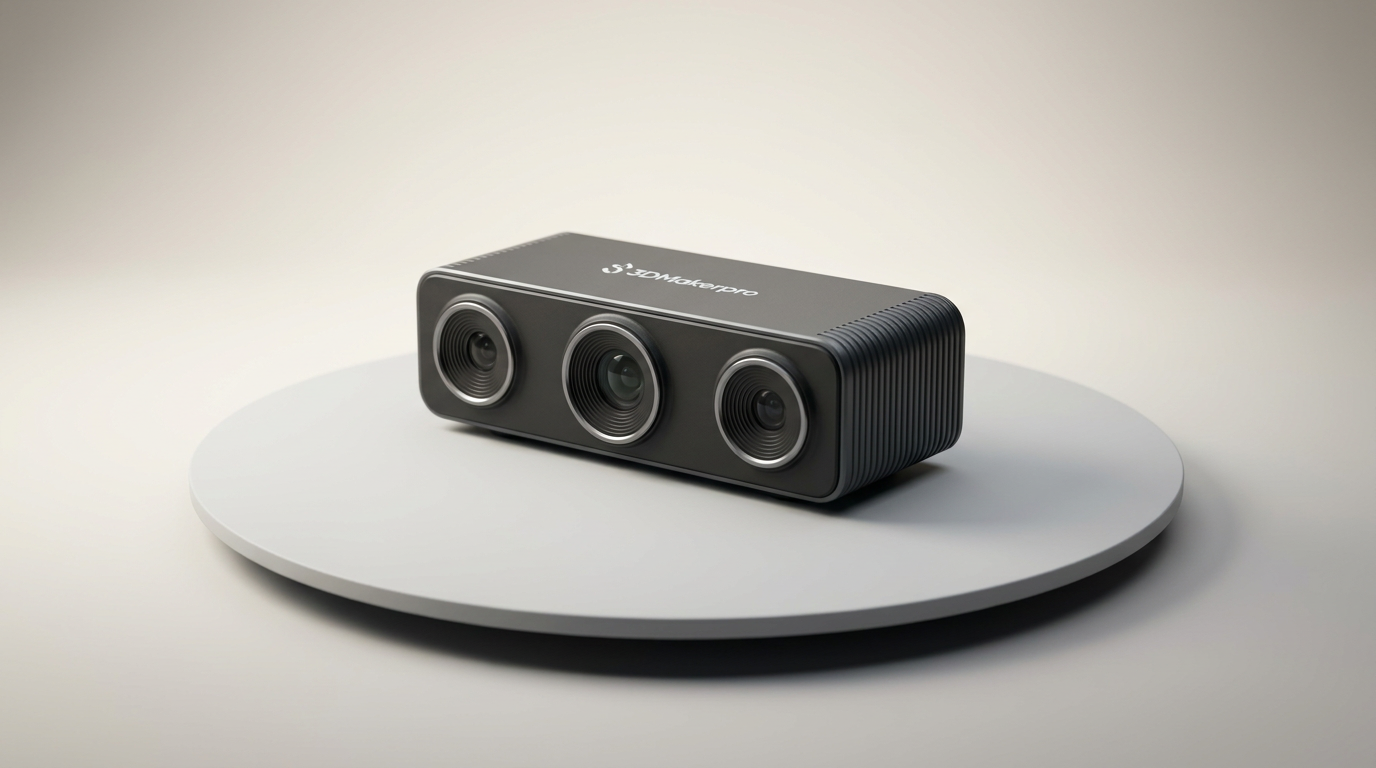
3DMakerpro Moose Lite Premium 3D Scanner Review
3DMakerpro Seal Lite Review: Precision at a Strict Distance
This review is based on real experiences shared by owners in online communities.